Help centerGetting started
Start from a template
Open one of Tappy's finished apps as your own copy, for free, and change it from there.
Updated 5 November 2026
Templates are complete apps that Tappy designed, from a running club to a food delivery app. Opening one gives you your own copy to change. It's free, and no card is needed.
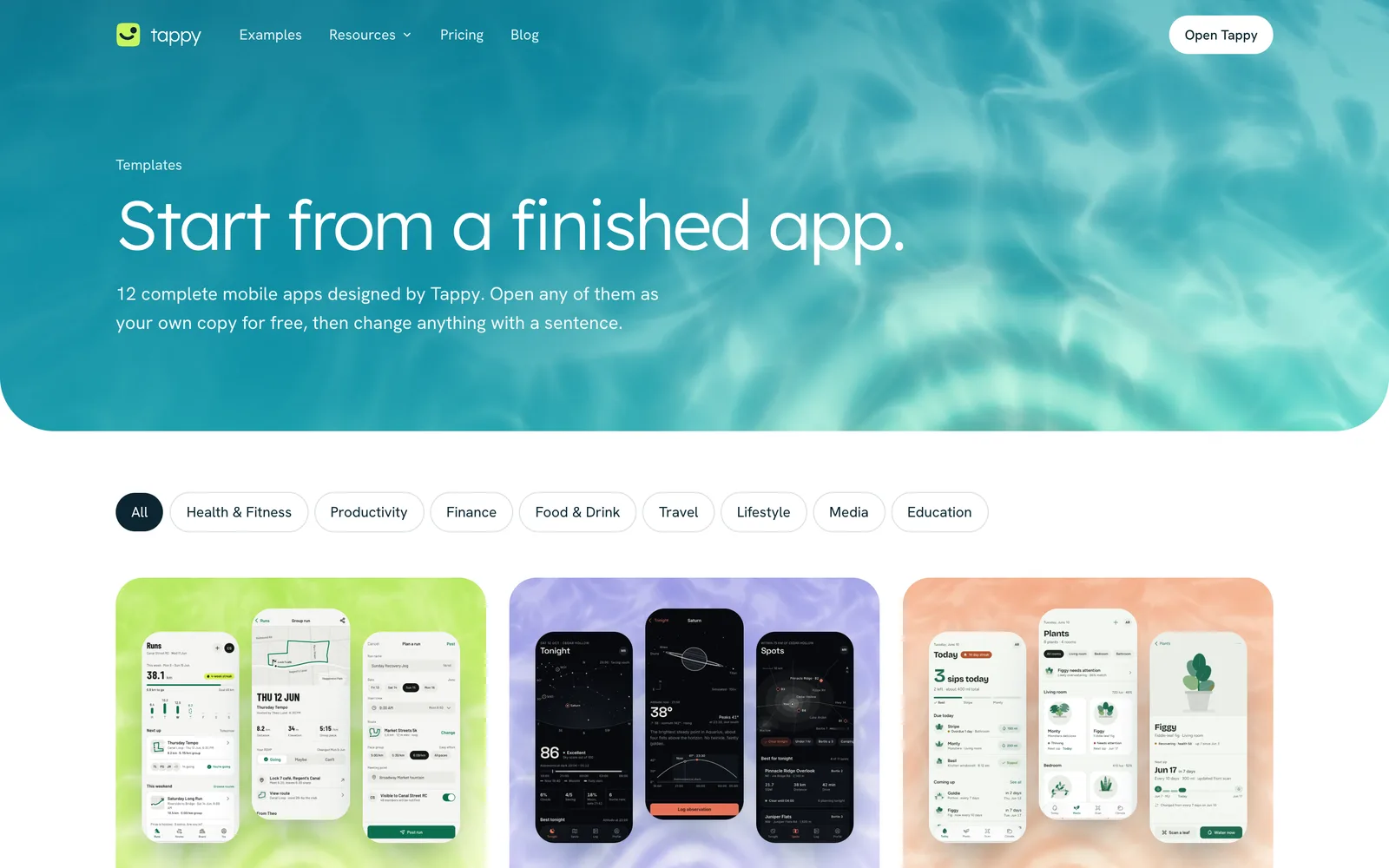
Pick a template
Open Templates, or press Start from a template under the box on the Apps page. Click one to see every screen.
Press Use this template
Tappy copies the whole app into your account and opens it. If you're signed out, you sign in first and the copy finishes on its own.
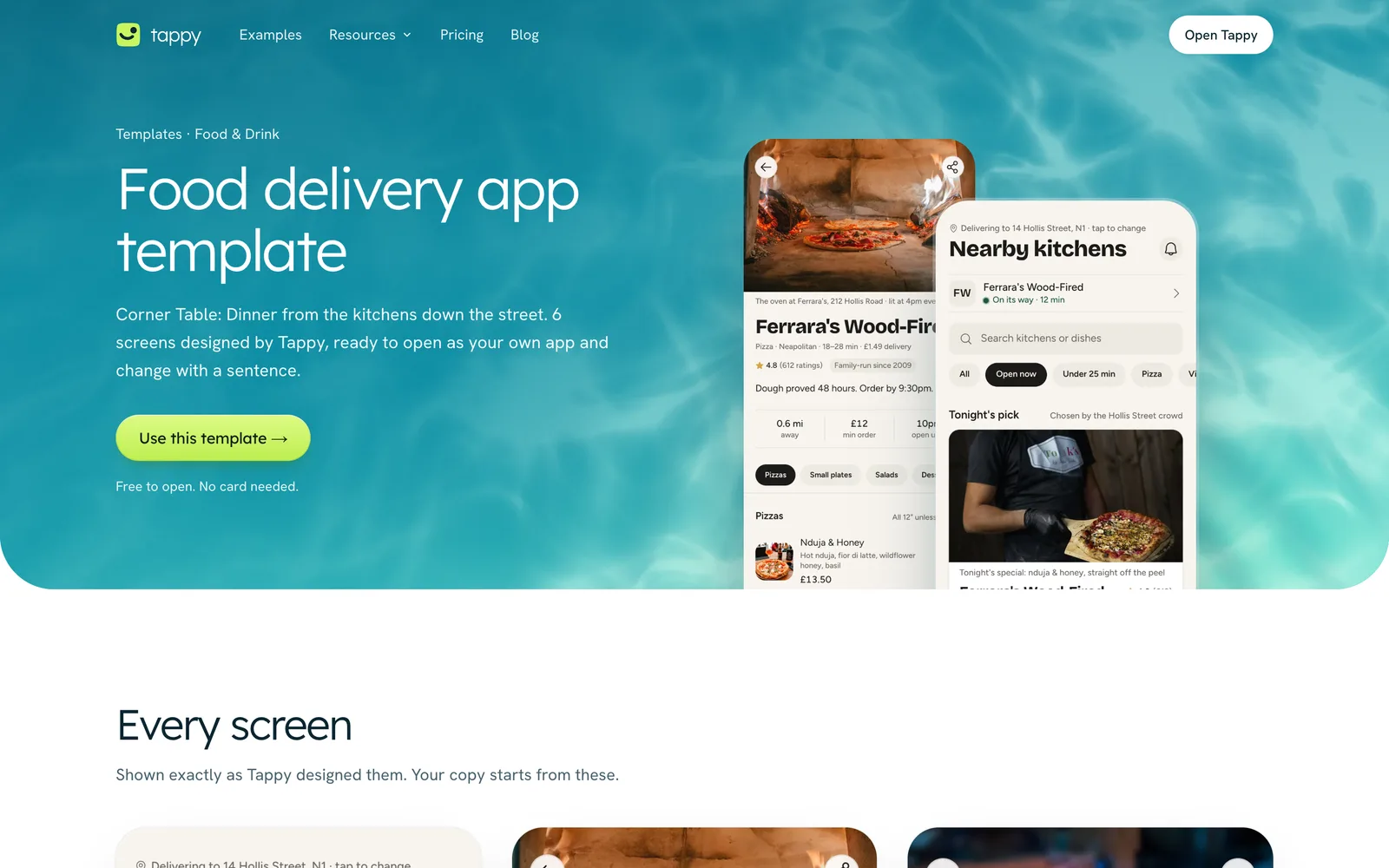
Change what you like
Editing text, photos, colours and fonts by hand is free. Changes you describe to Tappy use credits, like any other app.
Something not covered here? Use the feedback button in your dashboard, or email hello@usetappy.app.