Help centerEditing
Edit text and photos yourself
Double-click any text or photo to change it. It's free and instant.
Updated 5 November 2026
For small changes you don't need Tappy at all. Editing text and photos by hand is free and doesn't use credits.
Double-click any text
The text becomes editable where it is. Type your change, then press Enter to keep it, or Esc to cancel.
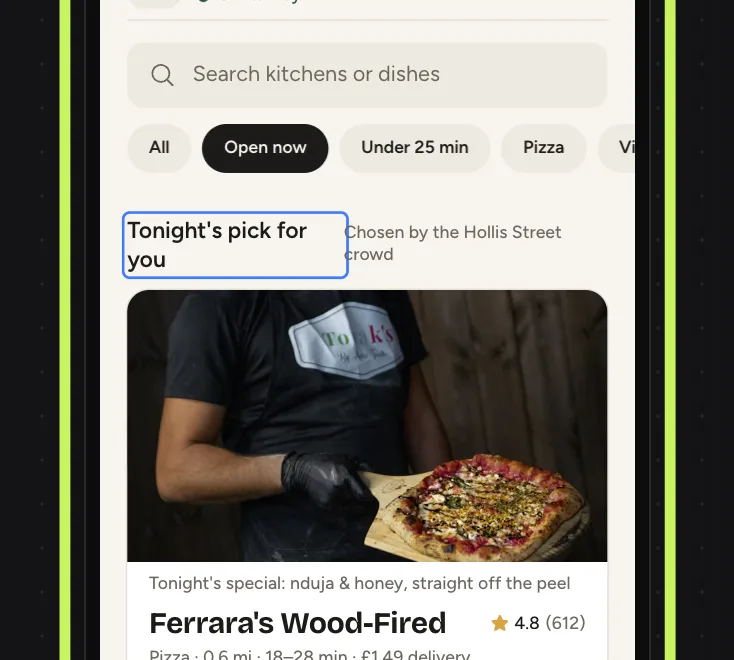
Double-click a photo to change it
Change this photo opens. Search for a photo by describing it, or press Upload your own. Only that photo changes.

Something not covered here? Use the feedback button in your dashboard, or email hello@usetappy.app.