Export to Figma, code and App Store screenshots
Every way to take your design out of Tappy, and what each one gives you.
Updated 5 November 2026
Press Export at the top of the design screen. Every plan gets every export.
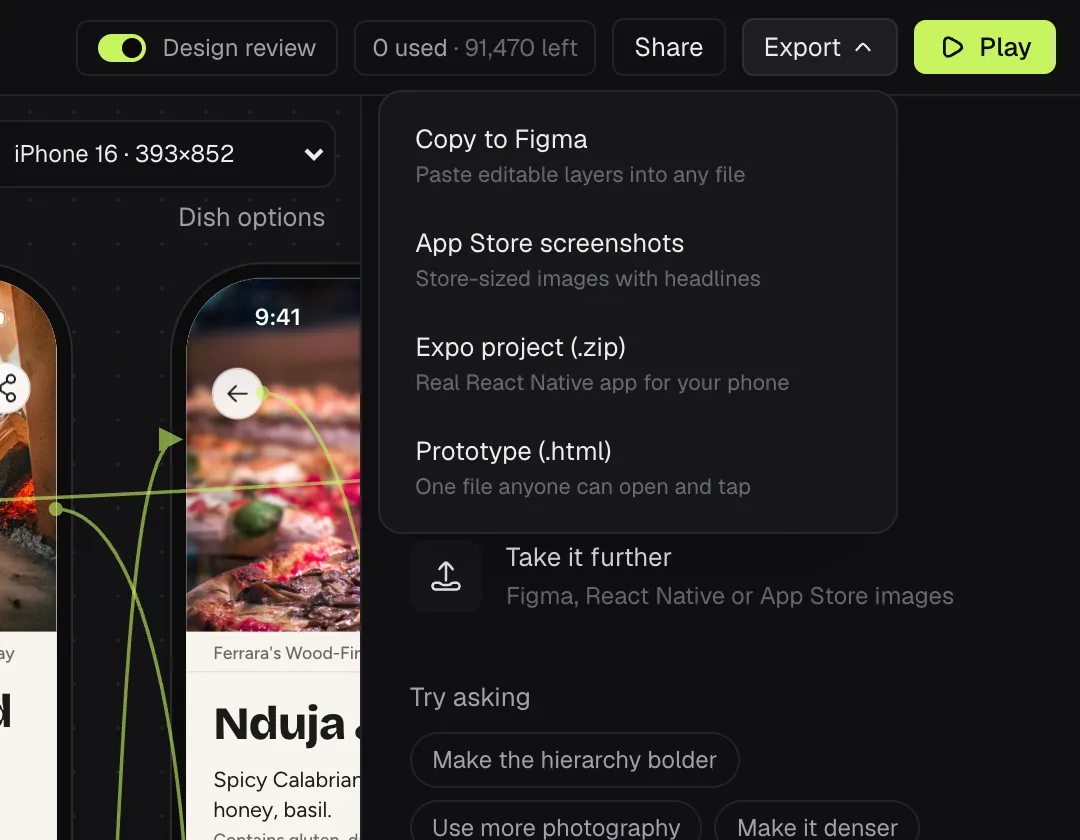
Copy to Figma
Copies your screens as editable layers. Open any Figma file and paste (⌘V, or Ctrl V on Windows).
App Store screenshots
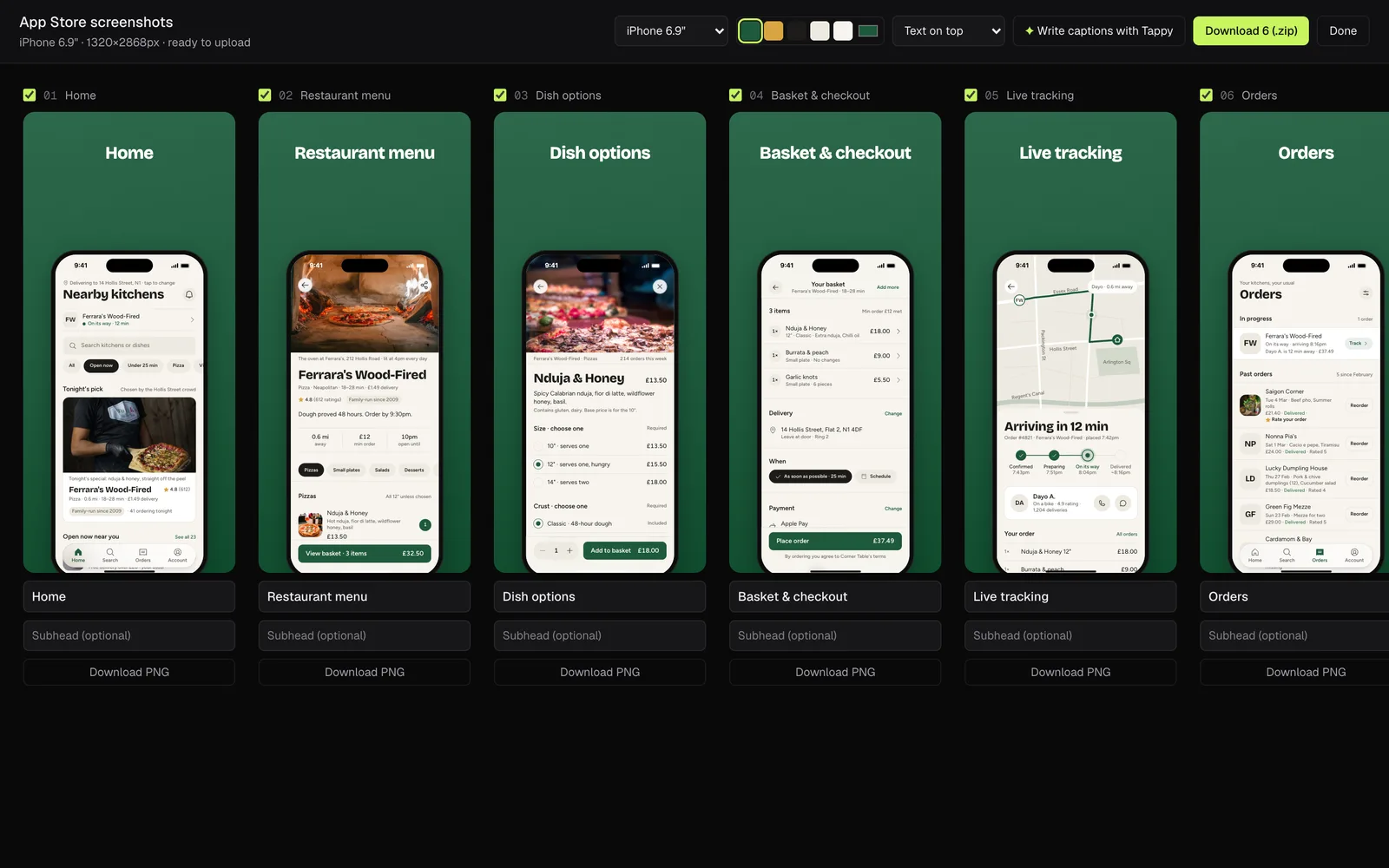
Makes store-ready images of your screens in the iPhone 6.9" and 6.5" sizes or for Android phones. Choose a background and put your text above or below the phone. Write captions with Tappy drafts the captions, which uses credits. Download them all as a .zip, or one as a PNG.
Expo project (.zip)
A React Native app you can open in Expo, with a README to get it running. Tappy converts each screen to React Native first, which uses credits.
Prototype (.html)
One HTML file anyone can open in a browser and tap through. Good for sending to people without making a share link.
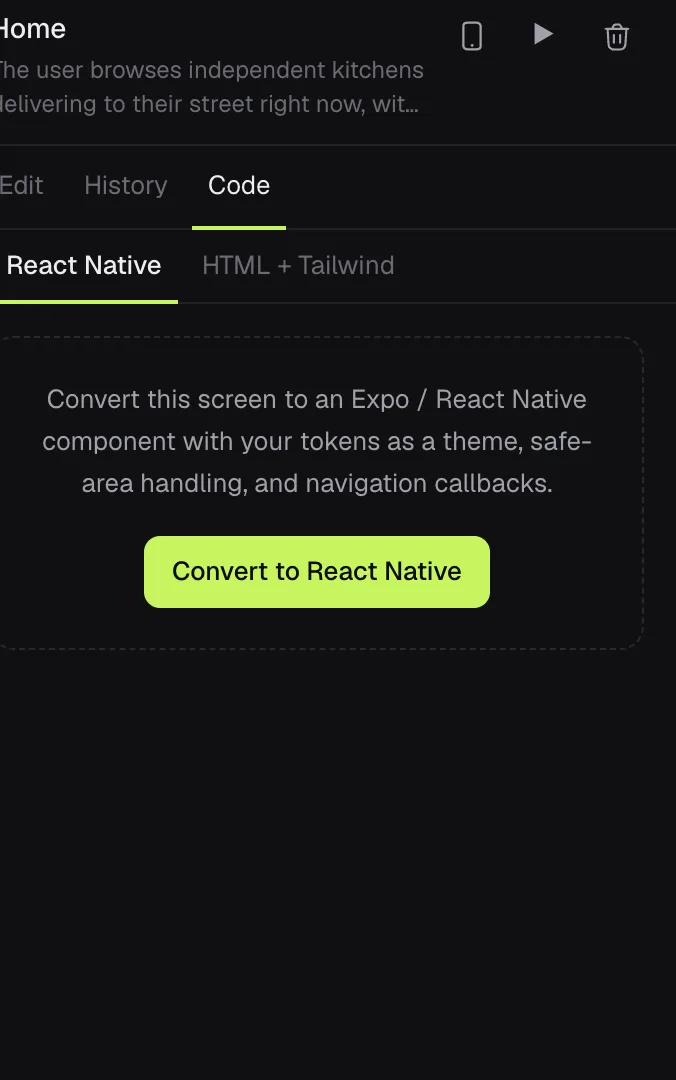
One screen as code
Select a screen and open its Code tab. React Native converts that screen (which uses credits), then lets you copy or download it. HTML + Tailwind is free: copy the code, save a PNG or download the page.