Help centerYour account
Get help and send feedback
Report a bug, ask about an issue or suggest a feature. A person reads every message.
Updated 5 November 2026
Press the feedback button
It's the round button in the bottom-right corner of every dashboard page.
Pick a tab and write
Choose Bug, Issue or Feature request, then say what happened or what you'd like. Each tab keeps its own draft.
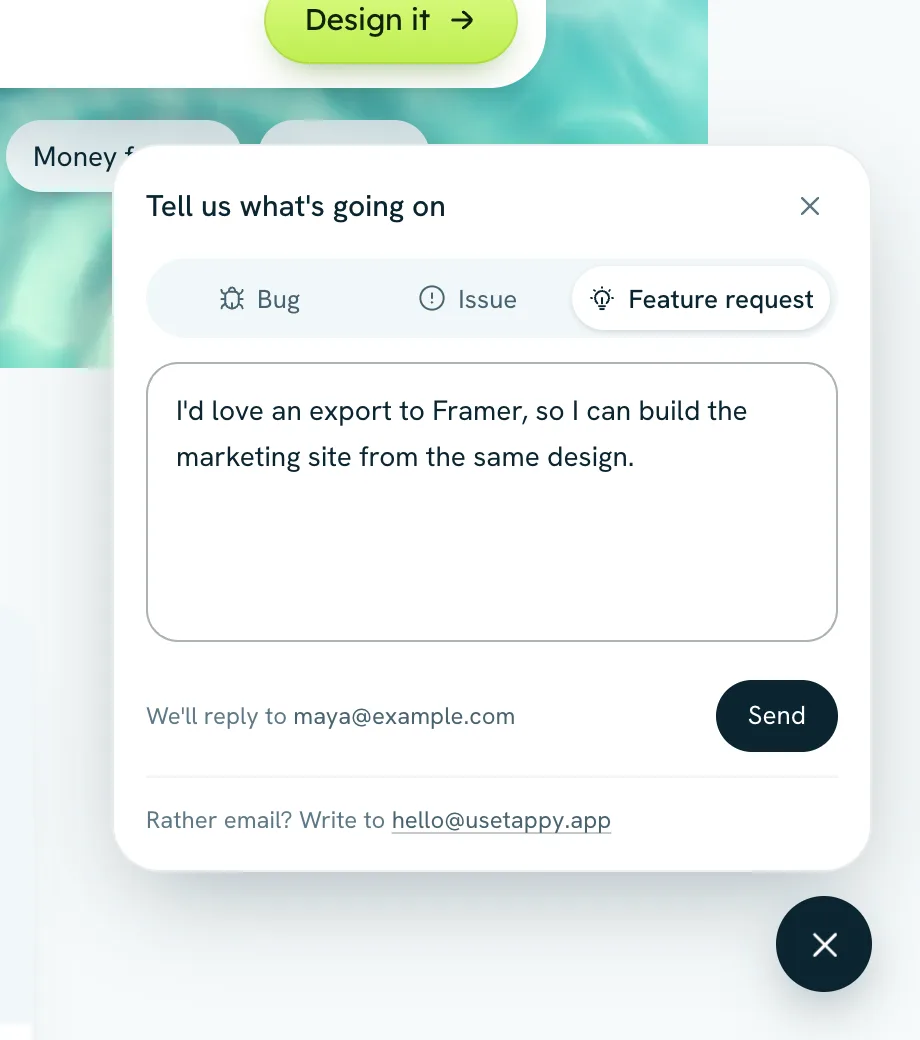
Press Send
We reply to your account's email, usually within a day.
Email us
Prefer email? Write to hello@usetappy.app. It's also shown at the bottom of the sidebar and in the feedback window.
Make a bug report easy to fix
- Say which app and which screen it happened on.
- Say what you did, what you expected, and what happened instead.
- If something looks wrong, a screenshot sent by email helps a lot.
Something not covered here? Use the feedback button in your dashboard, or email hello@usetappy.app.