App Store preview
See your listing the way people will, on the App Store and Google Play, in light and dark. We'll flag anything that would get it rejected or cost you searches.
Free, with no sign-up. Your files stay on your device.
Your listing (showing an example)
Longer text, ratings and keywords +
App Store checks
- Worth a look: “running” is already in your name or subtitle, so it's wasted in keywords.

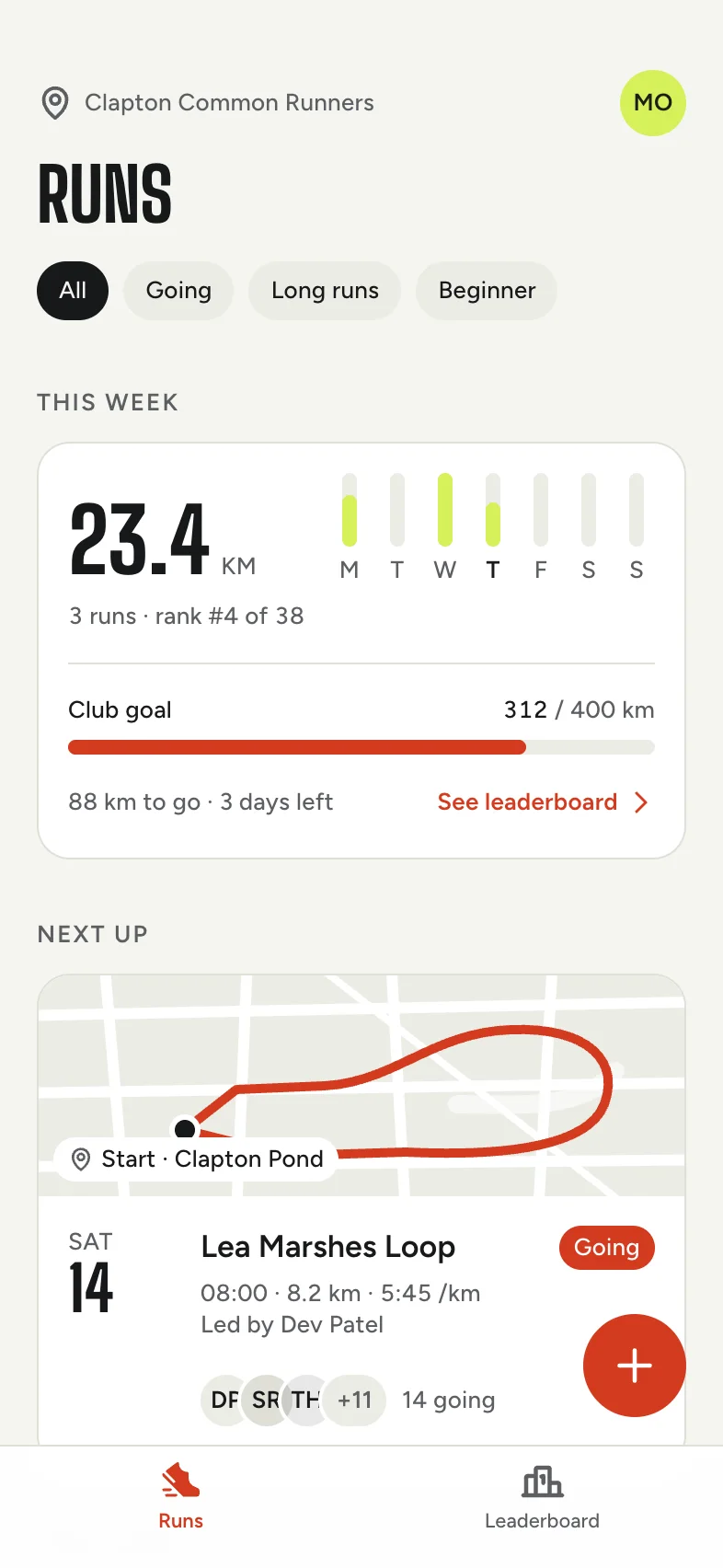
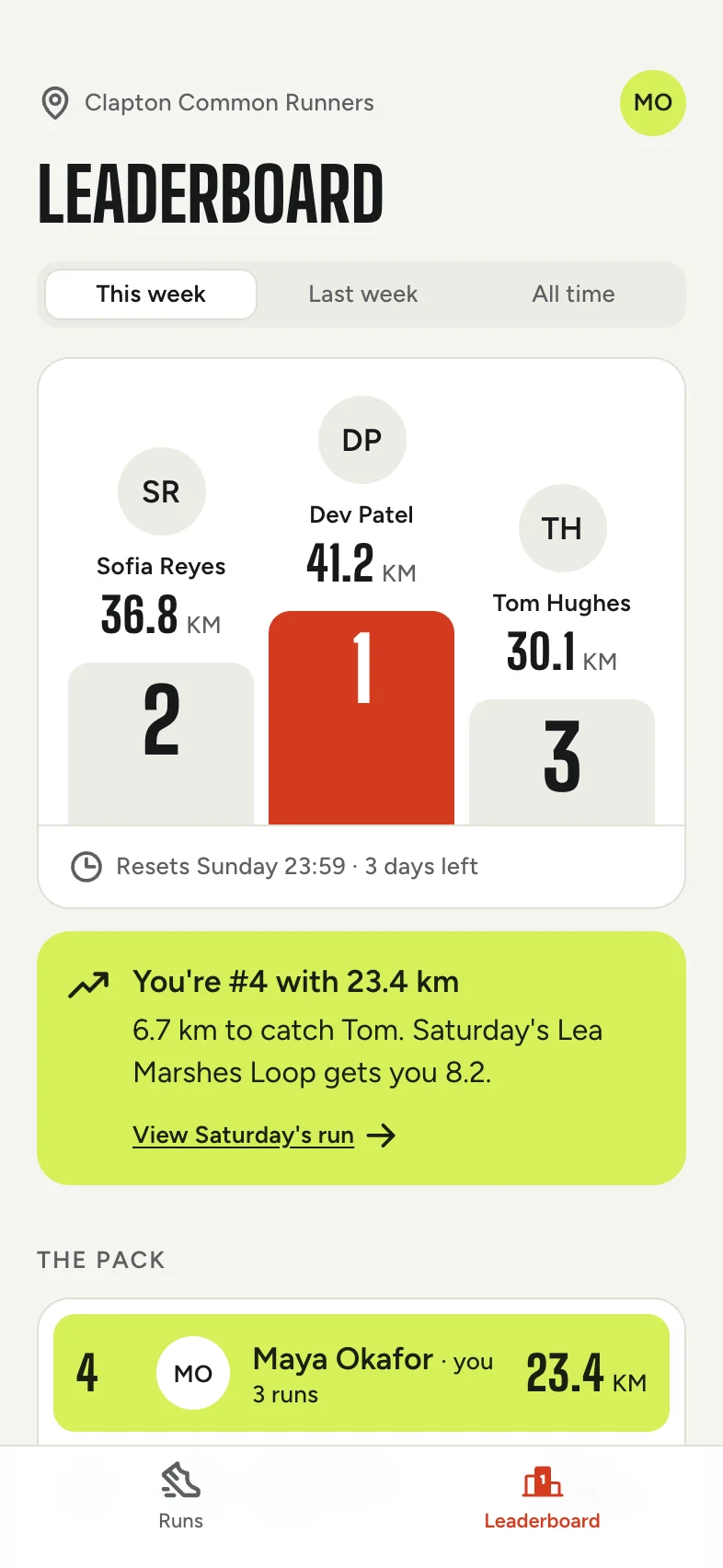
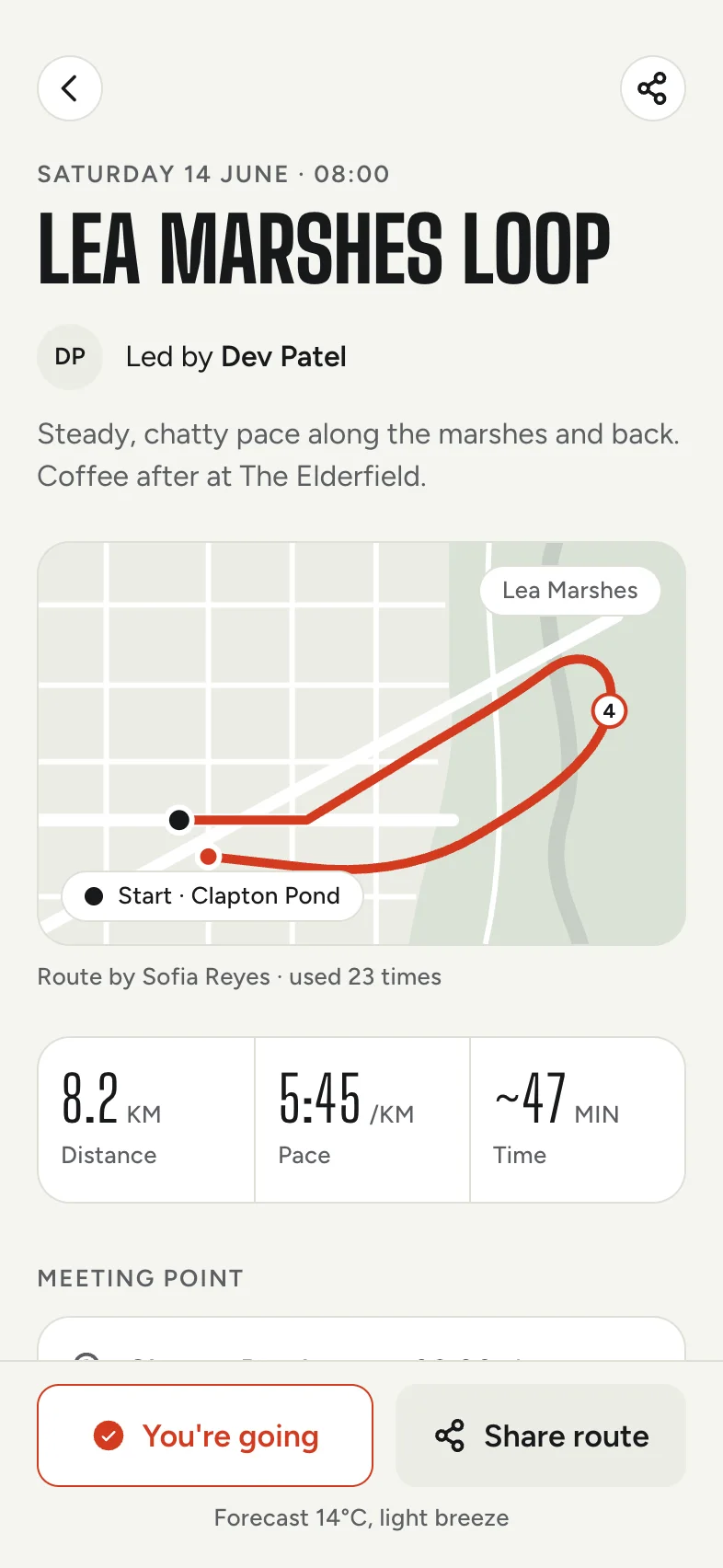
This week's long run is live. RSVP, see who's going and share your route. Kerb keeps your running club together. Plan the week's runs, RSVP in a tap and see who's going before you lace up. Share routes with the whole club, and climb the weekly leaderboard with friends.
How it works
- 1
Fill in your name, subtitle and description, or start from the example.
- 2
Add your icon and screenshots, and we'll check each one against both stores' rules.
- 3
Switch between the stores, the listing and search results, then copy your text across.
Why check both stores
Apple and Google have different rules, and the same screenshots often don't work on both. Google Play doesn't allow a screenshot with a long side more than twice its short side. Current iPhone screenshots are taller than that, so a set made for the App Store gets refused.
This tool checks your files against both sets of rules at once, so you find out now rather than on submission day.
The limits at a glance
- App Store: a 30-character name and subtitle, 170 characters of promotional text, 100 bytes of keywords and a 4,000-character description. Up to 10 screenshots per size.
- Google Play: a 30-character title, an 80-character short description and a 4,000-character full description. Between 2 and 8 screenshots, and a 1024 × 500 feature graphic.
Questions
Is this exactly what the store will show?
It's a close preview, not a pixel-perfect copy. The stores change their layouts and vary them by device, so use it to judge your text, icon and screenshots.
Are my screenshots uploaded?
No. Everything stays in your browser, and nothing is saved, so your listing is gone when you close the page. Use Copy listing text to keep your words.
Why does it say my keywords waste space?
Words in your name and subtitle already count in App Store search, so repeating them in keywords uses up your 100 bytes for nothing.
Is this connected to Apple or Google?
No. Tappy isn't affiliated with Apple or Google. This is an independent preview tool.