
AI mobile app designer
Type a sentence.
Tap your app.
Tappy designs every screen on one design system, links them into a prototype you can click, and hands you React Native code.
No sign-up. Your apps stay in your browser.
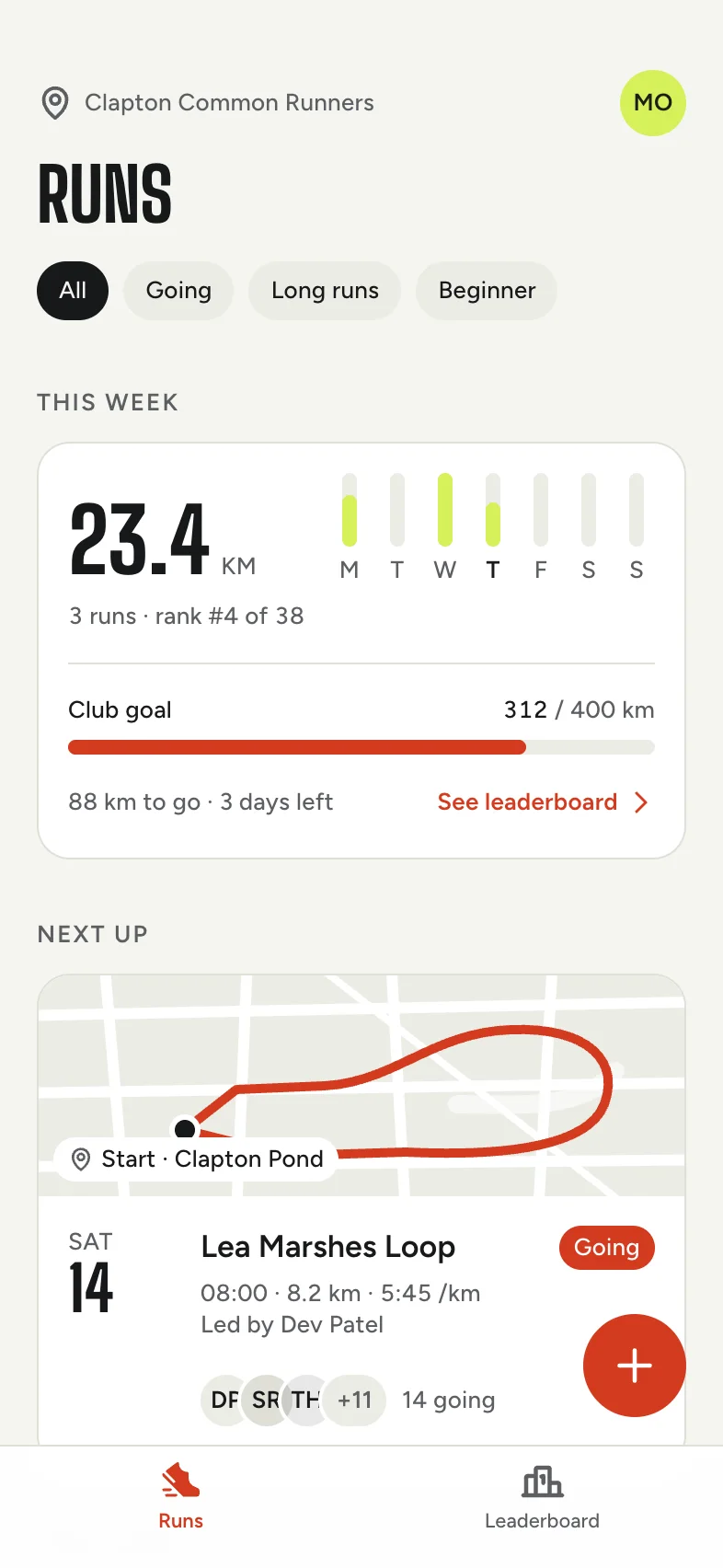
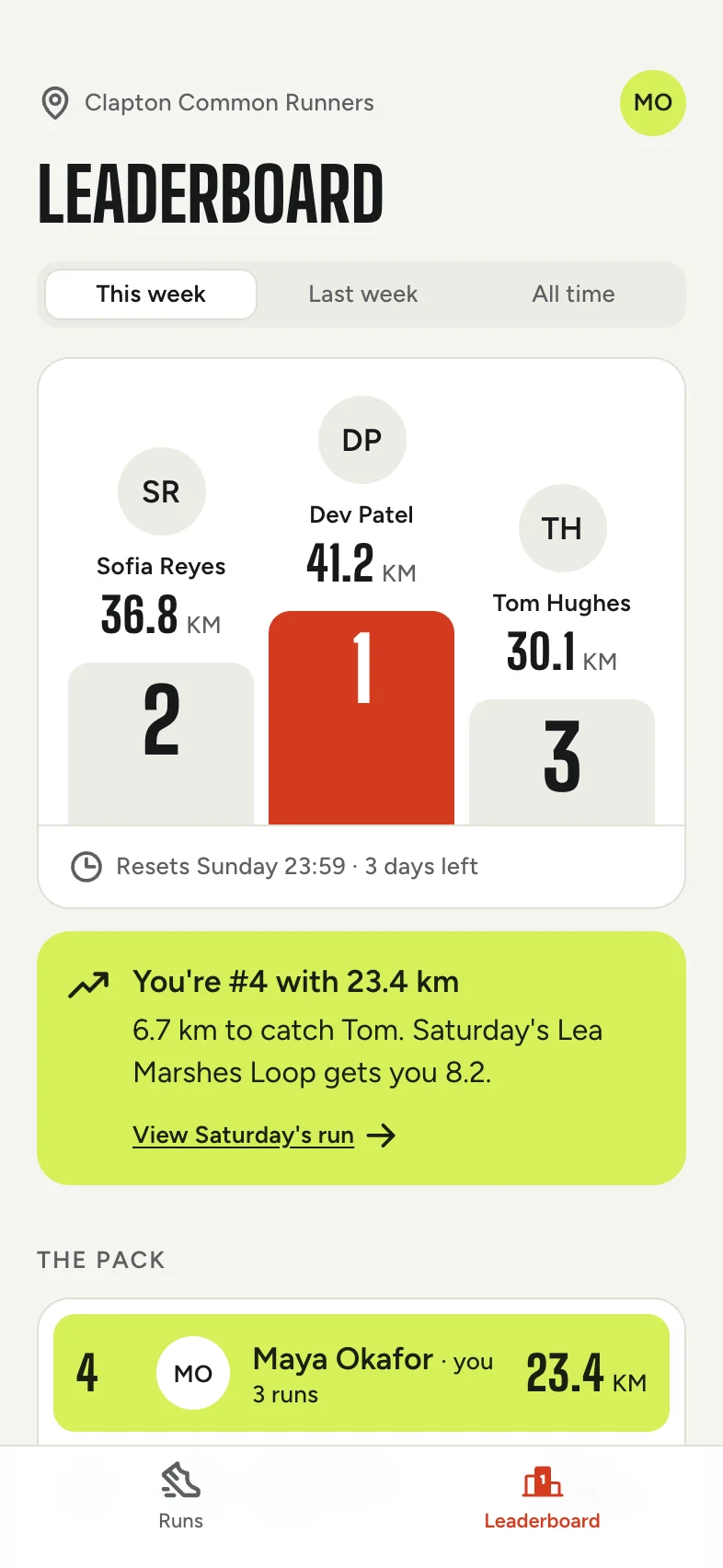
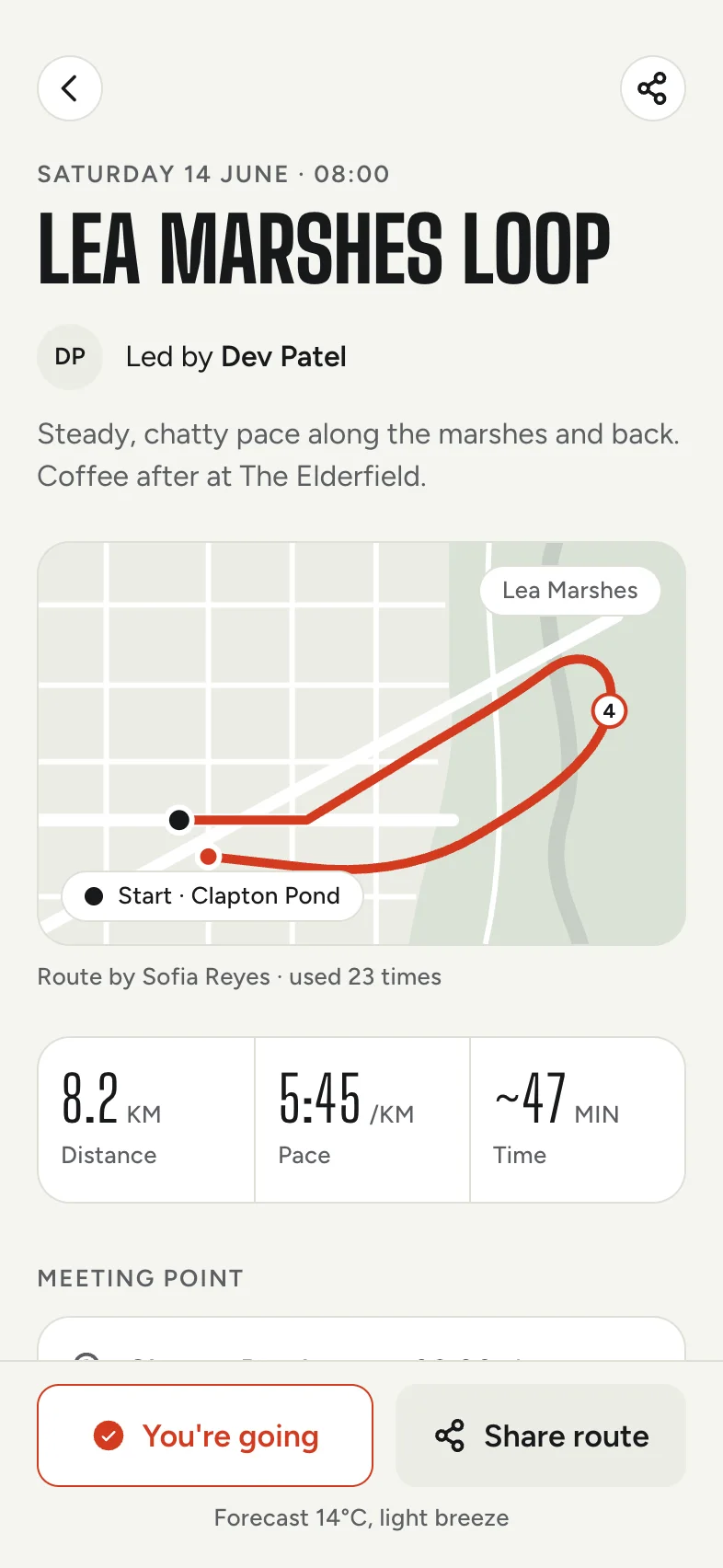
Not a video. Try the tabs.
No two apps come out the same.
Each gets its own type, colour and layout.

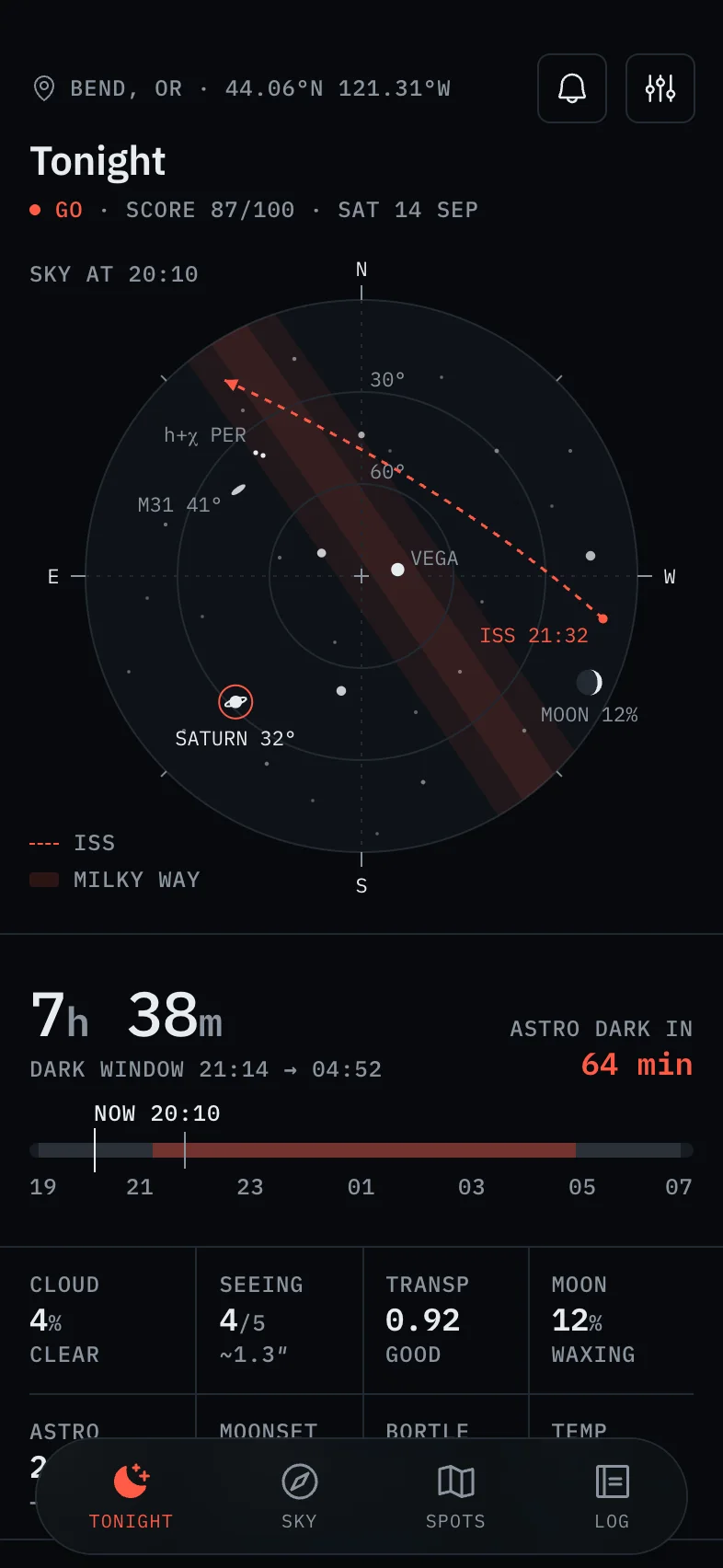
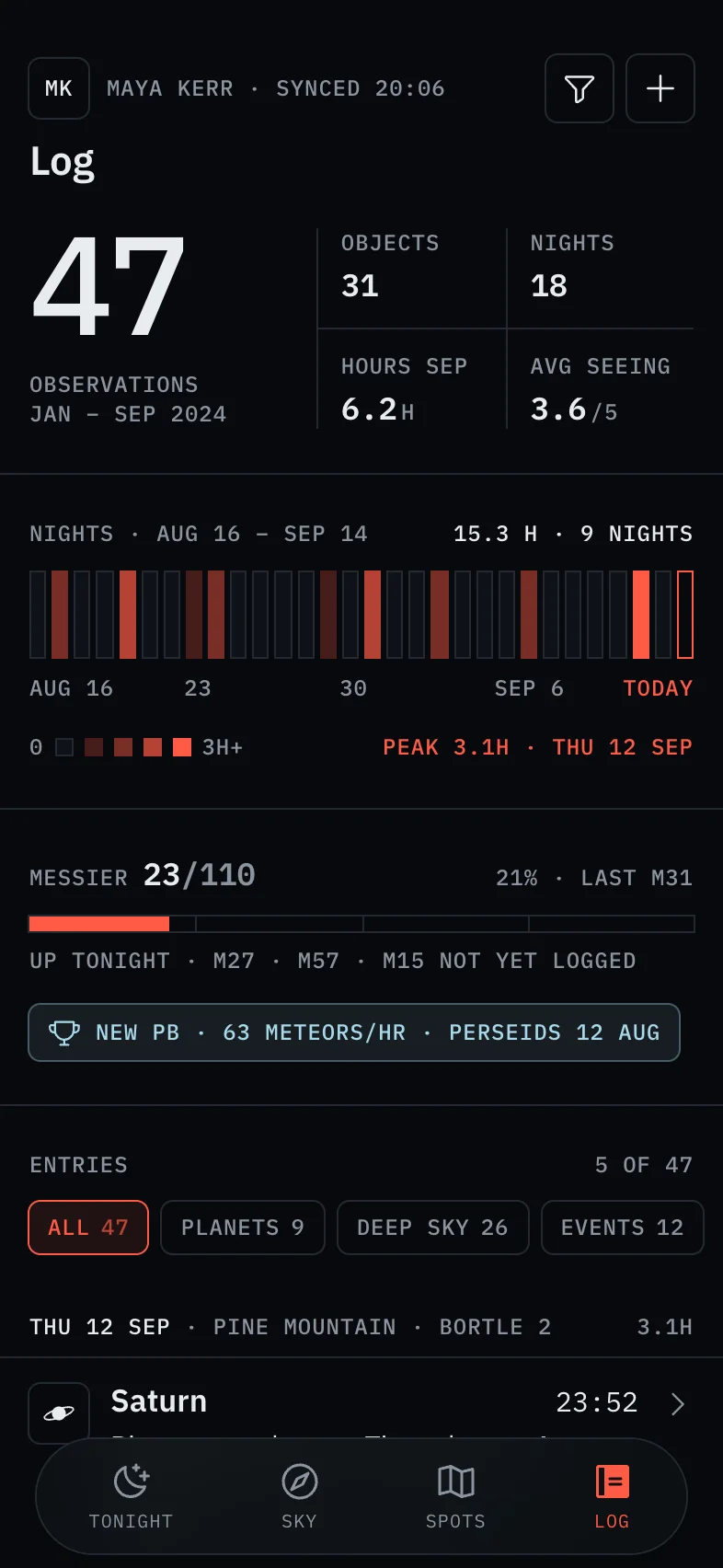
“A stargazing guide that shows what's visible tonight, the best dark-sky spots nearby, and an observation log…”

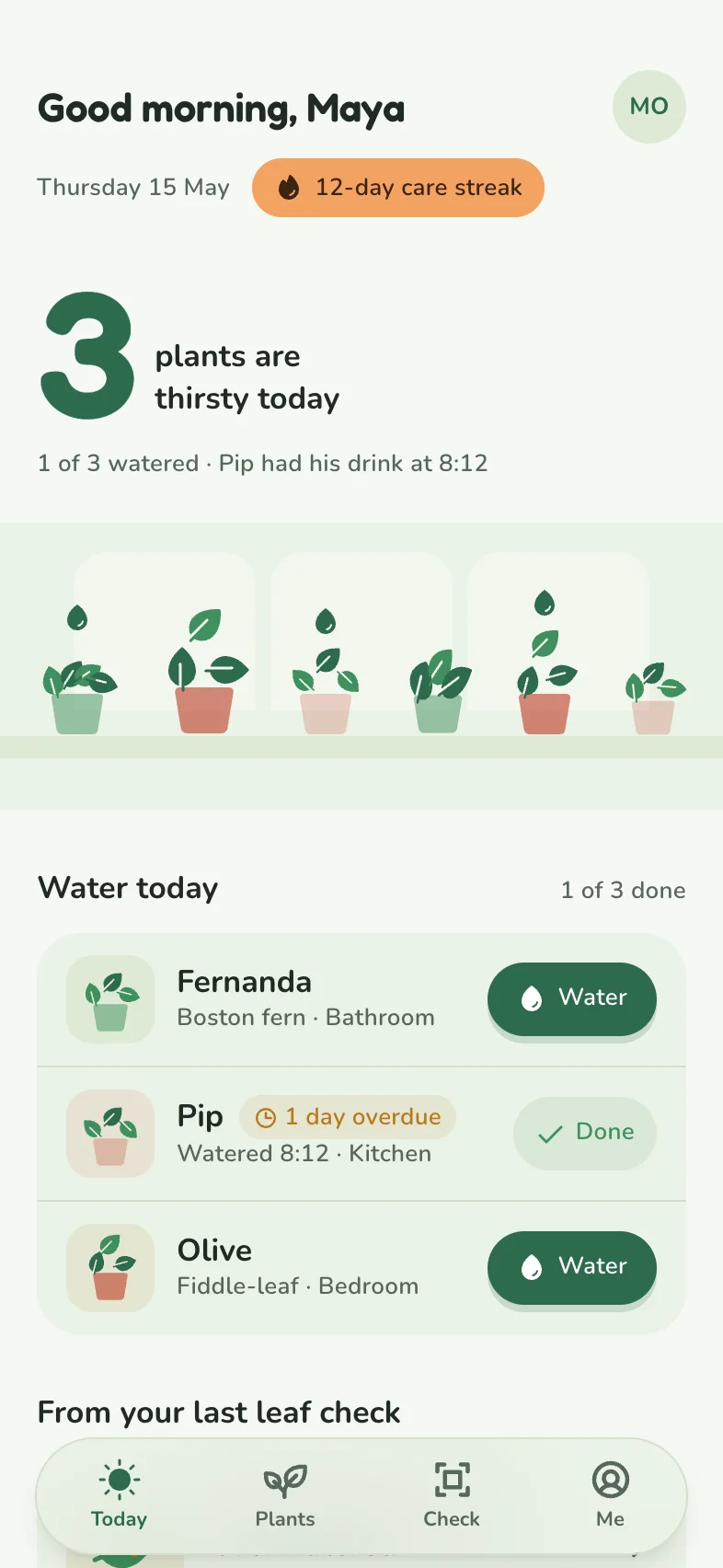
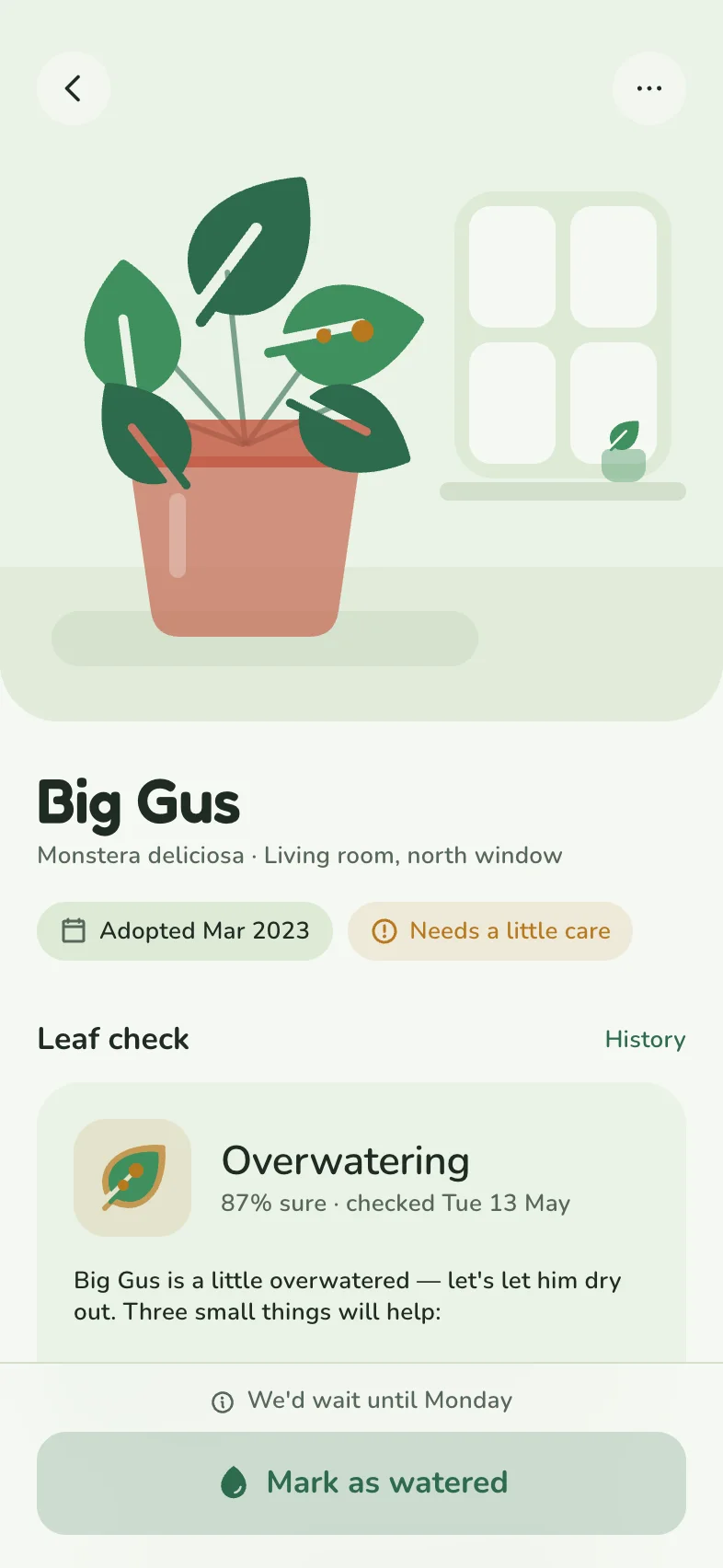
“A plant care app that reminds you when to water each plant, tracks light and humidity, and diagnoses sick leaves from a photo…”

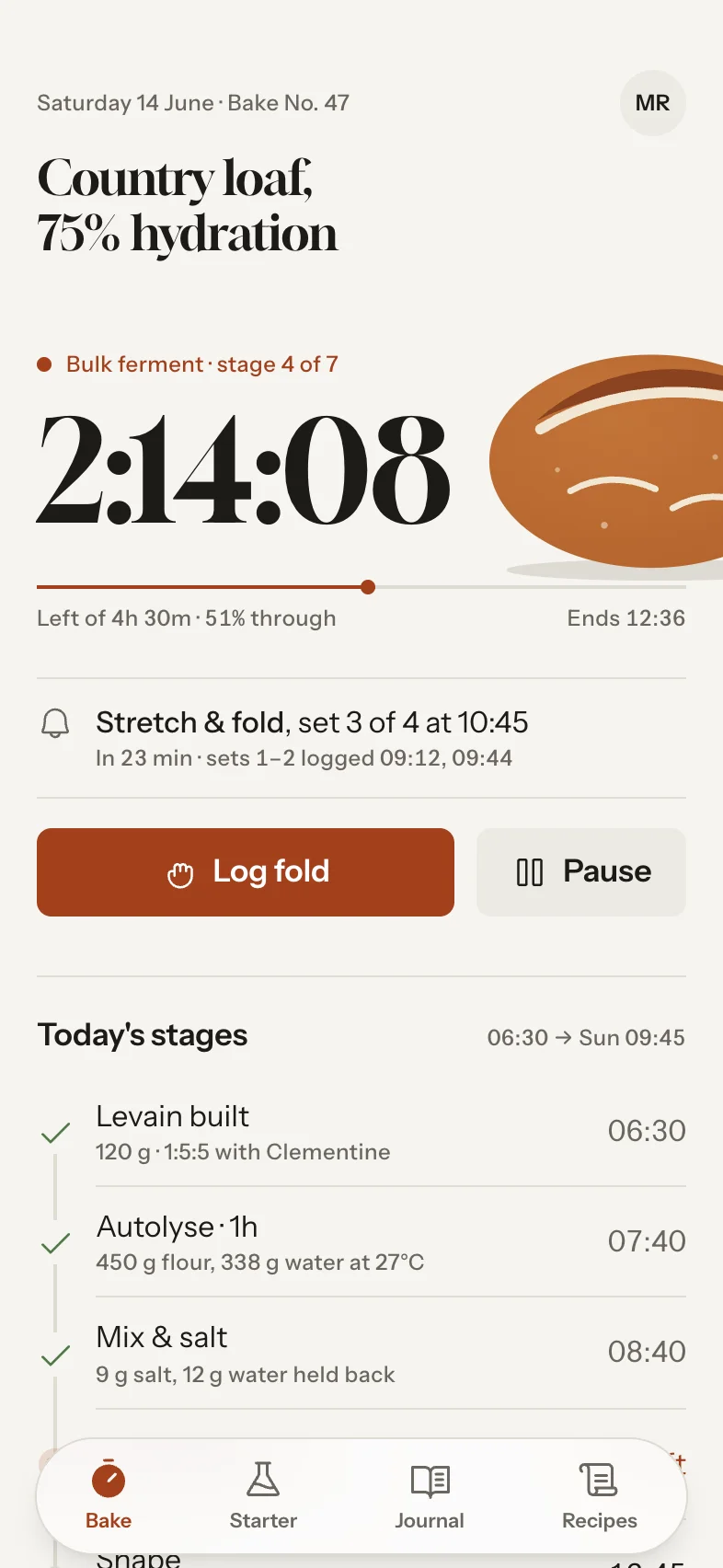
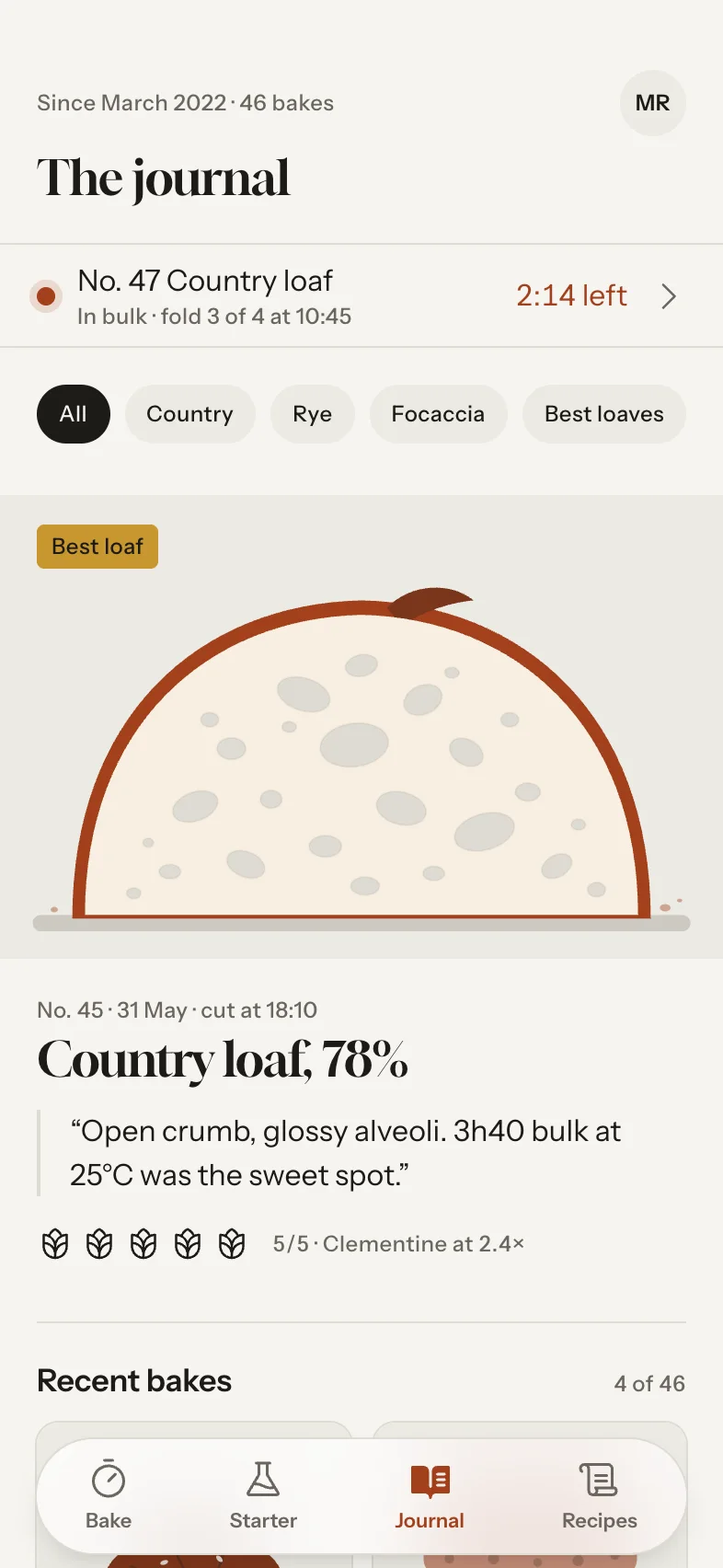
“A sourdough baker's journal with timers for each stage, starter health tracking, and an archive of bakes with notes…”
Straight out of Tappy from those briefs, with no edits.
One app, any look.
Restyle every screen at once, for free.
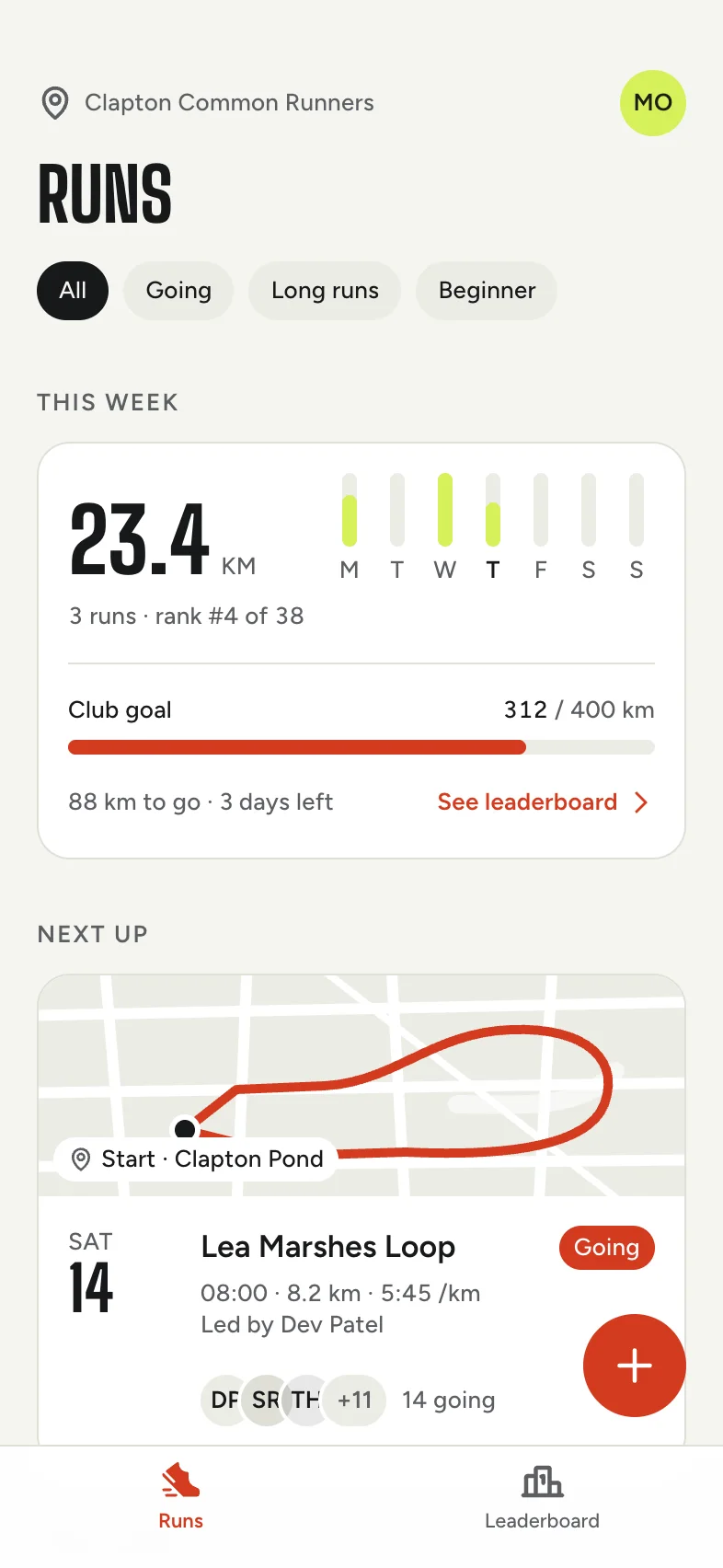
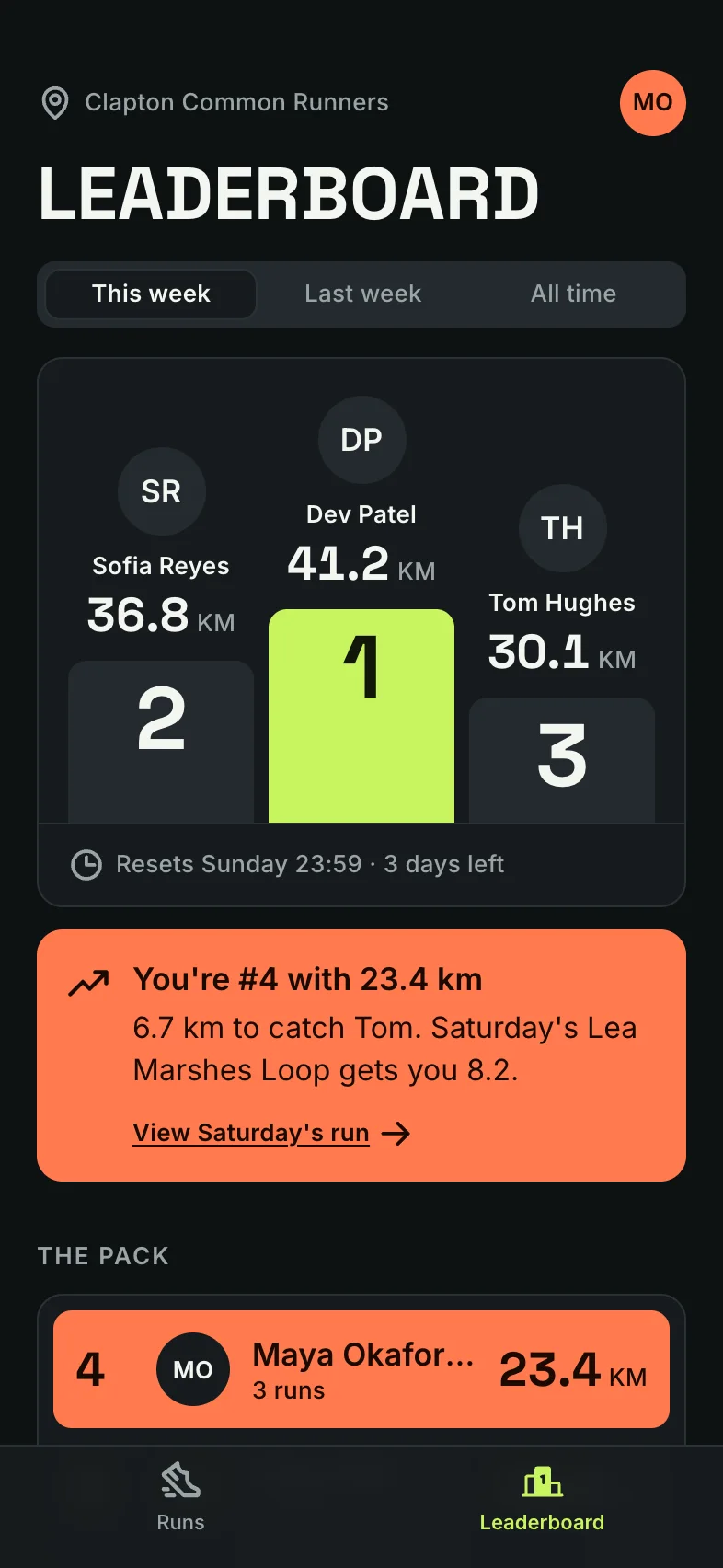
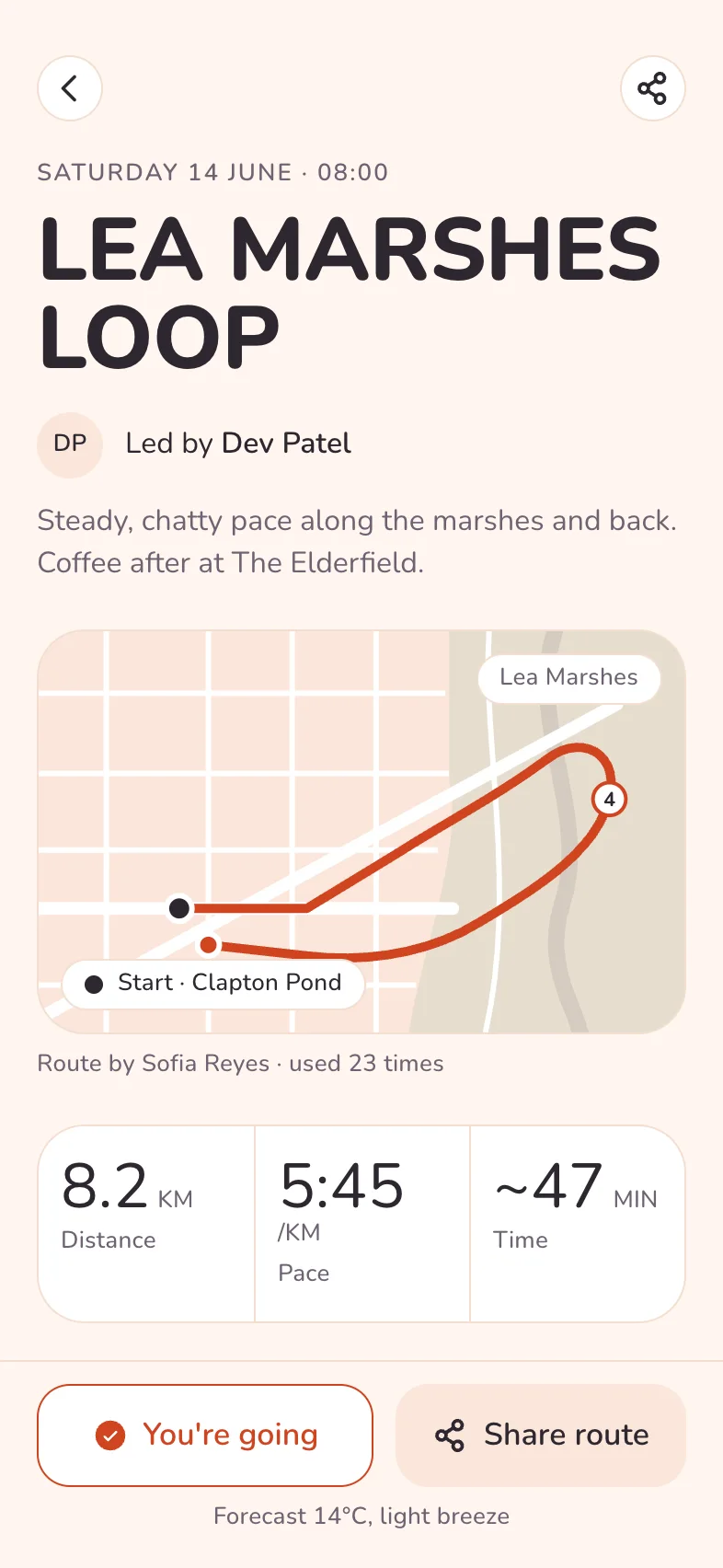
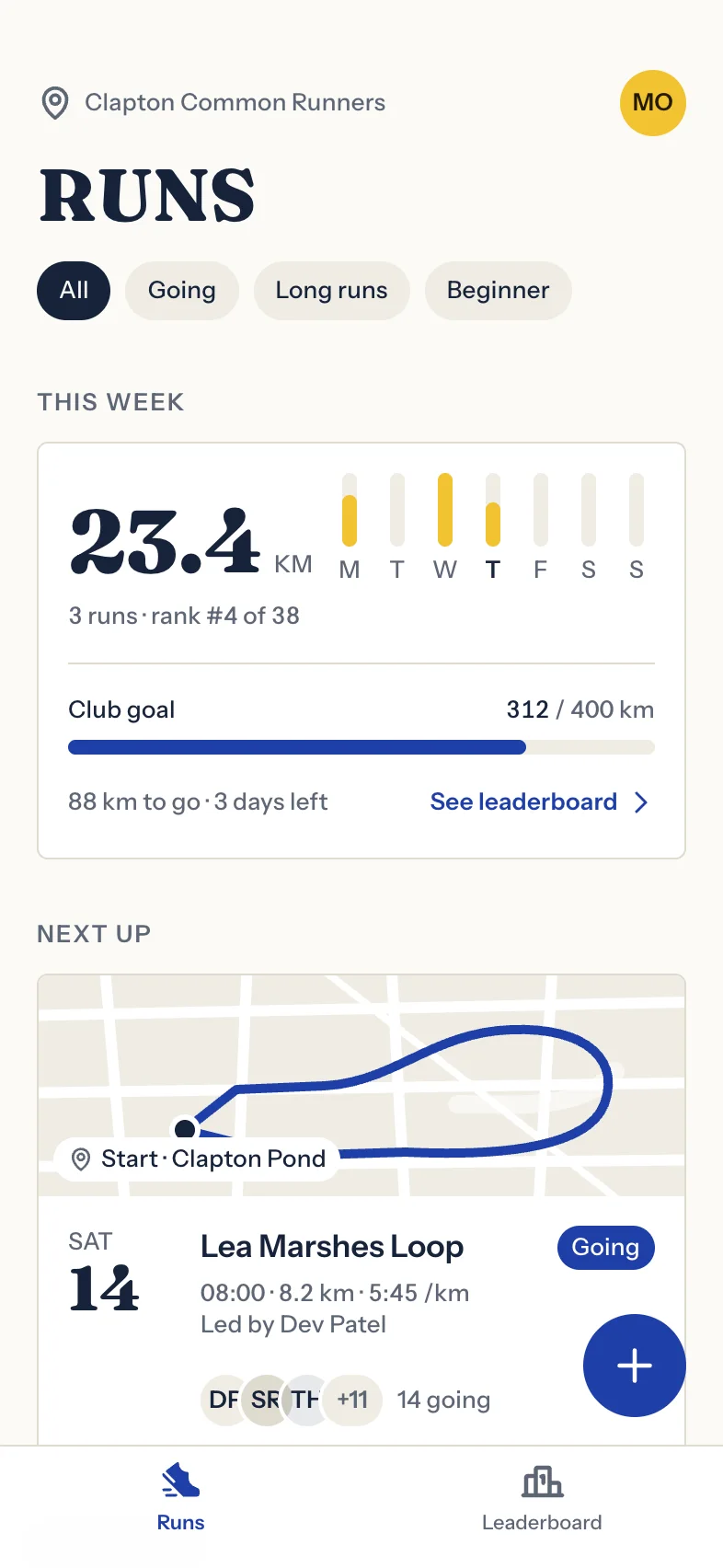
Kerb was designed by Tappy from a short brief. These are the same real screens with new design tokens, so changing them never calls the AI.
One sentence in, every screen out.
All on one design system.
Design it
Describe it
Type a line, paste a spec, or drop in a screenshot to match its style.

Tappy art-directs it
It names the app, picks type and colour, and plans the screens before drawing one.
Point at what's wrong
Click any part of a screen and say what to change. Everything else stays put.
Leave with an app, not a picture.
Code, Figma layers and your store listing.

Run it on your phone
A real Expo project in React Native, linked up like the prototype.
- Runs
- Auto layout
- T23.4
- TKM
- TClub goal
- TSee leaderboard
Paste it into Figma
Screens land as editable layers, with real text and auto layout, so a designer can pick up where Tappy left off.
Send it round
Share a link or one HTML file. Testers draw on the screen, and each comment can be fixed with Claude.
Get store-ready
Store-sized screenshots for iPhone and Android, with captions written for you.
See what every screen costs.
In dollars, not credits.
Always free
These never touch the meter.
- Change any colour, font or corner
- Switch light and dark, once made
- Run the accessibility scan
- Tap through the prototype
- Share links and comments
- Export HTML, PNG and Figma layers

At API cost
Logged per run, by app and by day.
- Design a new screen
- Edit a screen or a selection
- Polish with a design review
- Try three variations
Good questions.
What is Tappy?
An AI designer for mobile apps. Describe an app and you get every screen on one design system, linked into a prototype you can tap, with React Native code when you're ready.
Do I need to be a designer?
No. Tappy picks the type, colour and layout for you. If you have opinions, change anything by hand, or point at it and say what's wrong.
Will it look like every other AI app?
That's the problem we work on most. Each app gets its own type, palette and components, and new screens can go through a review pass that looks at a real screenshot and fixes what a design lead would flag.
What does it cost?
Every Claude run is shown in dollars, at API cost, on your usage page. Anything that doesn't use Claude, like changing the look or sharing a link, stays free however often you do it.
What do I walk away with?
A clickable prototype as one HTML file, a share link people can comment on, editable layers to paste into Figma, 3x PNGs, App Store screenshots, and an Expo project with React Native code.
iOS or Android?
Both. Pick one when you start, then preview on iPhones from the SE to the Duo, plus three Android sizes. Tappy flags anything that spills off the edge.
Where do my apps live?
In your browser for now, so there's no account to make. Settings has a backup if you move to another computer.