How Tappy works
Describe an app, and Tappy designs its screens. Then change anything with a sentence, test it on your phone and export it.
Updated 5 November 2026
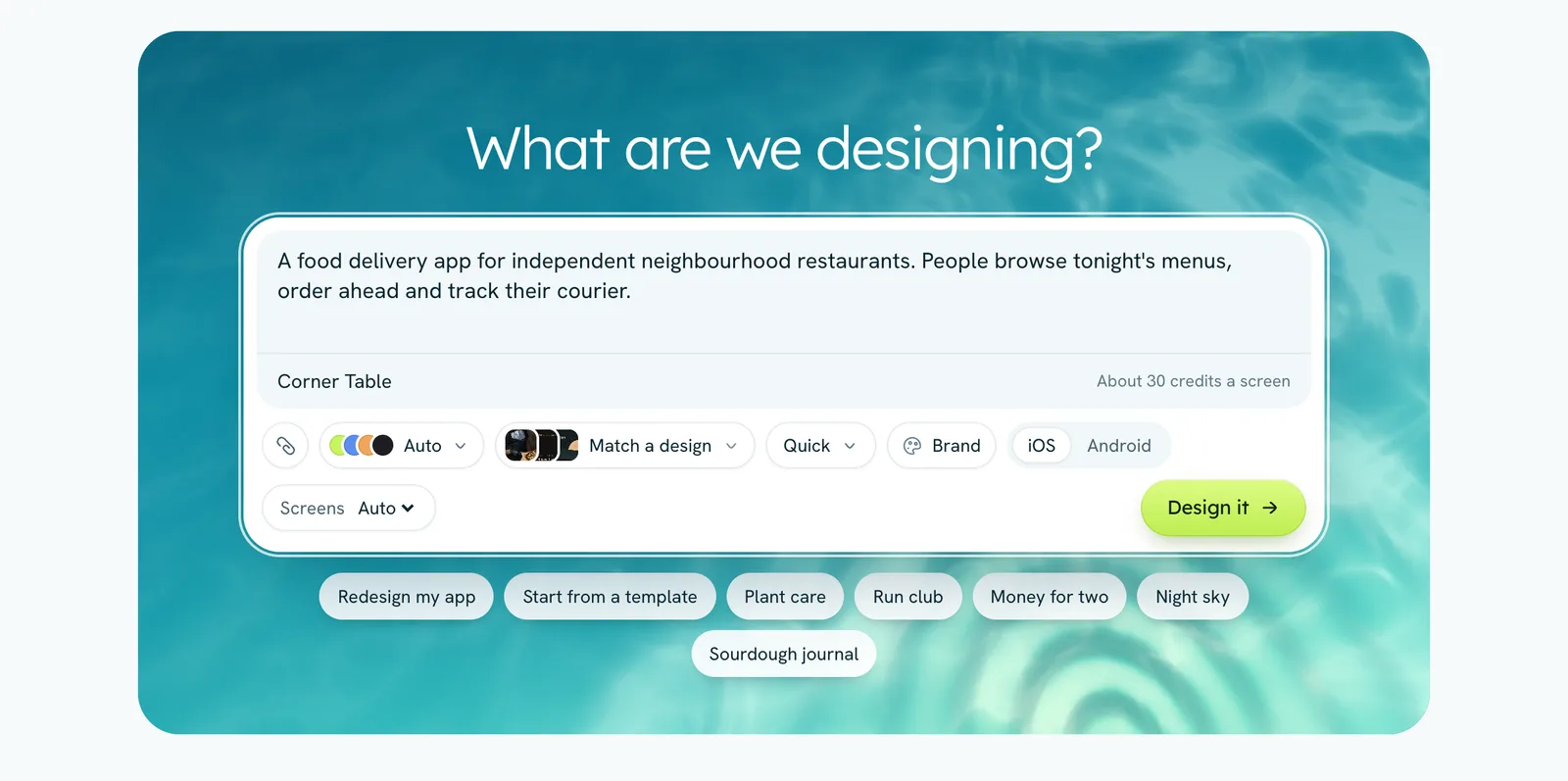
Tappy designs mobile apps for iOS and Android. You describe the app you have in mind, and Tappy plans the screens, picks a look and designs each screen as a real, working layout. You can tap through the result like an app, change it by describing what you want, and take it into Figma or code.
The steps
- Describe your app on the Apps page. Add screenshots or a PDF spec if you have them.
- Pick a direction. On paid plans Tappy first shows three looks to choose from. You can skip this.
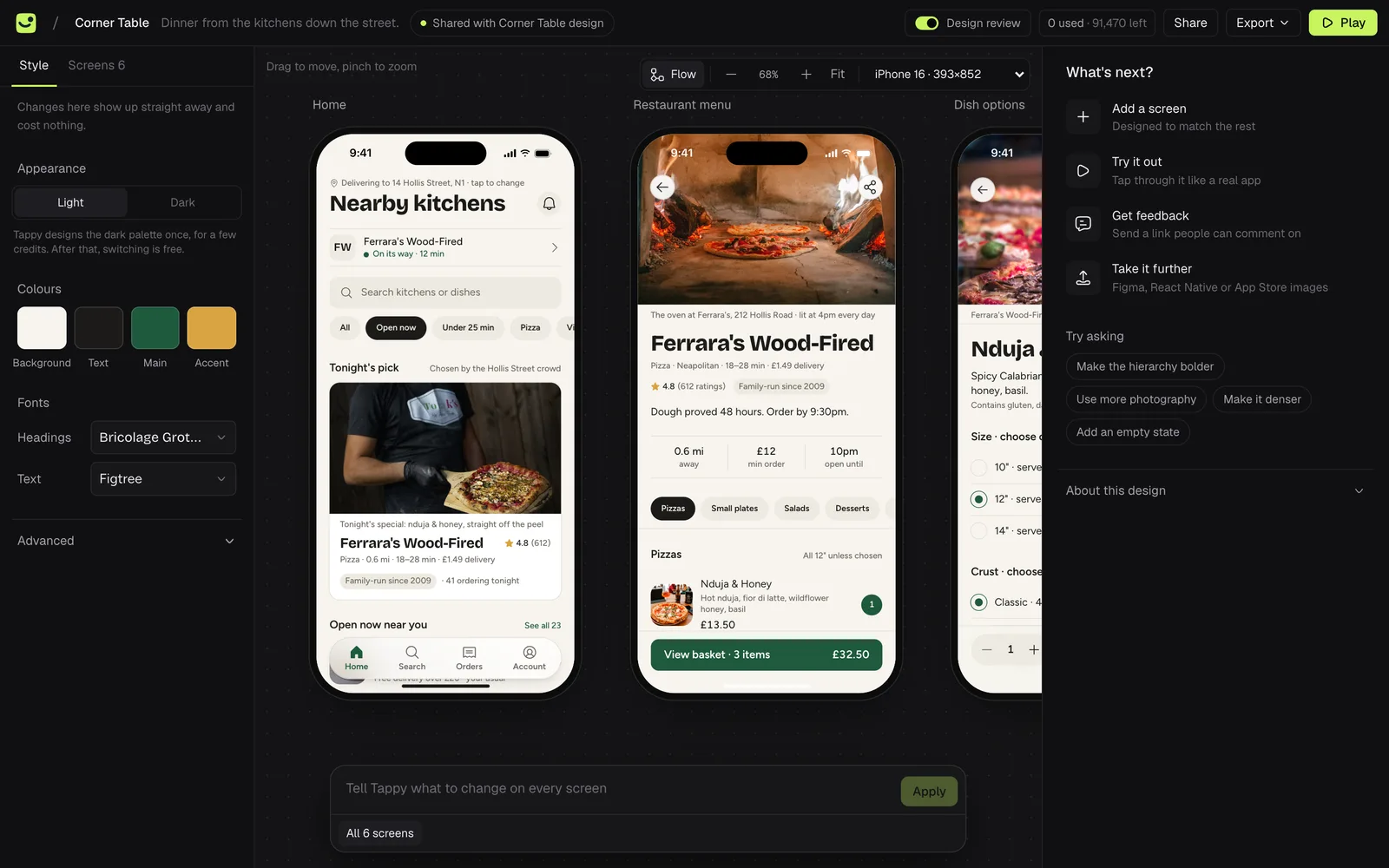
- Tappy designs the screens. You watch each one arrive, a few at a time.
- Change anything. Describe a change, select part of a screen, or double-click any text or photo to edit it yourself for free.
- Share and export. Send a link people can tap through and comment on, or export to Figma, React Native, an HTML prototype or App Store screenshots.
What it costs
Designing uses credits. New accounts start with 450 free credits, and plans add more every month. How many a screen uses depends on the design level you pick, from about 30 credits at Quick to about 450 at Atelier. Editing text and photos by hand is always free. Design levels and credits explains it in full.
Where your work lives
Your apps are saved to your account as you work, so they open on any computer you sign in on. Nobody else sees your apps unless you share a link to one, or design in a team.