
Tappy vs Figma Make
Figma Make is a natural fit if your team already lives in Figma. Tappy is for everyone else: describe an app and get a designed, clickable mobile app, with no design tool to learn.
Free to start. No card needed.
The short version.
Where Tappy pulls ahead of Figma Make.
Figma Make is Figma's prompt-to-prototype tool. It builds on your design context, you edit on the canvas, and it comes with Figma's Full seats.
No design tool to learn
Type a sentence and Tappy handles the type, colour, layout and every screen. You don't need a Figma seat or a design system first.
Mobile from the first step
Tappy starts from iOS or Android and designs each screen to match, with one shared tab bar across the app.
Still friends with Figma
When a designer joins, paste your screens into Figma as editable layers. You lose nothing by starting in Tappy.
Feature by feature.
Tappy and Figma Make, side by side.
“Not listed” means we couldn't find it on Figma Make's public pages on 4 November 2026, not that it can't be done.
What it costs.
Checked 4 November 2026.
Credits aren't the same unit across products, so compare what you can make with them, not the numbers.
Professional, not vibecoded.
With a design review built in.
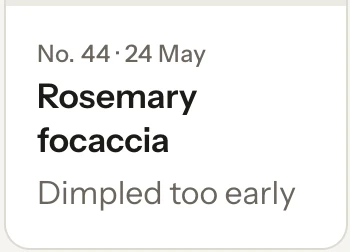
AI can get a screen most of the way there, then leave the mistakes a designer would catch in seconds. At Studio level and above, Tappy looks at a real screenshot of each new screen, reviews it like a design lead, and fixes what it finds. These are real catches, not mock-ups.
From Tappy's review of Crumb & Crust
“‘Rosemary focaccia’ was cut off as ‘Rosemary foca…’ in the narrow card. Card titles now wrap to a second line instead of truncating.”

Tappy's design rules also rule out the habits that give AI designs away:
- Gradient text
- Purple-to-blue gradients
- Neon glows
- Sparkle icons and “AI-powered” badges
- Emoji used as icons
- Decorative blobs
- Charts with no labels
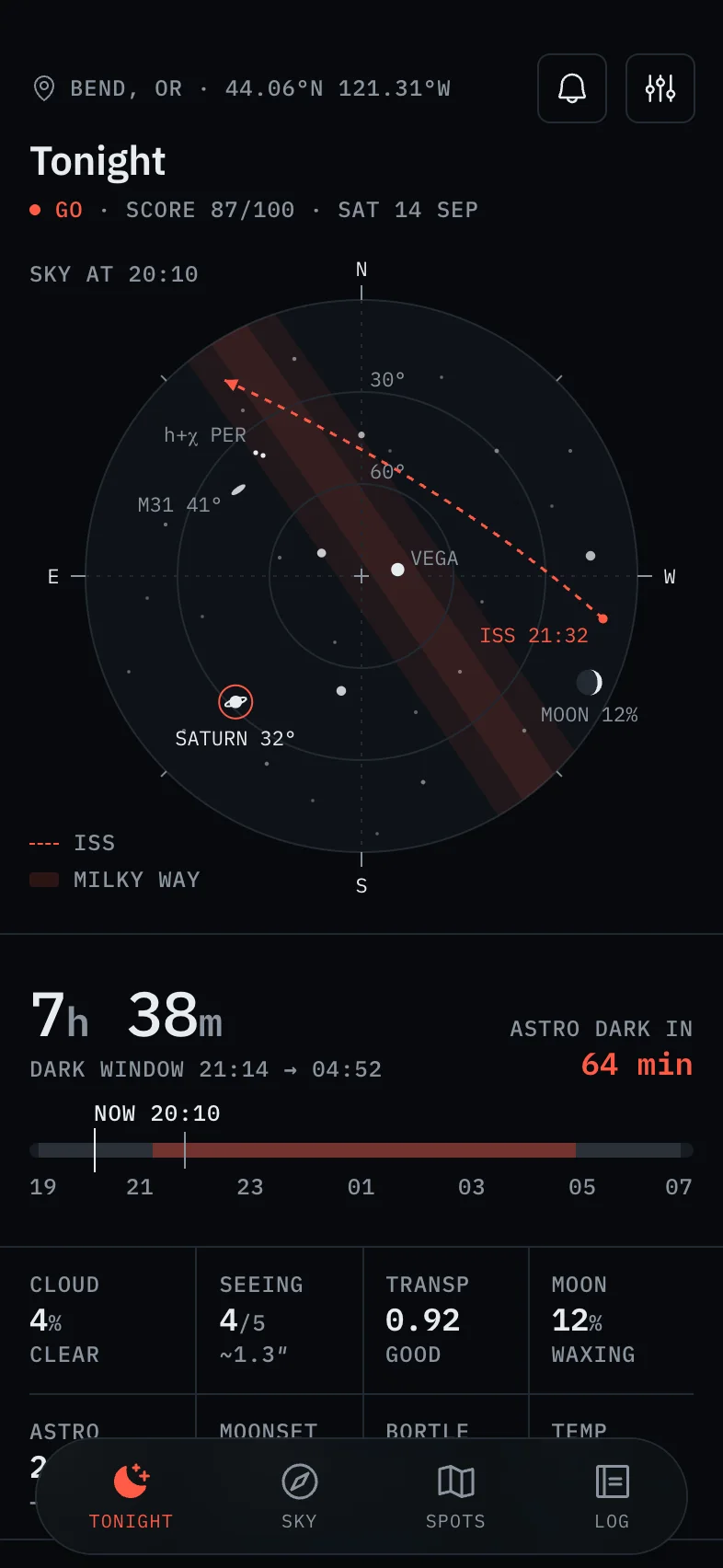
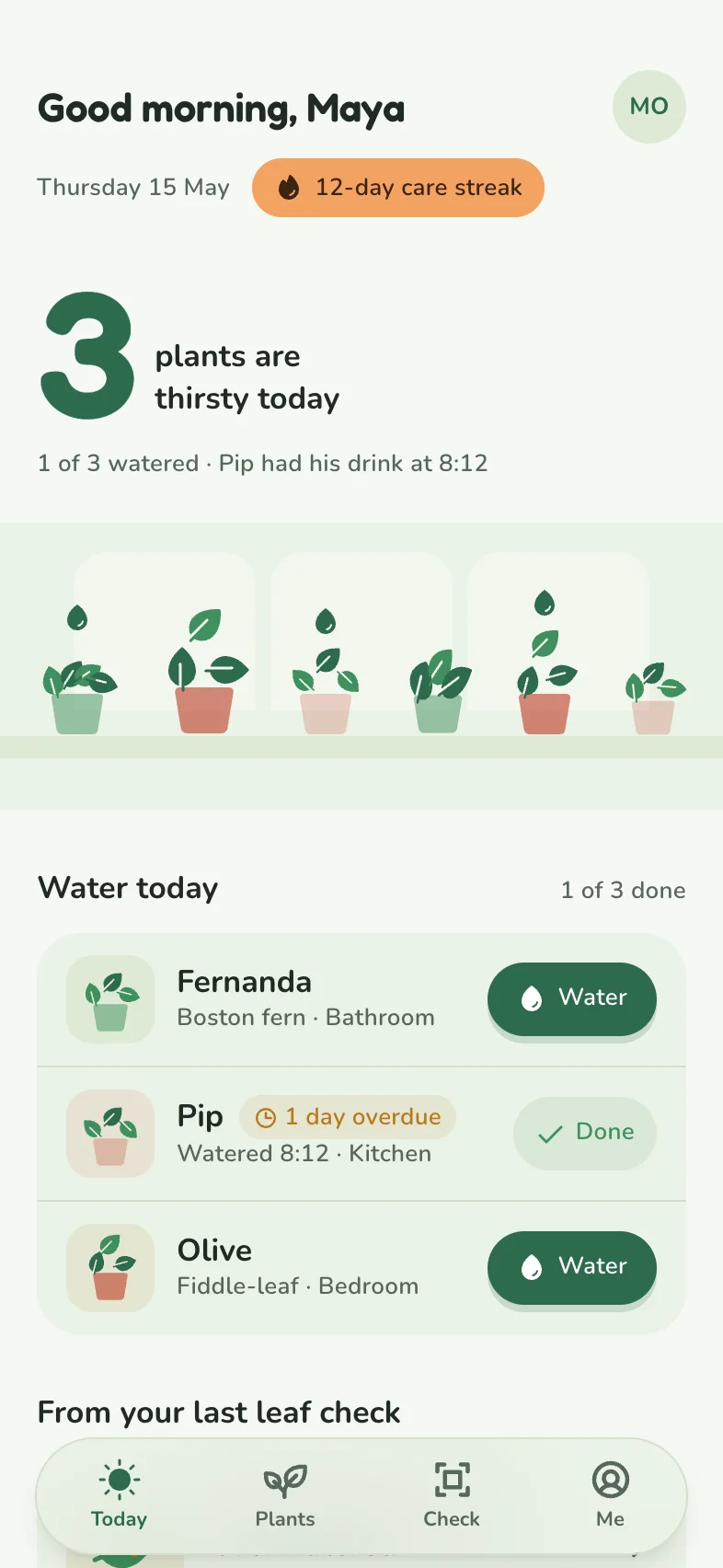
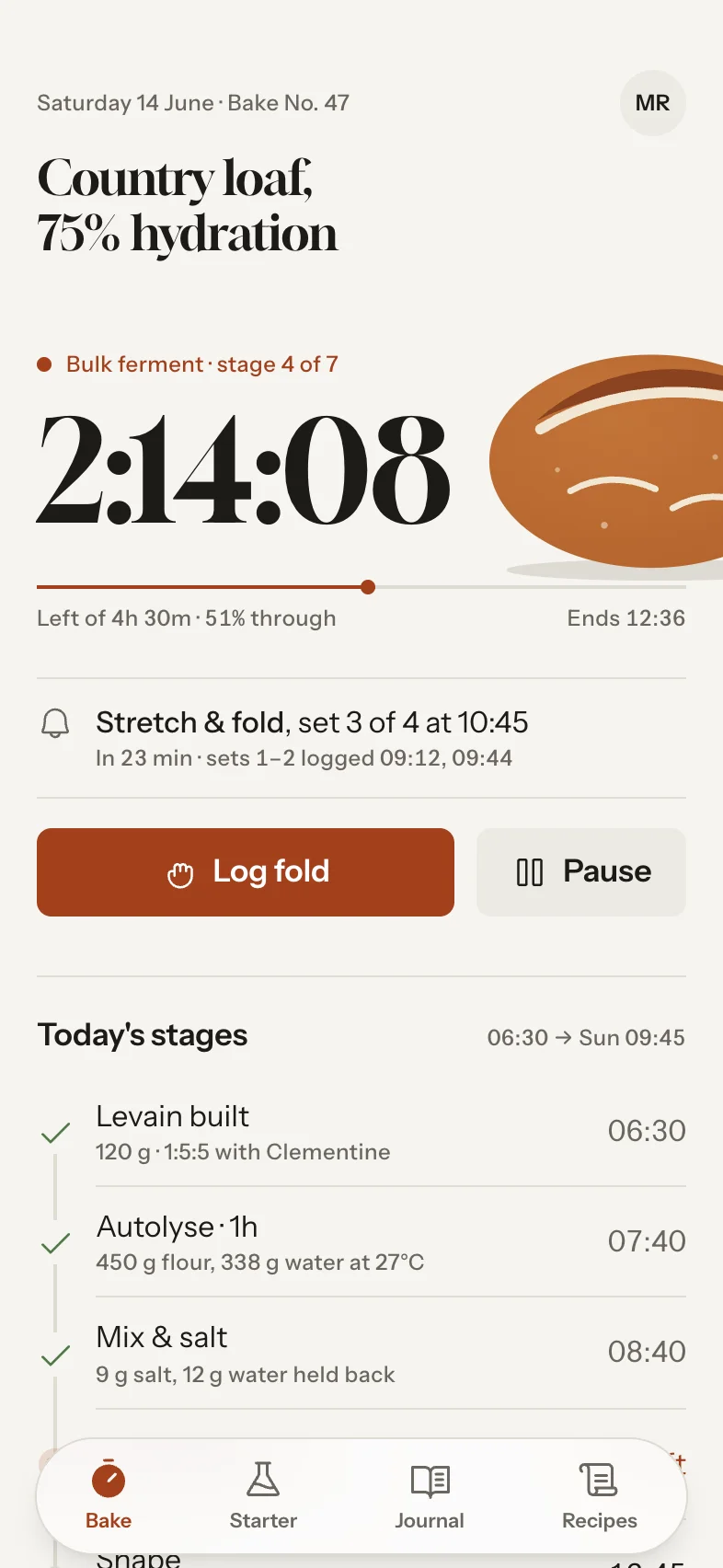
Real Tappy designs.
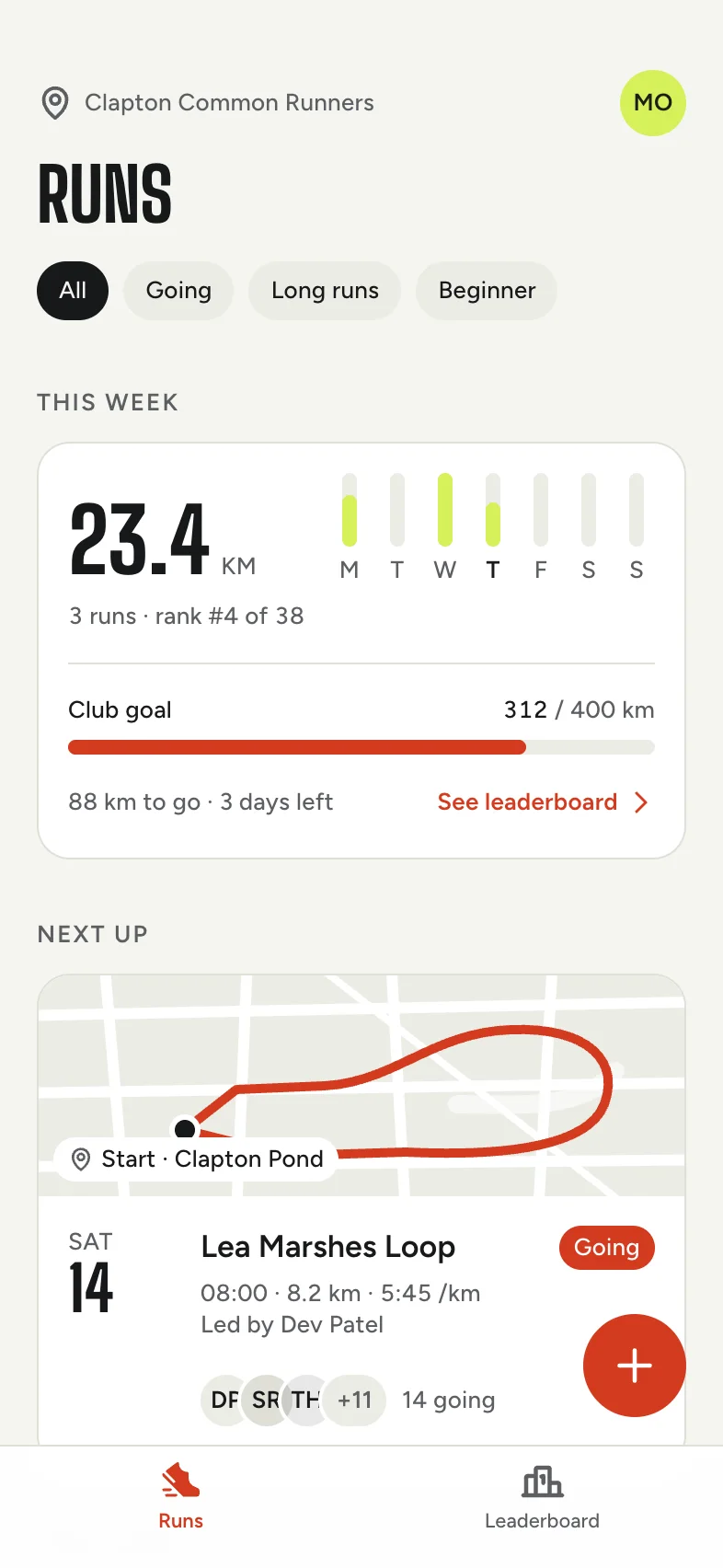
Each app gets its own type, colour and layout.




When Figma Make might suit you better
- Your team already designs in Figma and wants everything in one place.
- You want to prototype from an existing Figma design system.
- Your seat also needs Figma's other tools, like Design and Sites.
Good questions.
Do I need Figma to use Tappy?
No. Figma is only an export. Everything else happens in Tappy.
Can I use both?
Yes. Start in Tappy to get the whole app, then paste the screens into Figma to refine them.
Which is cheaper?
Figma's Full seat starts at $16/mo with 3,000 AI credits, and Tappy's Starter is $19/mo with 3,000 credits. The credits measure different things, so the fair test is what each makes for you.
Sources, checked 4 November 2026
Prices and features change, so check each company's site before you decide. Product names belong to their owners, and Tappy isn't affiliated with or endorsed by them.