 Mel
Key takeaways
- 1A clickable prototype shows whether people get your app before you spend on code.
- 2Test the main job with a handful of people, and give them tasks, not a tour.
- 3Stay quiet and watch where they hesitate. That's your to-do list.
- 4Fix the biggest problem, then test again with new people.
Code is the most expensive way to find out that people don't understand your app. A clickable prototype is the cheapest. It looks and moves like the real thing, but it's only screens linked together, so you can change it in minutes instead of weeks.
What a clickable prototype is
It's your app's screens, connected so that tapping a button goes where it would in the real app. There's no real data and nothing behind it. That's the point: you're testing whether the design makes sense, not whether the servers work.
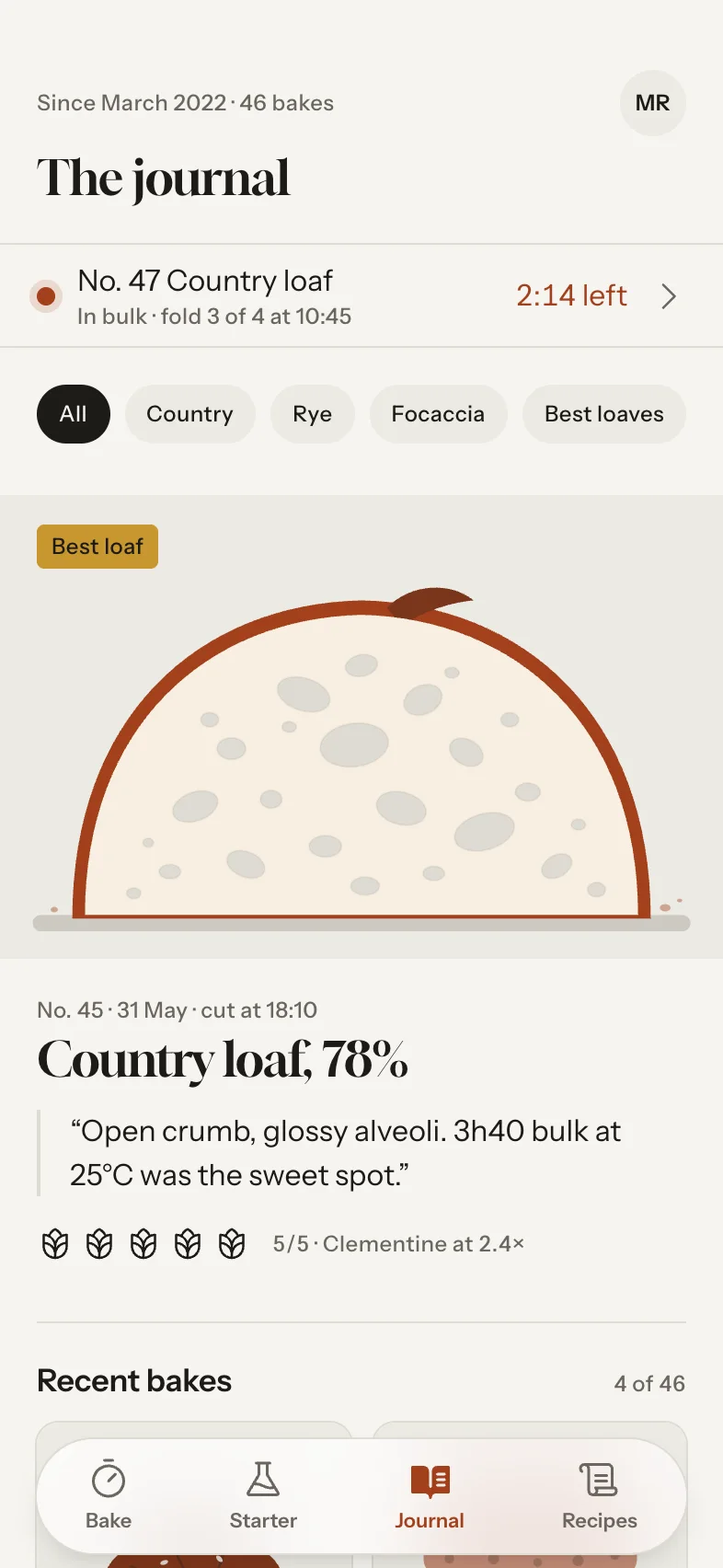
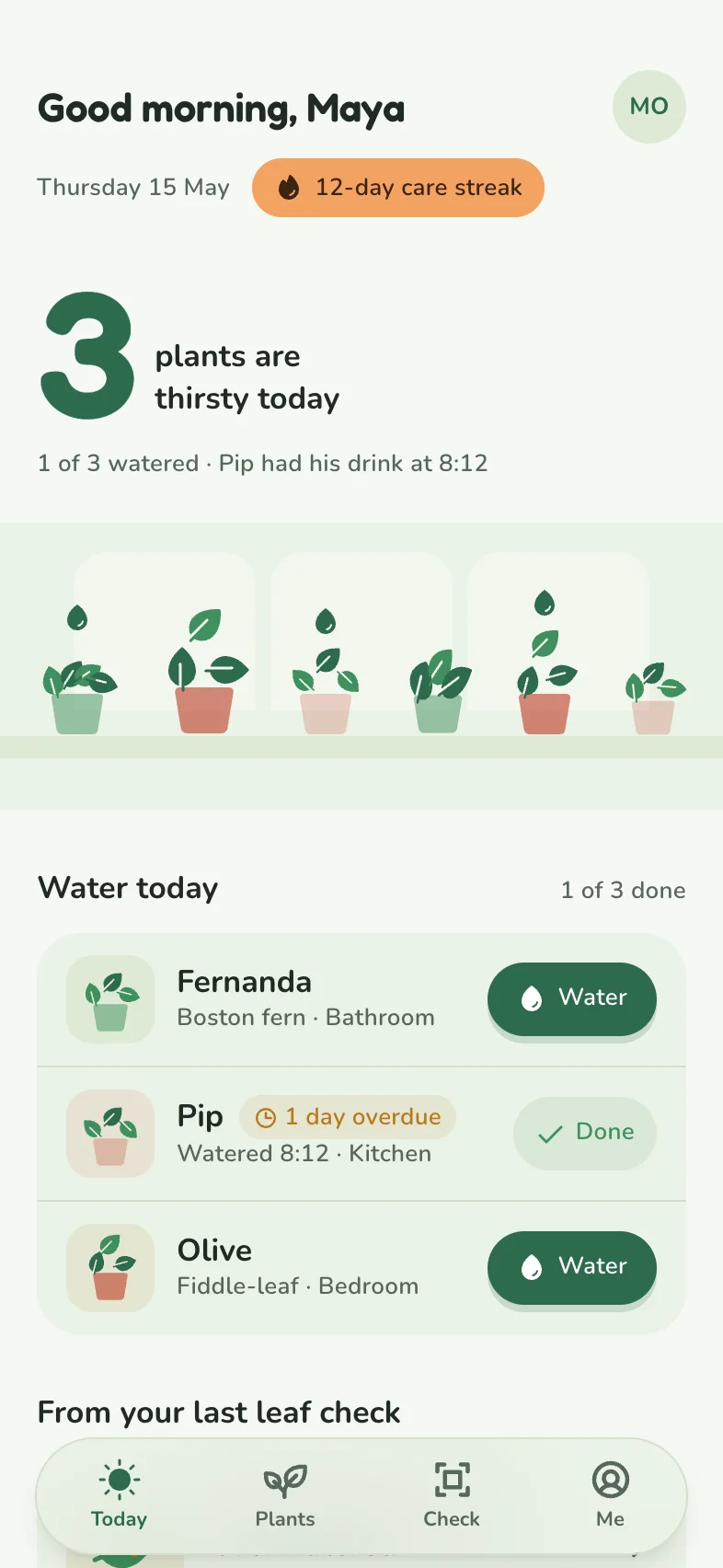
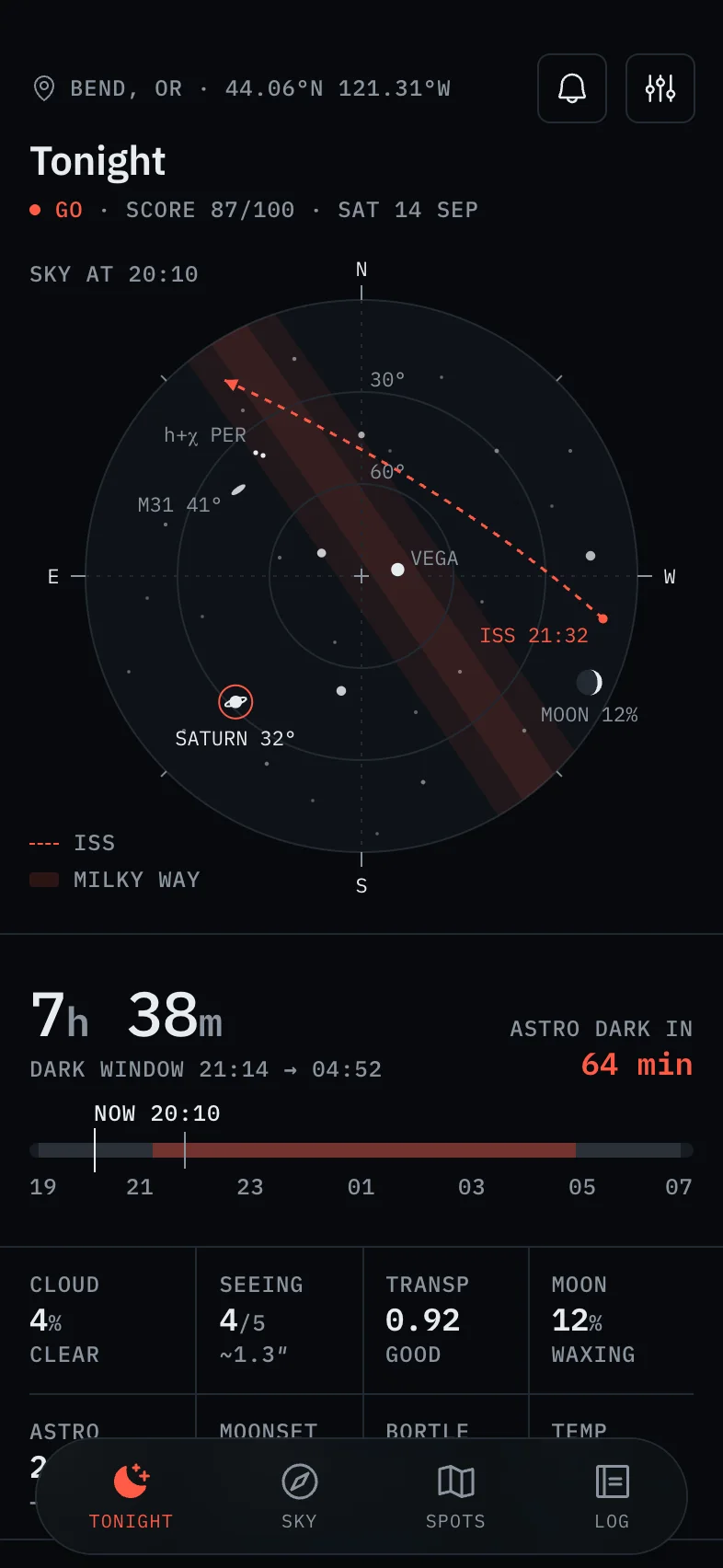
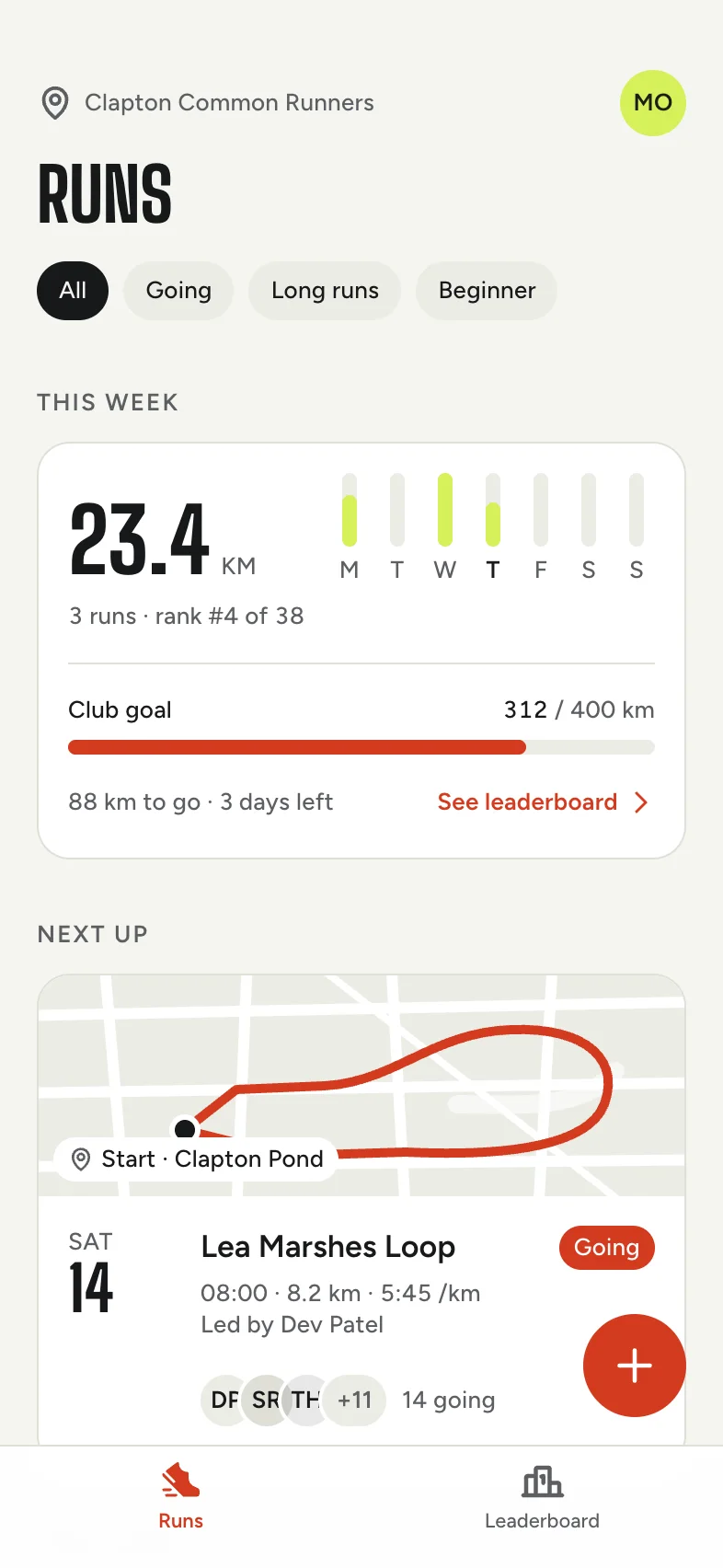
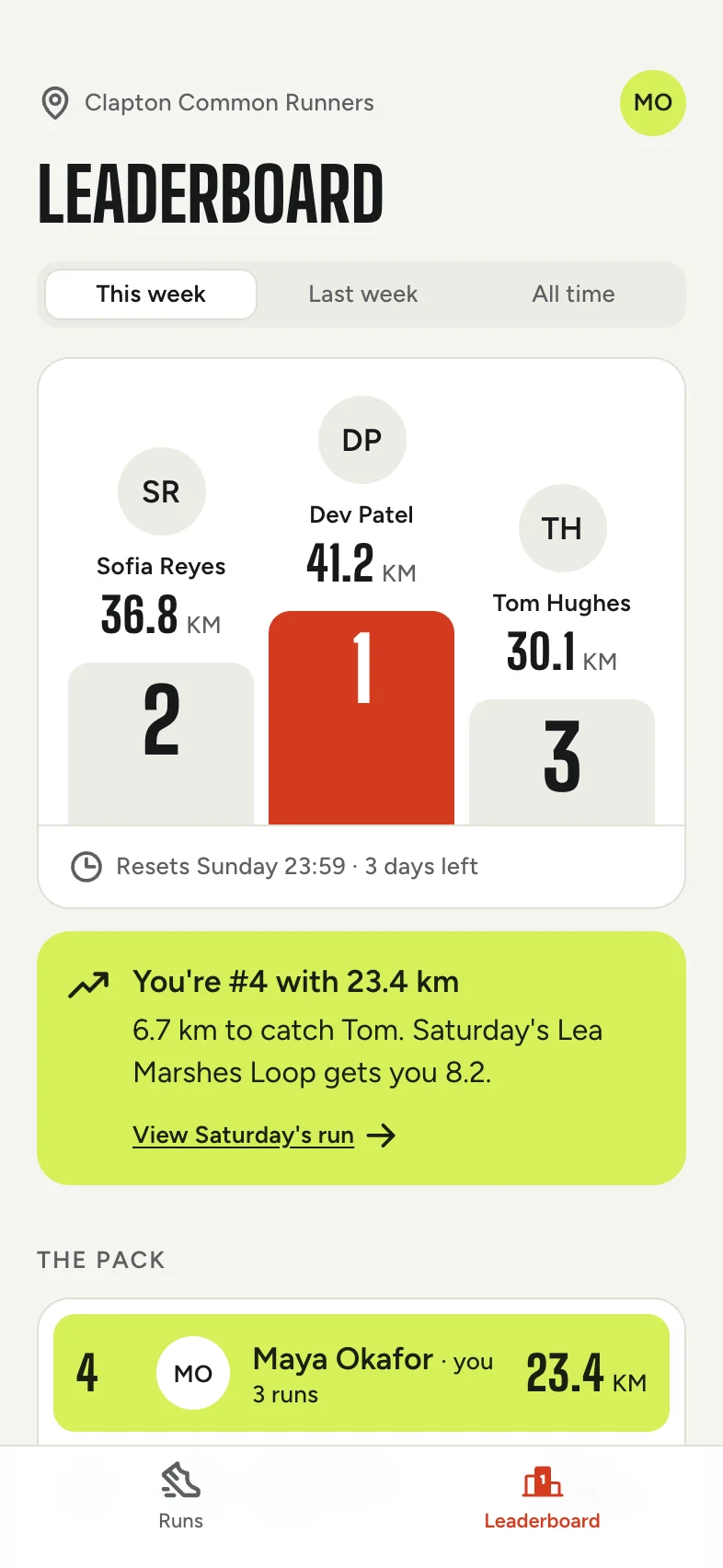
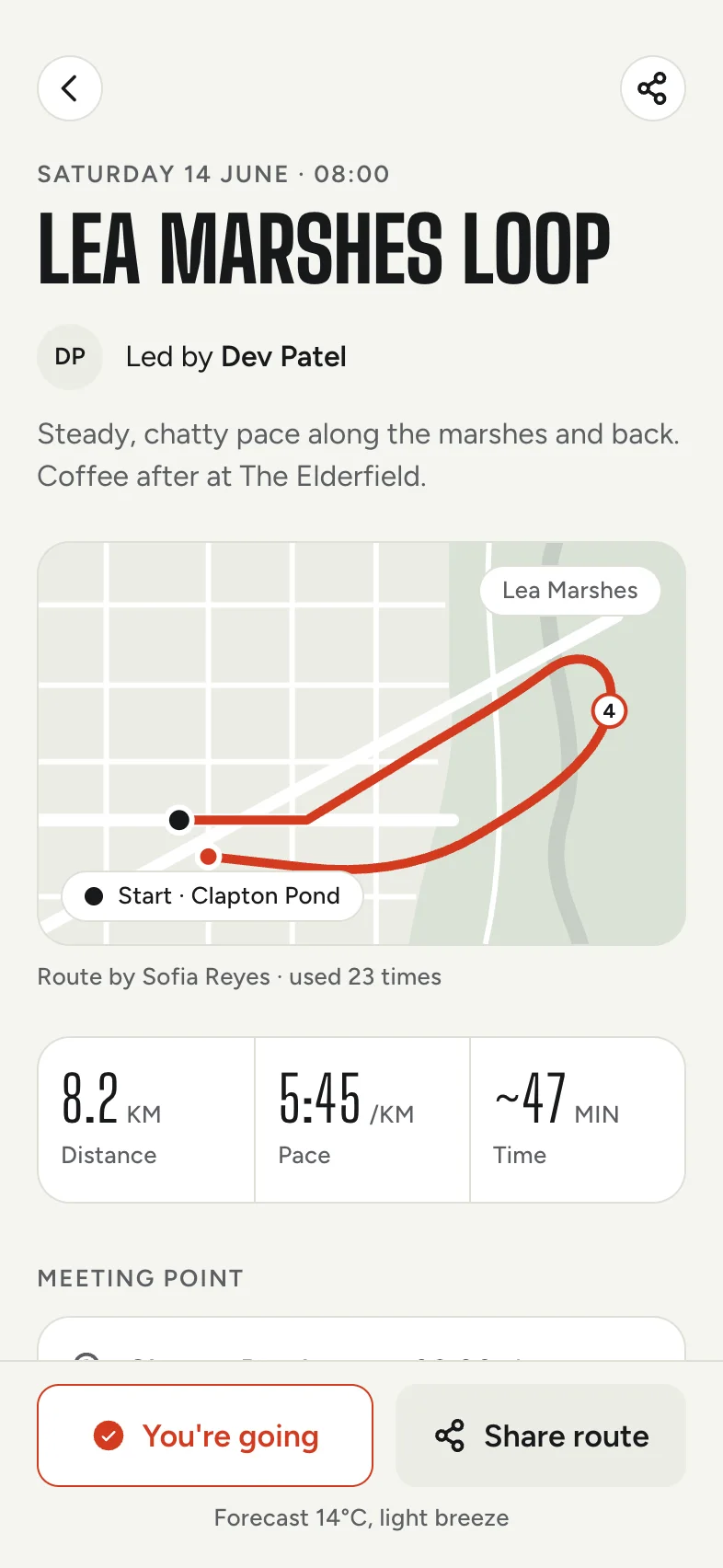
In Tappy every app is a clickable prototype from the start, because screens are linked as they're designed. Press Play to tap through it. You can also try the running club app at the top of our homepage: it's a live prototype, not a video.

What to test
Stick to the questions that decide whether the app works at all:
- First impression. Show the home screen for five seconds, then ask what the app is for.
- The main job. Can someone do the one thing your app exists for, without help?
- The words. Do your labels mean what you think they mean? Watch for anyone tapping the wrong tab.
How to run a session
- Find five people who could plausibly use the app. Friends are fine if they fit the audience.
- Give a task, not a tour. “You want to join Saturday's long run. Show me how.” Not “this is the home screen, and here's the leaderboard”.
- Ask them to think out loud, then stay quiet. The urge to help is strong. Resist it.
- Write down every hesitation: where they paused, what they tapped by mistake, what they said.
- Ask one question at the end: “What would you change?” Take the answer with a pinch of salt, and trust what you watched more.
Sessions work remotely too. Send the link, share screens on a call, and watch.
Collect feedback where it happens
When you can't watch in person, ask testers to point at the problem. Tappy's share links open the prototype on any phone or computer with no account needed, and testers can draw a box, a circle or a freehand note right on the screen. Each comment sits on the exact spot it's about, and you can fix it with Claude from there.

Type a sentence. Tap your app.
Every screen designed, linked and ready to test.
Free to start. No card needed.
What to do with what you learn
You'll get more feedback than you can use. Sort it by how many people hit the same wall, and fix the biggest problem first. Then test again with new people, because the second round finds the thing the first problem was hiding.
Small changes are quick: a label, an order, a size. Before a bigger rethink, compare a few versions side by side. Tappy can make three variations of any screen for exactly that.
When to stop testing and start building
Stop when a new person can do the main job without help, and the comments are about details rather than confusion. Then take the design with you: an Expo project in React Native to run on your phone, editable layers in Figma, or store-sized screenshots for your App Store listing.
Got an idea you want to test? Describe it in the box on this page. Your first 450 credits are free.