Templates · Media
Podcast player app template
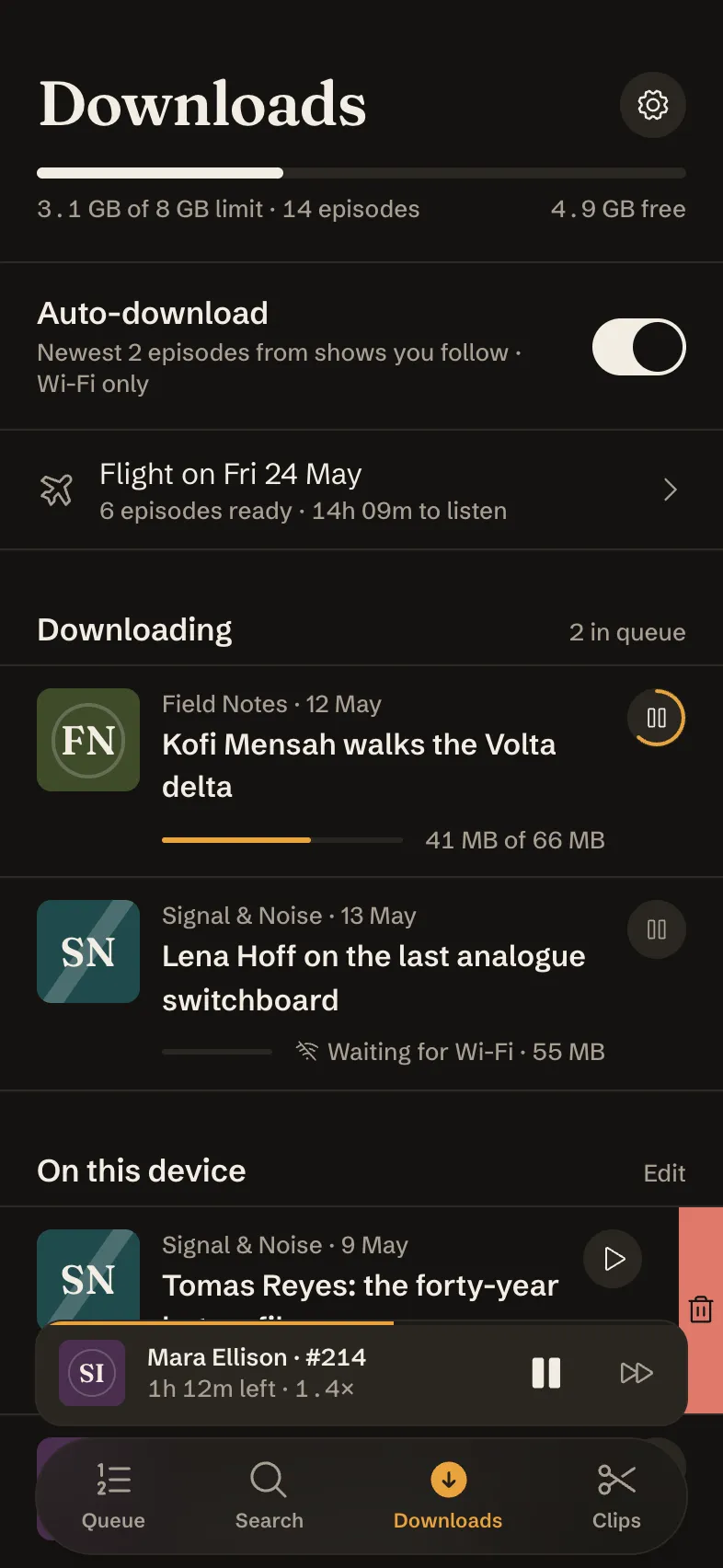
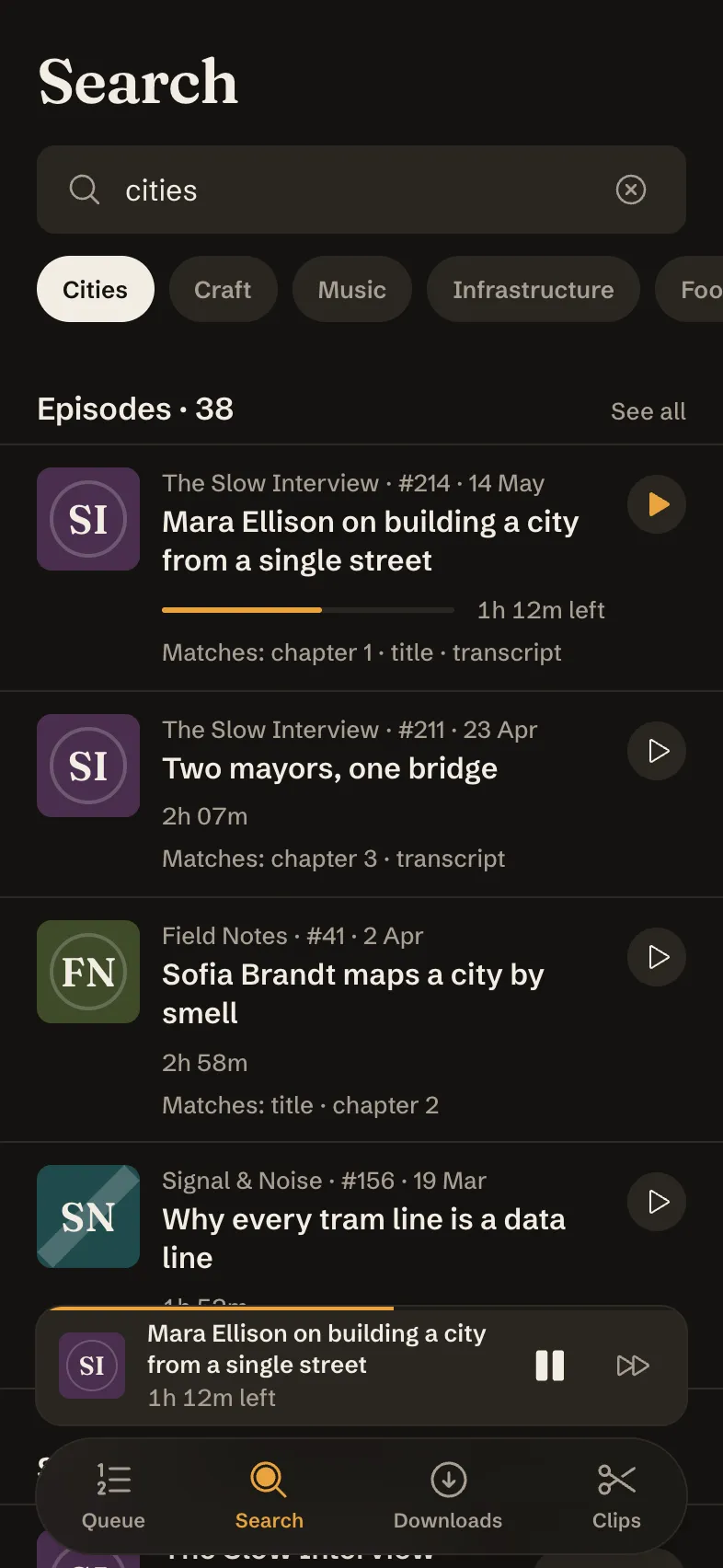
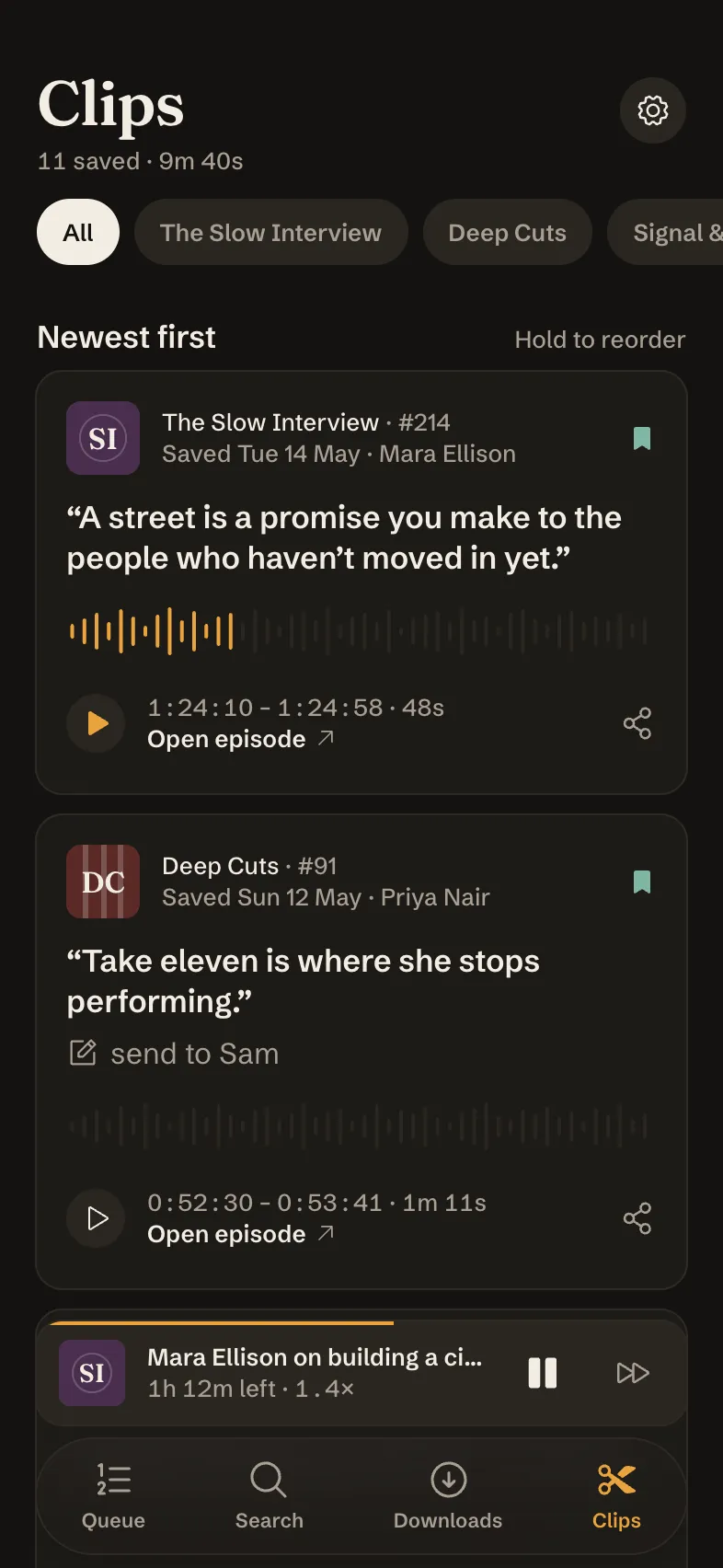
Longplay: For conversations that go long. 6 screens designed by Tappy, ready to open as your own app and change with a sentence.
Free to open. No card needed.
Every screen
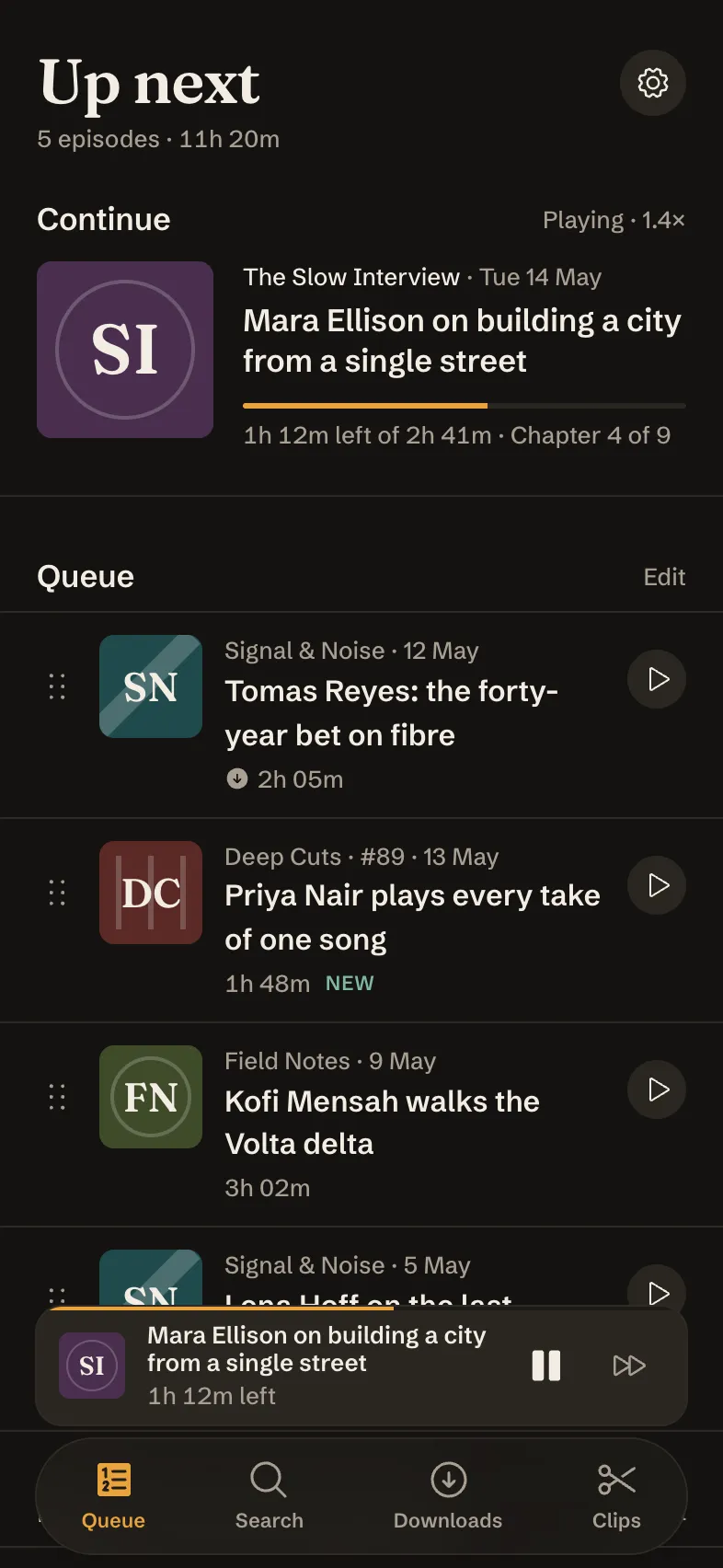
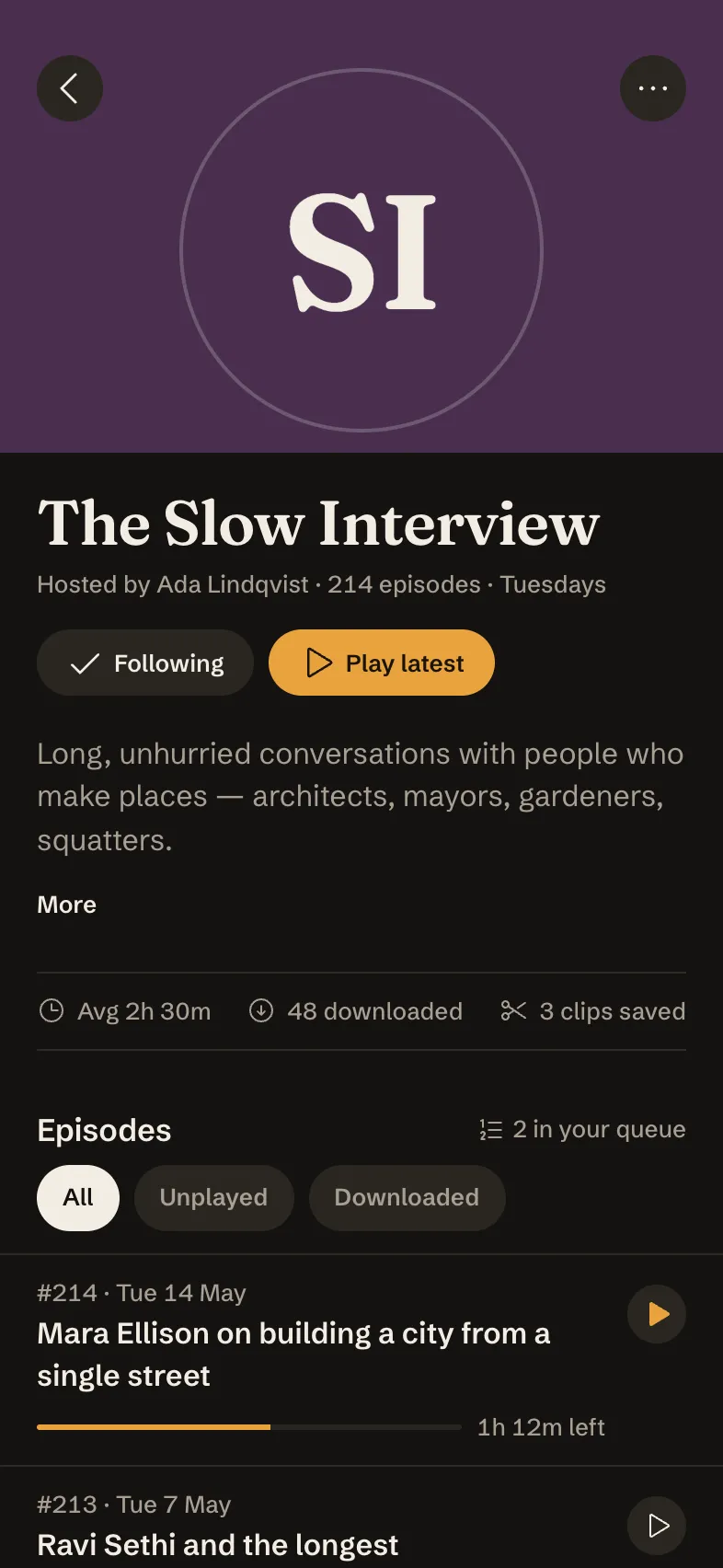
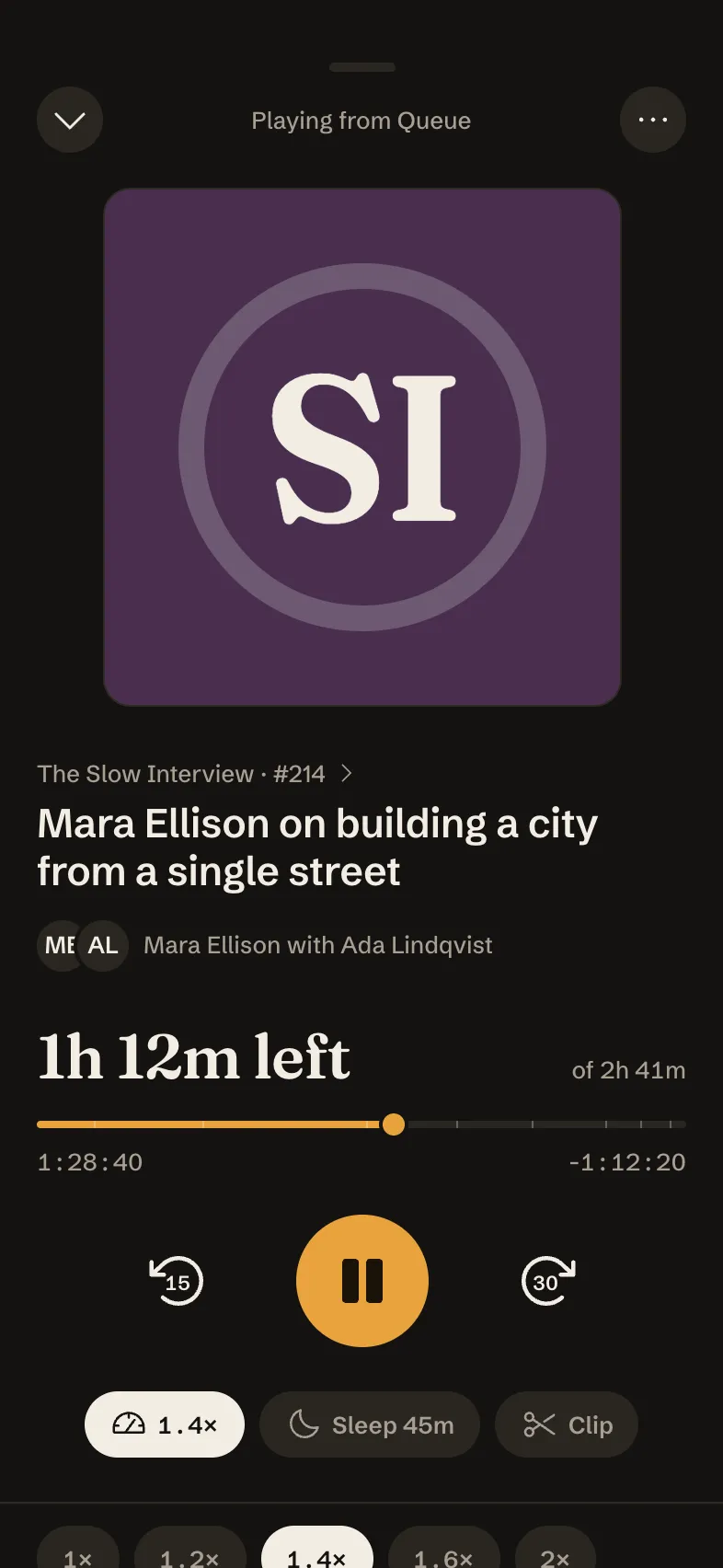
Shown exactly as Tappy designed them. Your copy starts from these.

The look
Background
#141210
Surface
#1D1A17
Text
#F3EDE4
Muted
#A89F93
Main
#E8A33D
Accent
#7FB7A4
Fraunces for headings, Schibsted Grotesk for text, in dark mode.
The brief it came from
“A podcast player for people who love long interviews: a home queue of what to play next, a show's page, the now-playing screen with chapters and playback speed, downloads for the plane, search by topic, and short clips saved from episodes. Draw every image, including show artwork, with shapes, type and icons: no photos, and initials instead of faces.”
Tappy planned and designed Longplay from that one brief, at the Atelier level with design review on. The art direction it set itself, in short:
Longplay is a late-night listening room for people who put on a three-hour interview and stay for all of it: calm, dark, typographic, with the restraint of Apple Podcasts and the quiet confidence of a good record sleeve. Hero material is the episode itself — its drawn artwork tile, its guest, and its duration/progress — and every screen gives the most space to one episode or one show, with artwork tiles built only from a flat colour field, the show's two-letter monogram set in Fraunces, and one simple geometric motif (a ring, a diagonal band, three vertical bars); people are always initials in a circle, never faces.
Make it yours
Change words and photos
Double-click any text or photo on a screen to change it. It's free and takes no AI.
Restyle it
Swap colours and fonts in the Style panel, and every screen updates at once. Also free.
Ask for changes
Describe what you want in a sentence, for one screen or all of them, or add screens. This uses credits.
Take it further
Tap through it as a prototype, share a link for comments, or export to Figma, React Native or App Store images.
Questions
Is it free?
Yes. Opening a template takes a free account, and your copy costs nothing. Editing text, photos, colours and fonts is free too. Asking Tappy to redesign or add screens uses credits, like any app you make.
Is my copy mine to change?
Yes. It's saved in your apps like anything you design, and changing it never changes the Longplay template.
What's in it?
6 screens: Queue, Show page, Now playing, Downloads, Search, Clips. They share one style, and the tab bar and buttons link the screens so you can tap through them.
Can I start from my own idea instead?
Yes. Describe your app in a sentence and Tappy designs it from scratch in its own style. You can also start from this template's brief and get a new design.