Templates · Lifestyle
Stargazing guide app template
Darkline: Know what's up tonight, and where to see it best. 6 screens designed by Tappy, ready to open as your own app and change with a sentence.
Free to open. No card needed.
Every screen
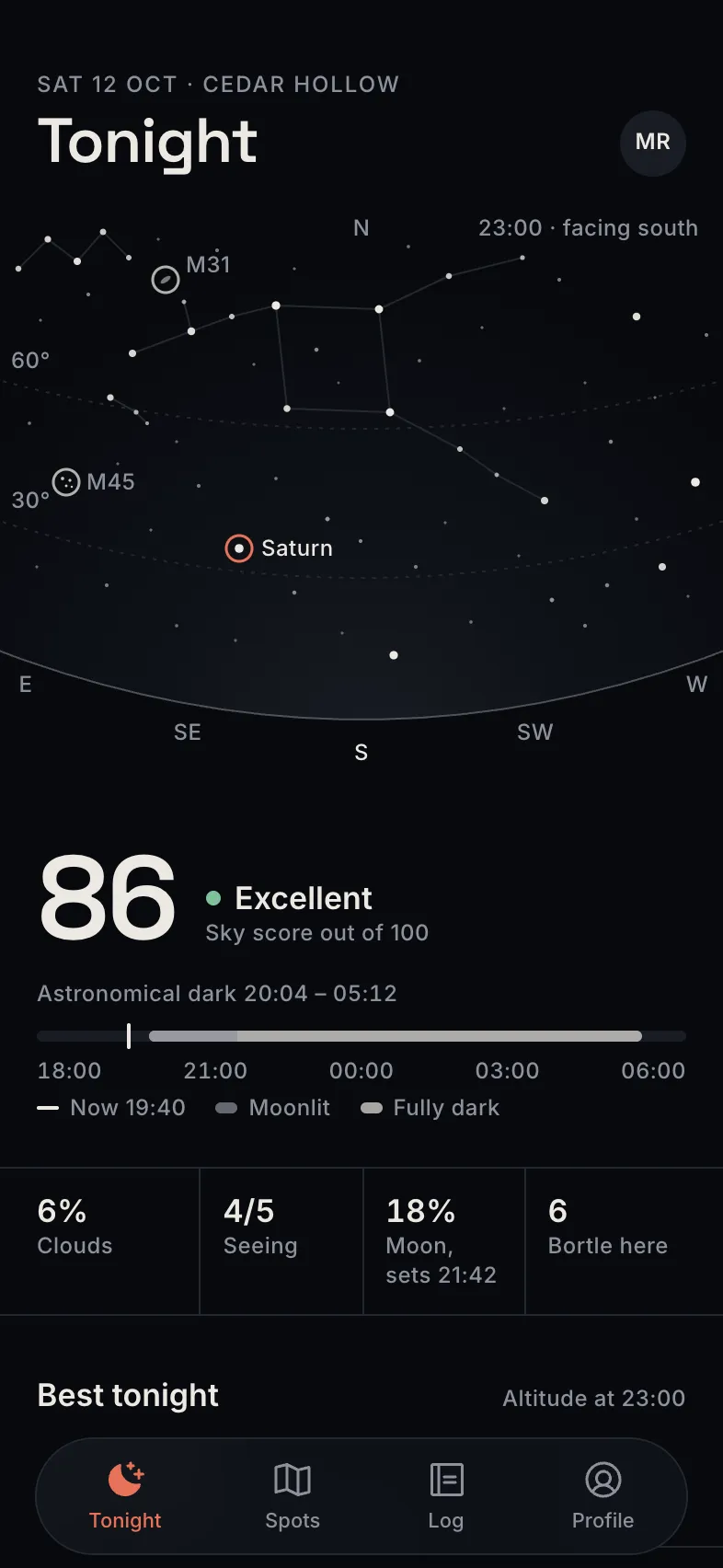
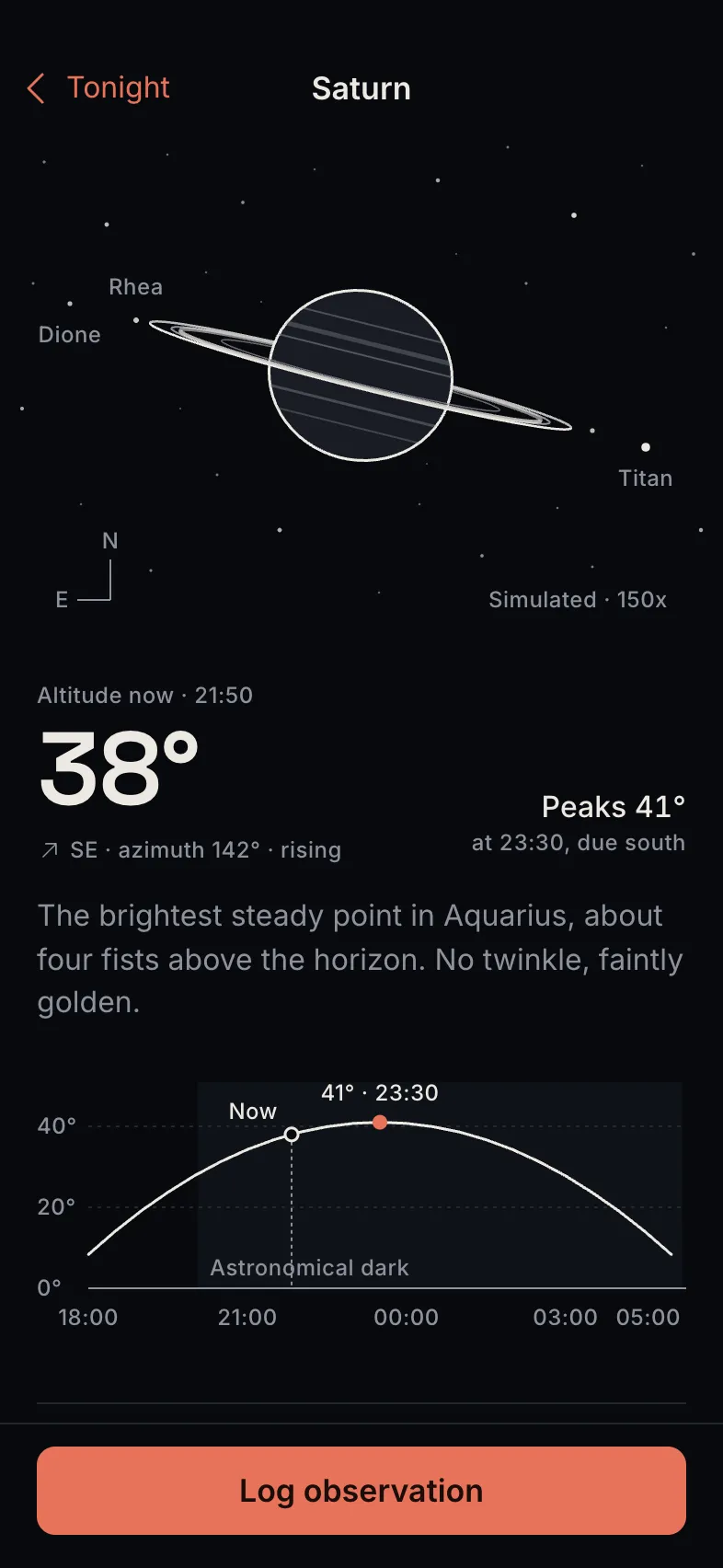
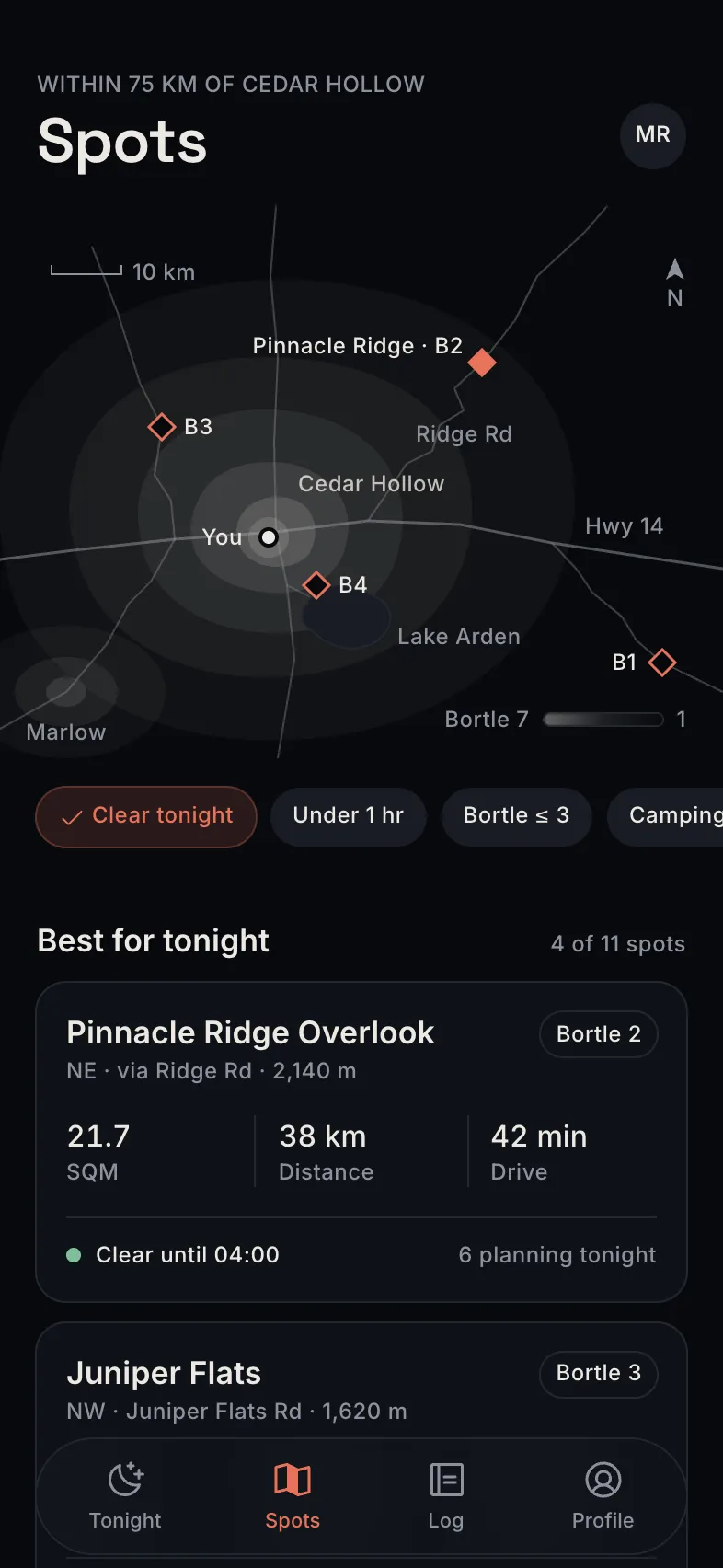
Shown exactly as Tappy designed them. Your copy starts from these.
The look
Background
#07090D
Surface
#0F1218
Text
#ECE8E1
Muted
#8E929C
Main
#E8735A
Accent
#E9D59A
Space Grotesk for headings, Inter for text, in dark mode.
The brief it came from
“A stargazing guide that shows what's visible tonight, the best dark-sky spots nearby, and an observation log. Draw every image with shapes and icons: no photos, and initials instead of faces.”
Tappy planned and designed Darkline from that one brief, at the Studio level with design review on. The art direction it set itself, in short:
Darkline is a quiet field instrument for amateur astronomers who open it outdoors at night, so the whole app is near-black and built to protect night vision. Think of the calm of a planetarium dome and the precision of a printed star atlas.
Make it yours
Change words and photos
Double-click any text or photo on a screen to change it. It's free and takes no AI.
Restyle it
Swap colours and fonts in the Style panel, and every screen updates at once. Also free.
Ask for changes
Describe what you want in a sentence, for one screen or all of them, or add screens. This uses credits.
Take it further
Tap through it as a prototype, share a link for comments, or export to Figma, React Native or App Store images.
Questions
Is it free?
Yes. Opening a template takes a free account, and your copy costs nothing. Editing text, photos, colours and fonts is free too. Asking Tappy to redesign or add screens uses credits, like any app you make.
Is my copy mine to change?
Yes. It's saved in your apps like anything you design, and changing it never changes the Darkline template.
What's in it?
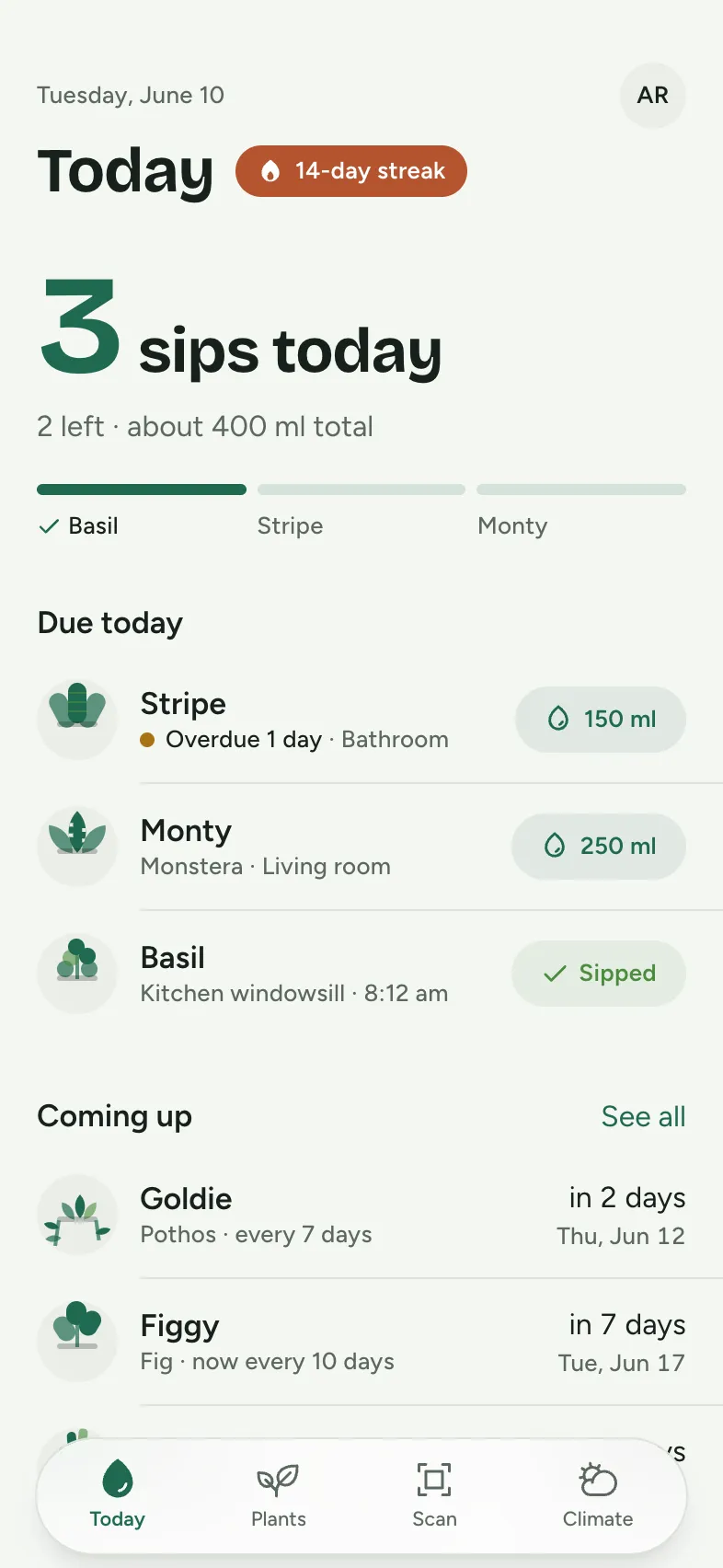
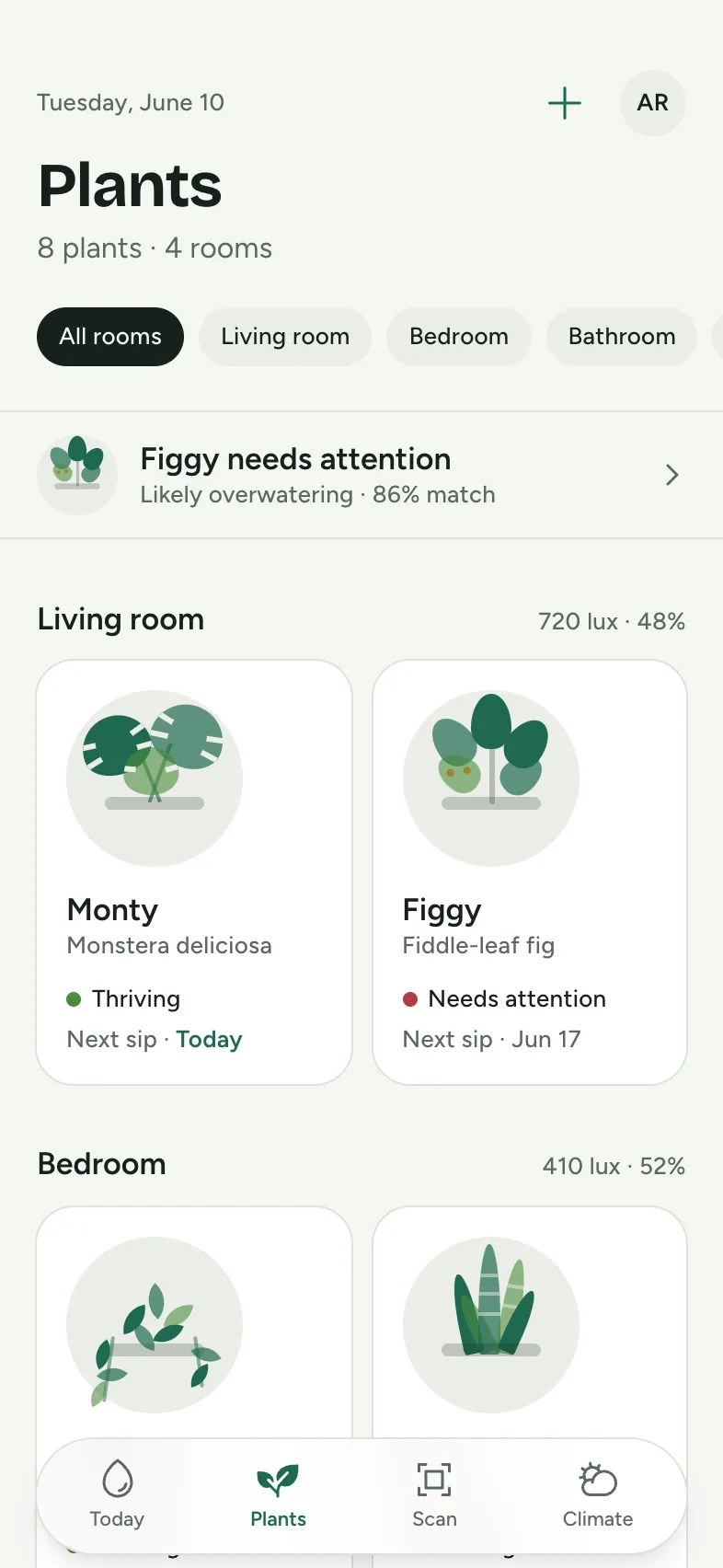
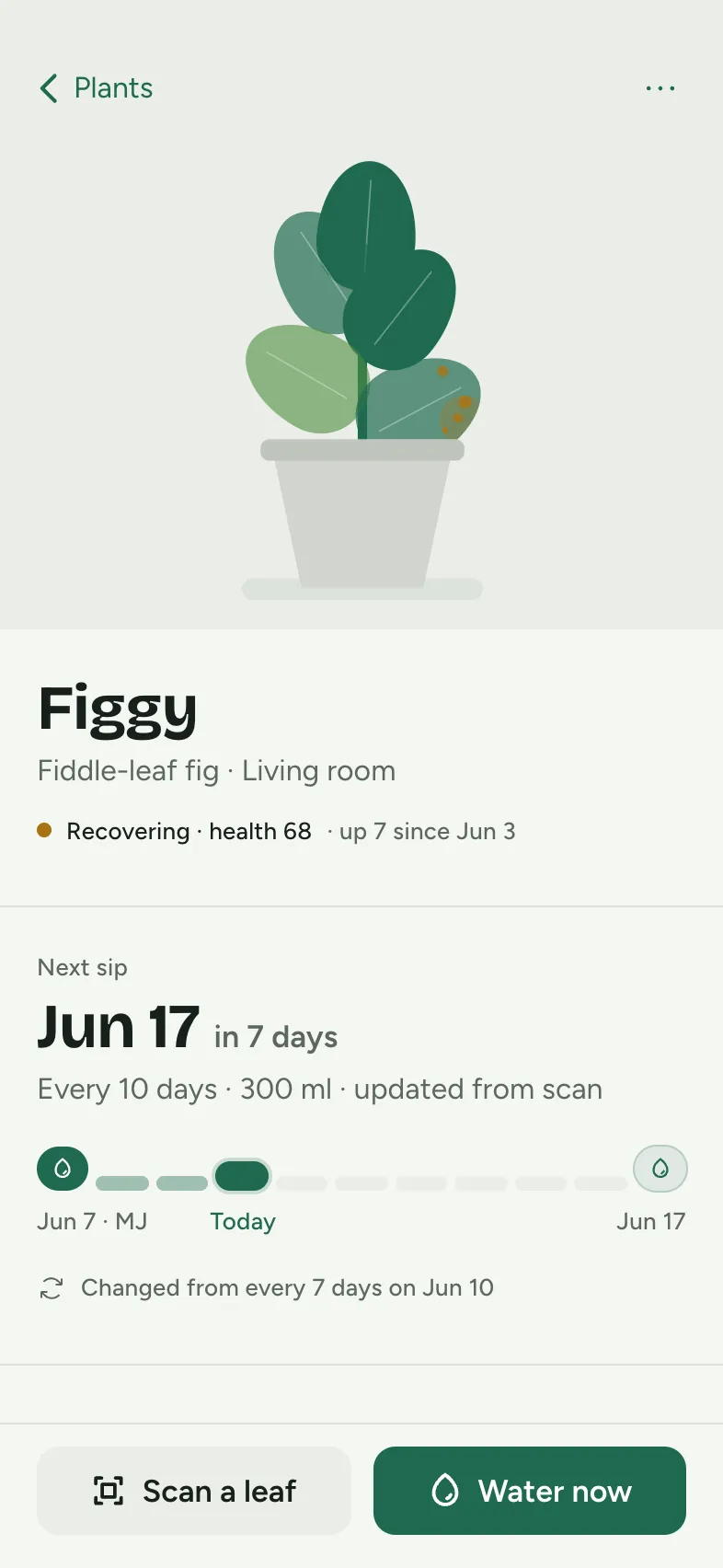
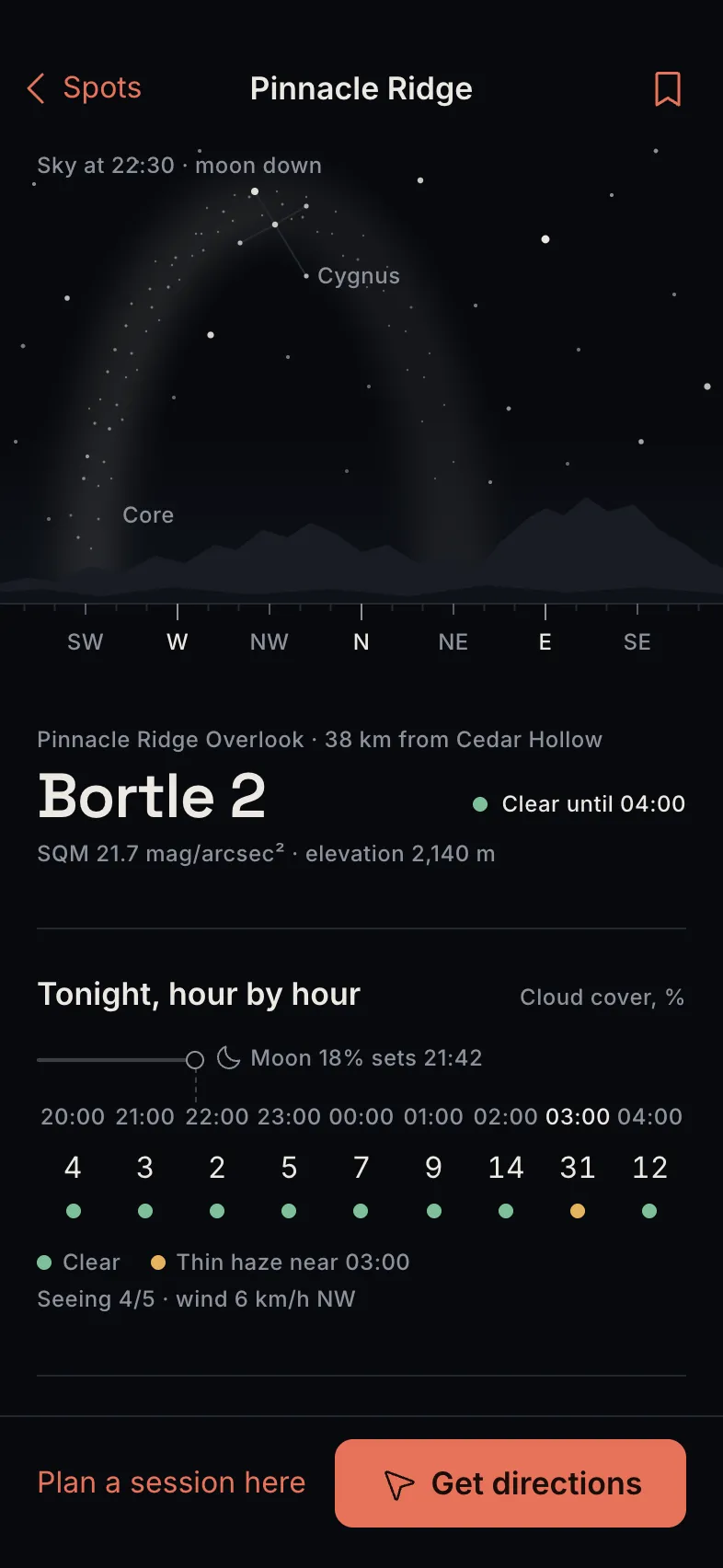
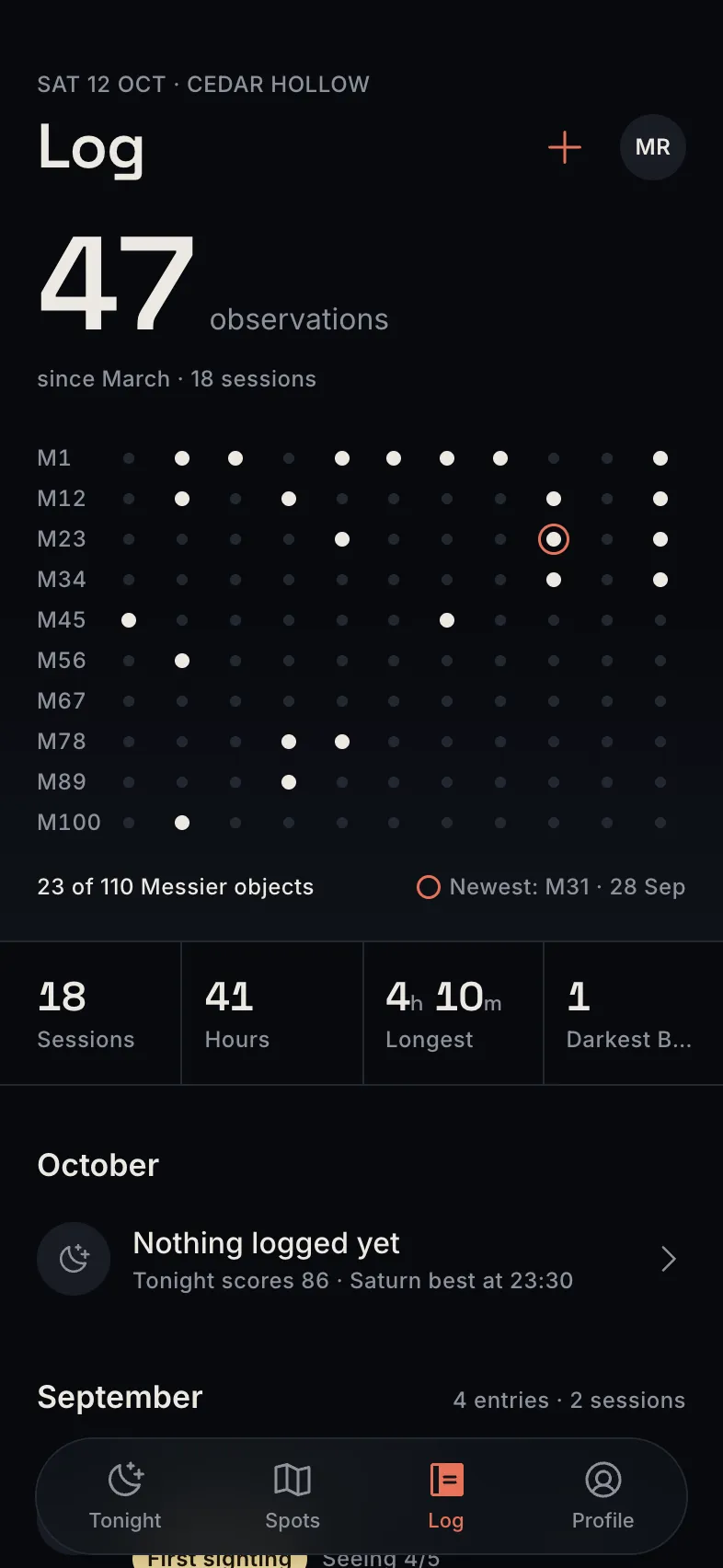
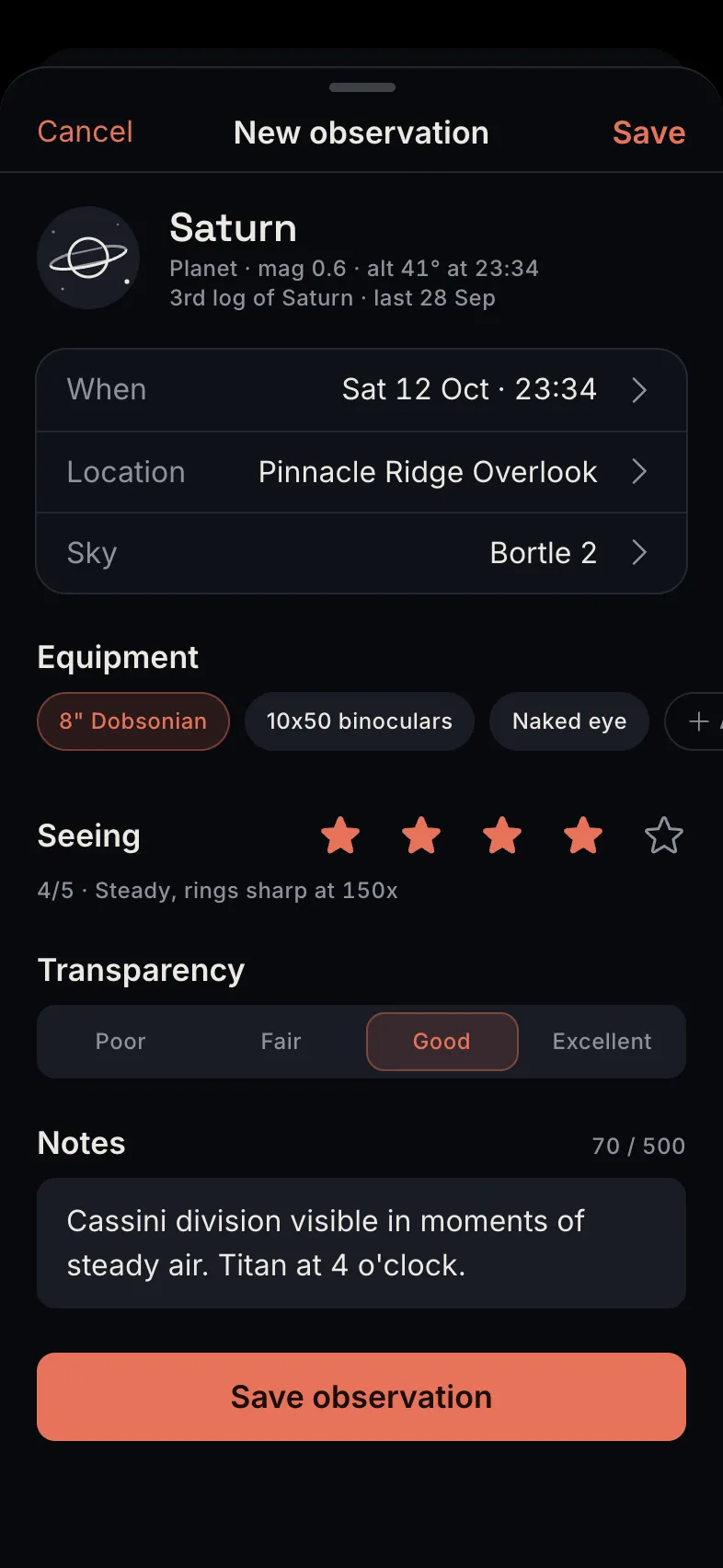
6 screens: Tonight, Object detail, Dark-sky spots, Spot detail, Observation log, New observation. They share one style, and the tab bar and buttons link the screens so you can tap through them.
Can I start from my own idea instead?
Yes. Describe your app in a sentence and Tappy designs it from scratch in its own style. You can also start from this template's brief and get a new design.