Templates · Productivity
Habit tracker app template
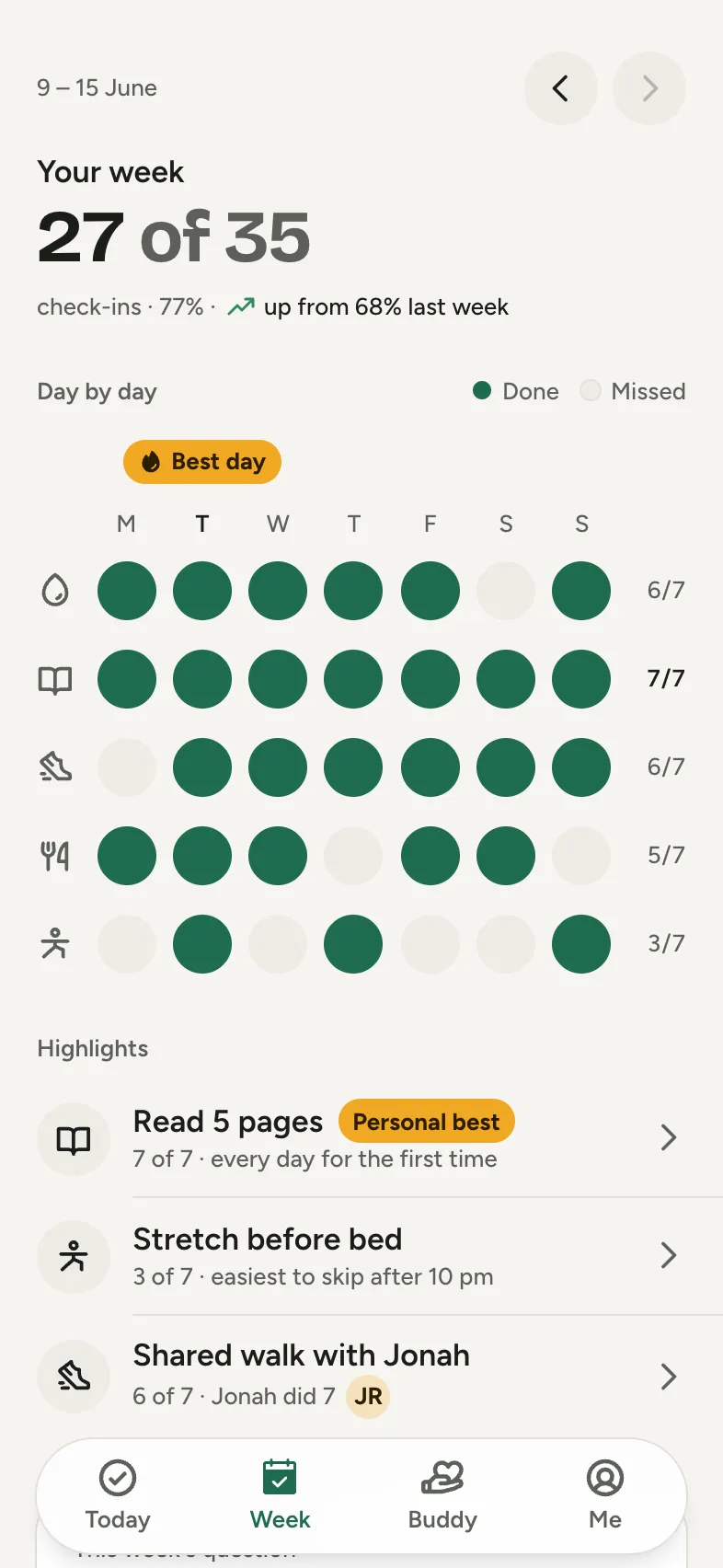
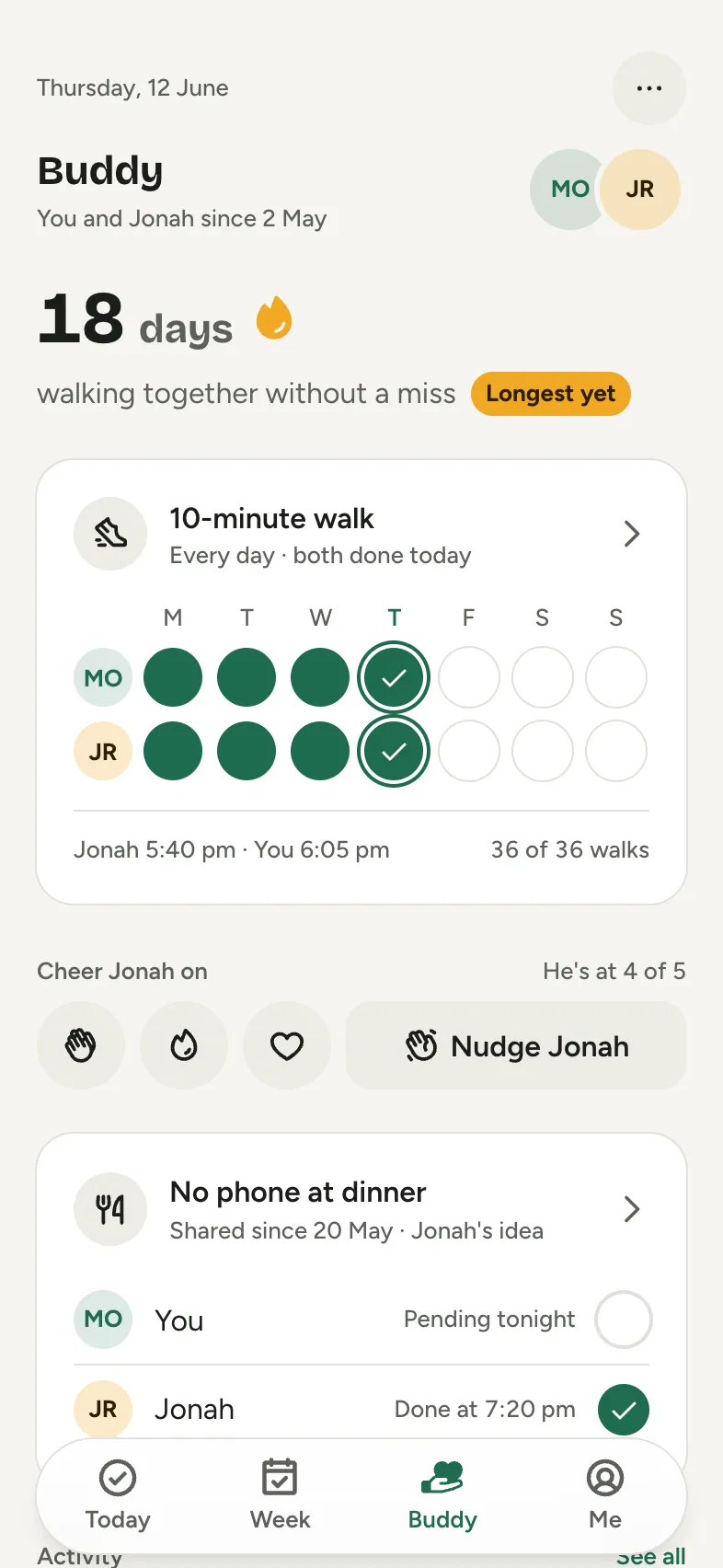
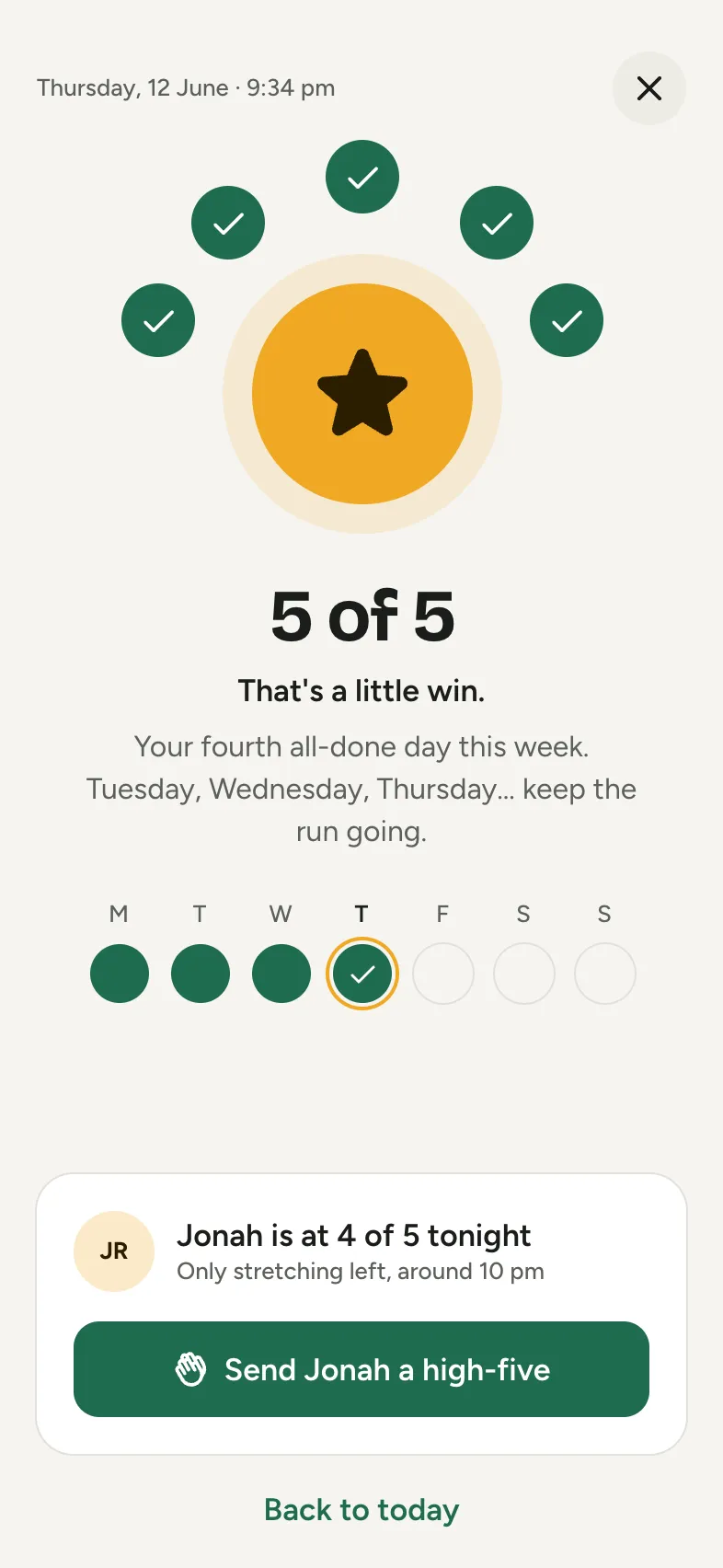
Little Wins: Small habits, checked off daily, with one friend cheering you on. 6 screens designed by Tappy, ready to open as your own app and change with a sentence.
Free to open. No card needed.
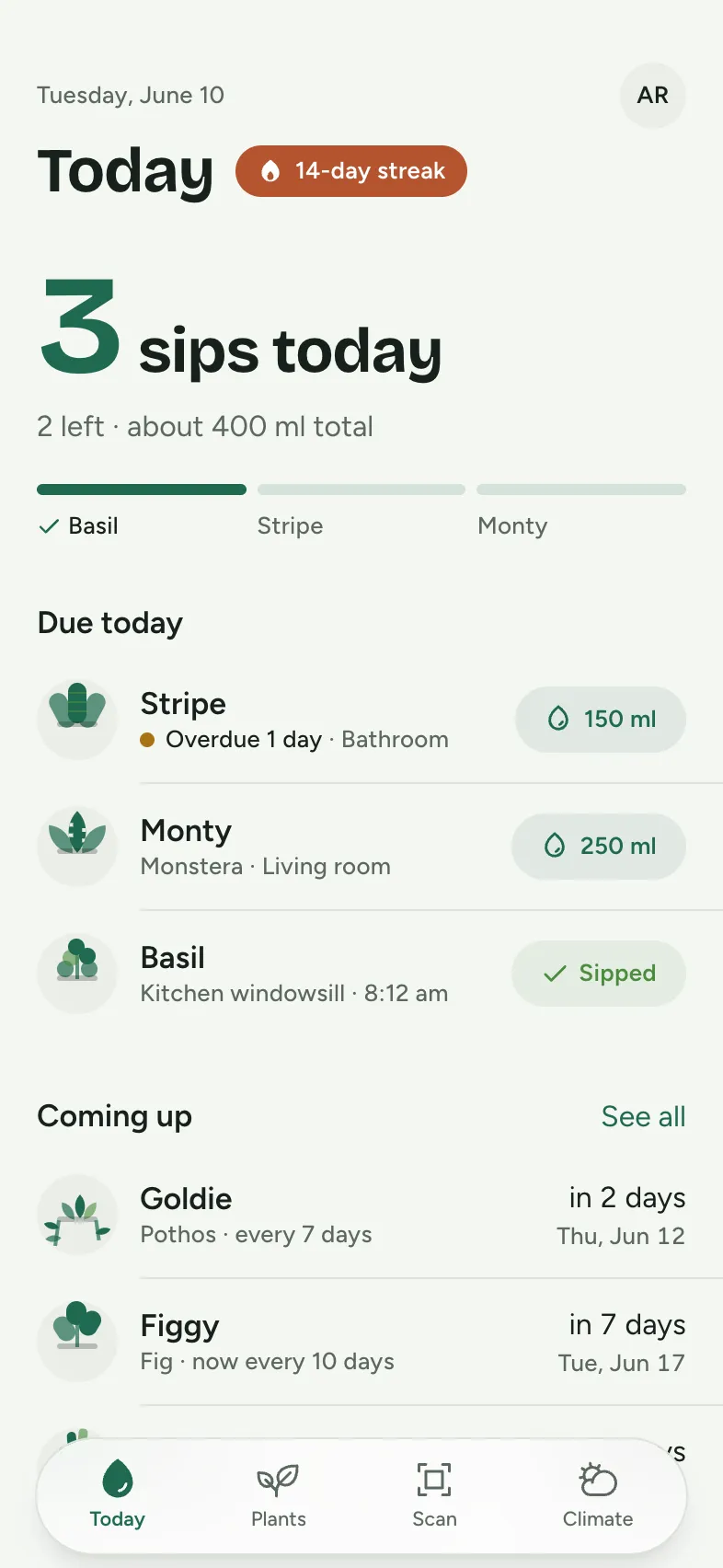
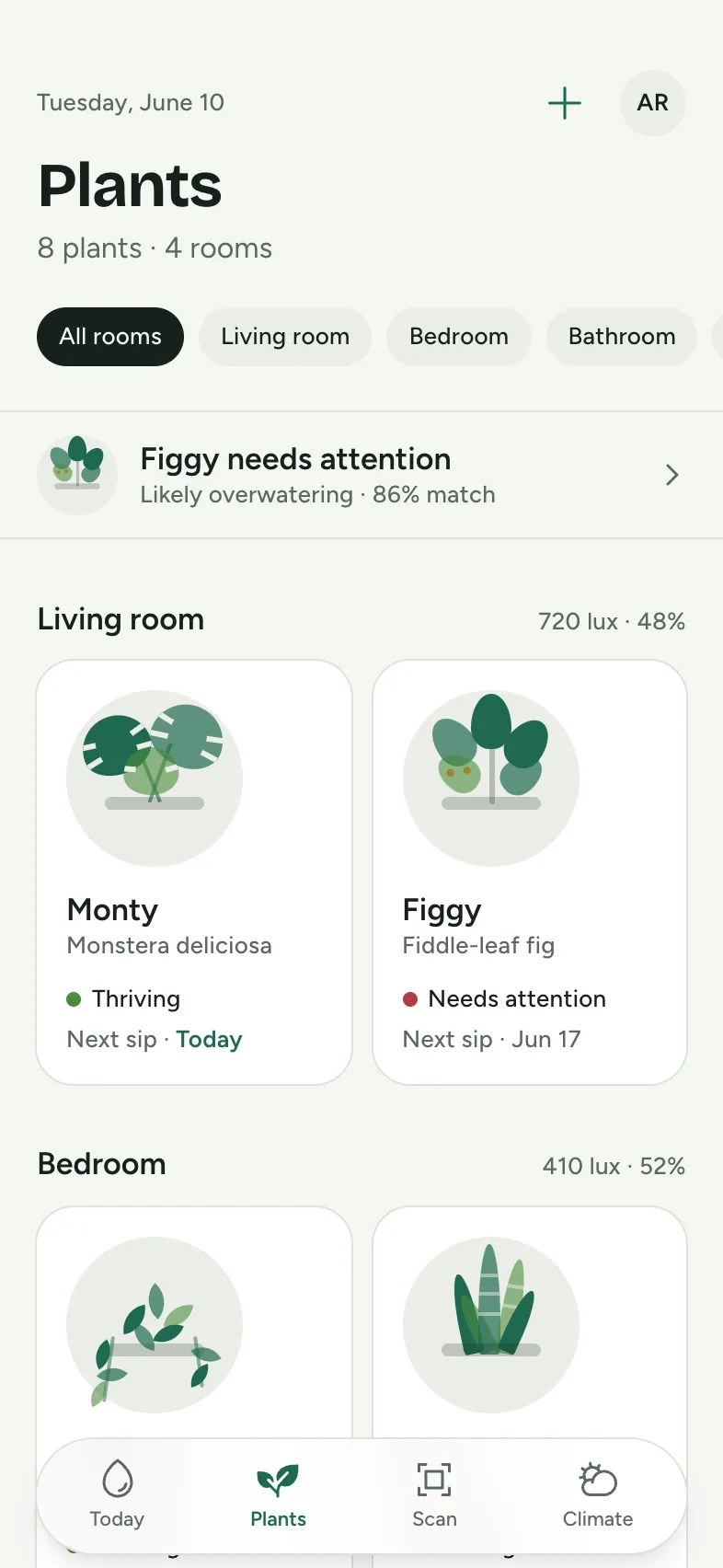
Every screen
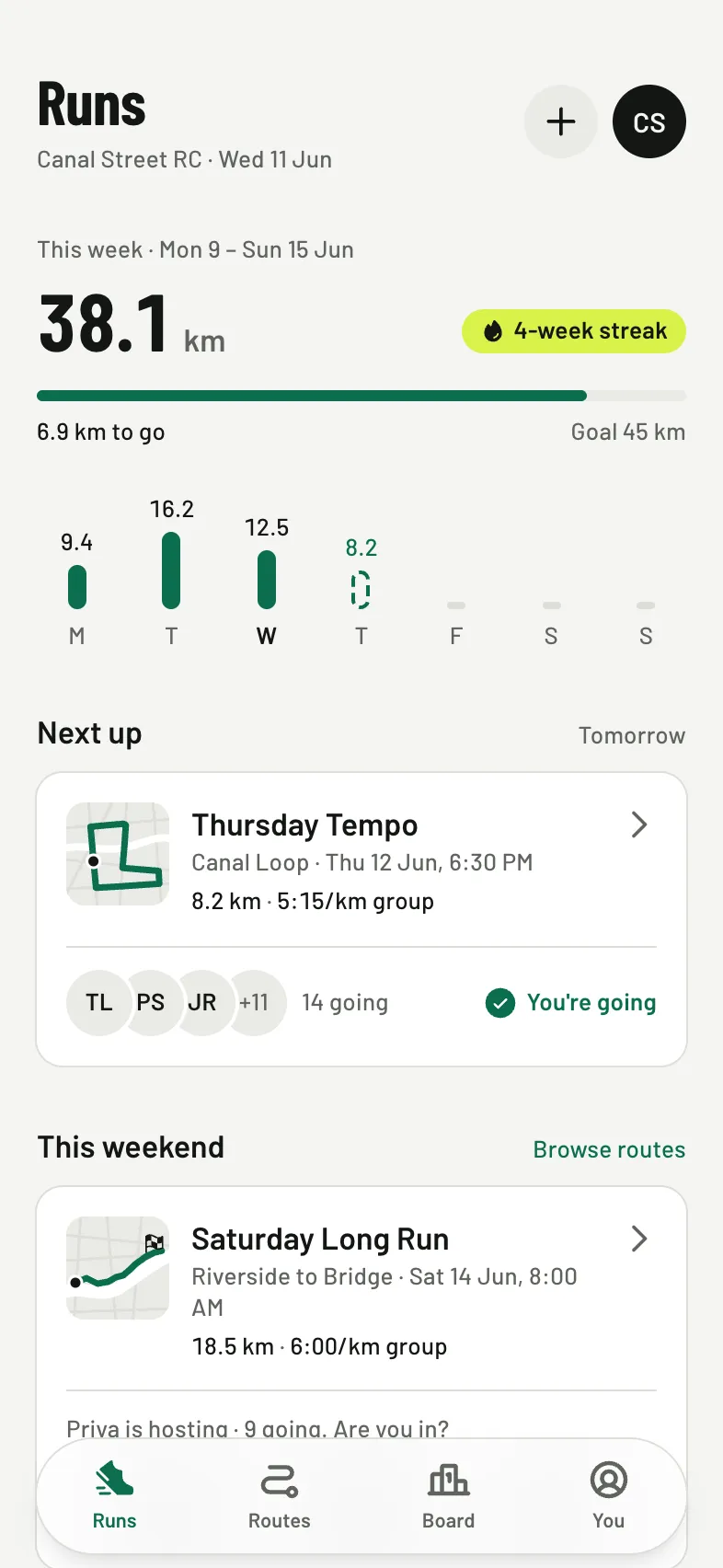
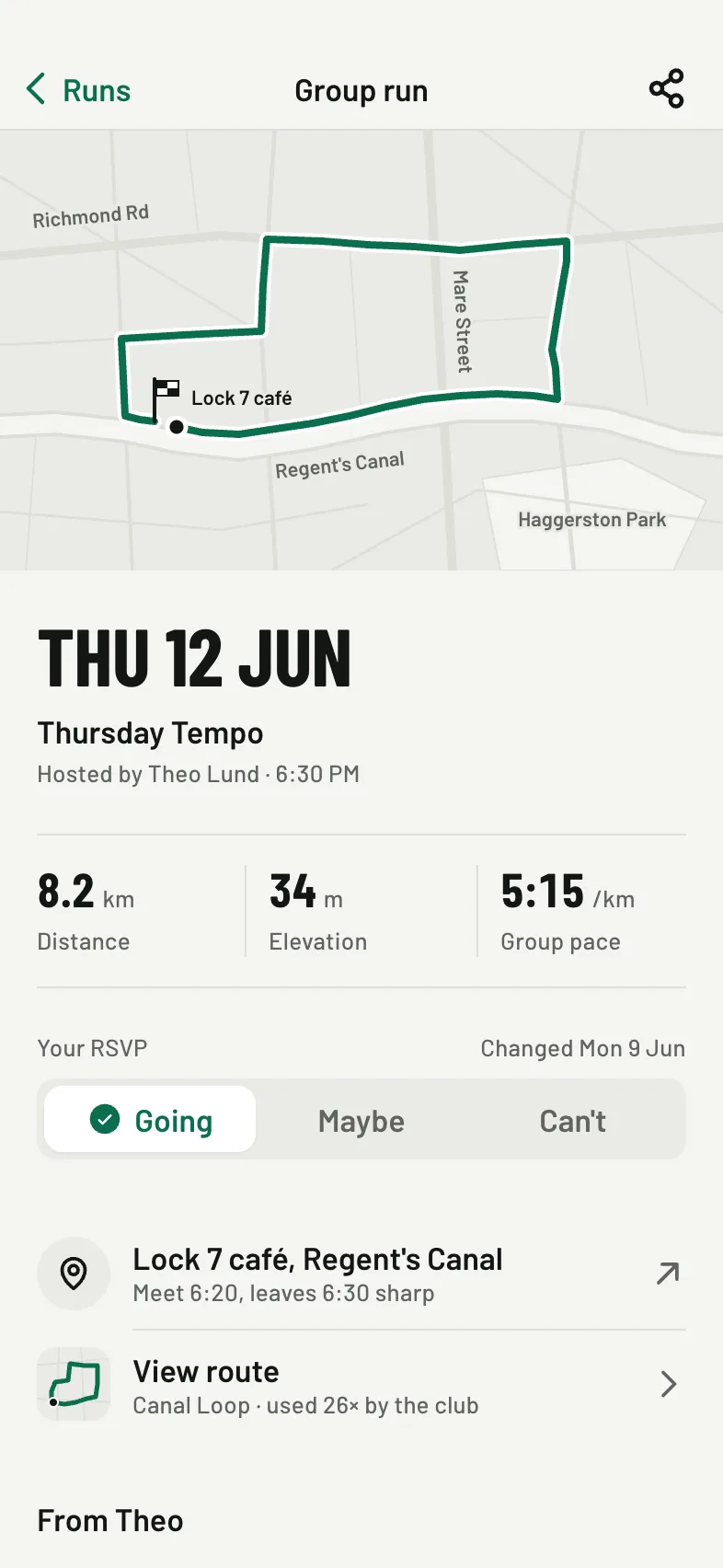
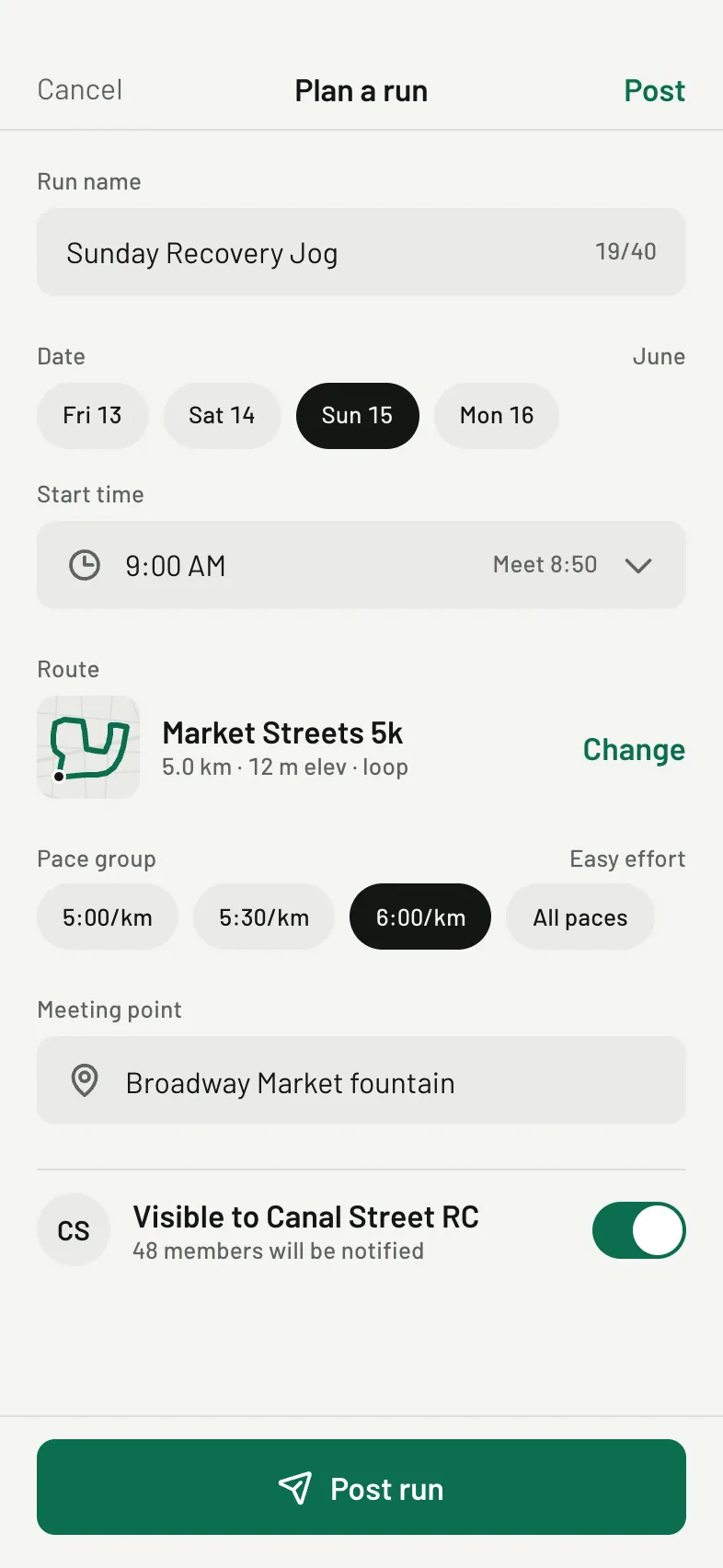
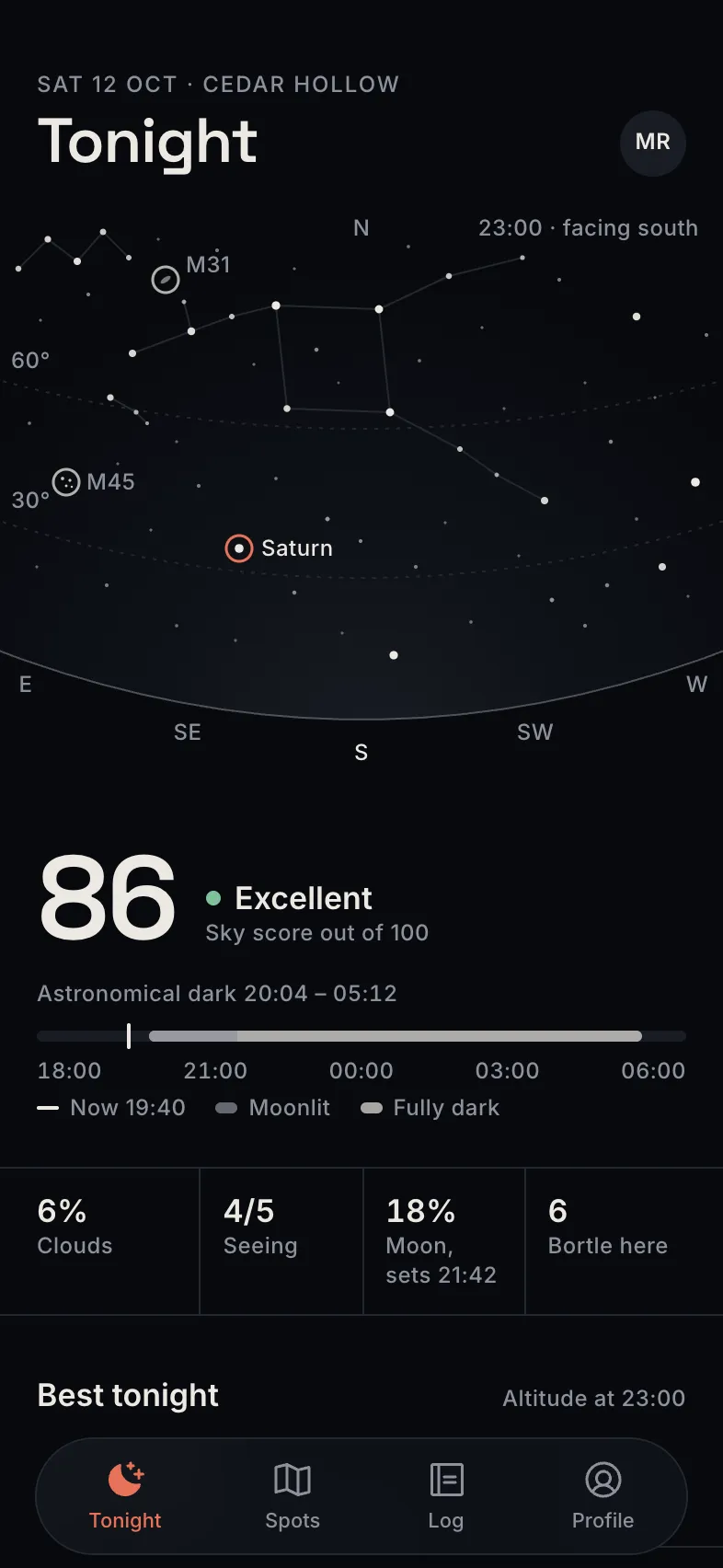
Shown exactly as Tappy designed them. Your copy starts from these.

The look
Background
#F6F5F1
Surface
#FFFFFF
Text
#1B1D1A
Muted
#5C6059
Main
#1F6B4F
Accent
#F0A824
Bricolage Grotesque for headings, Figtree for text, in light mode.
The brief it came from
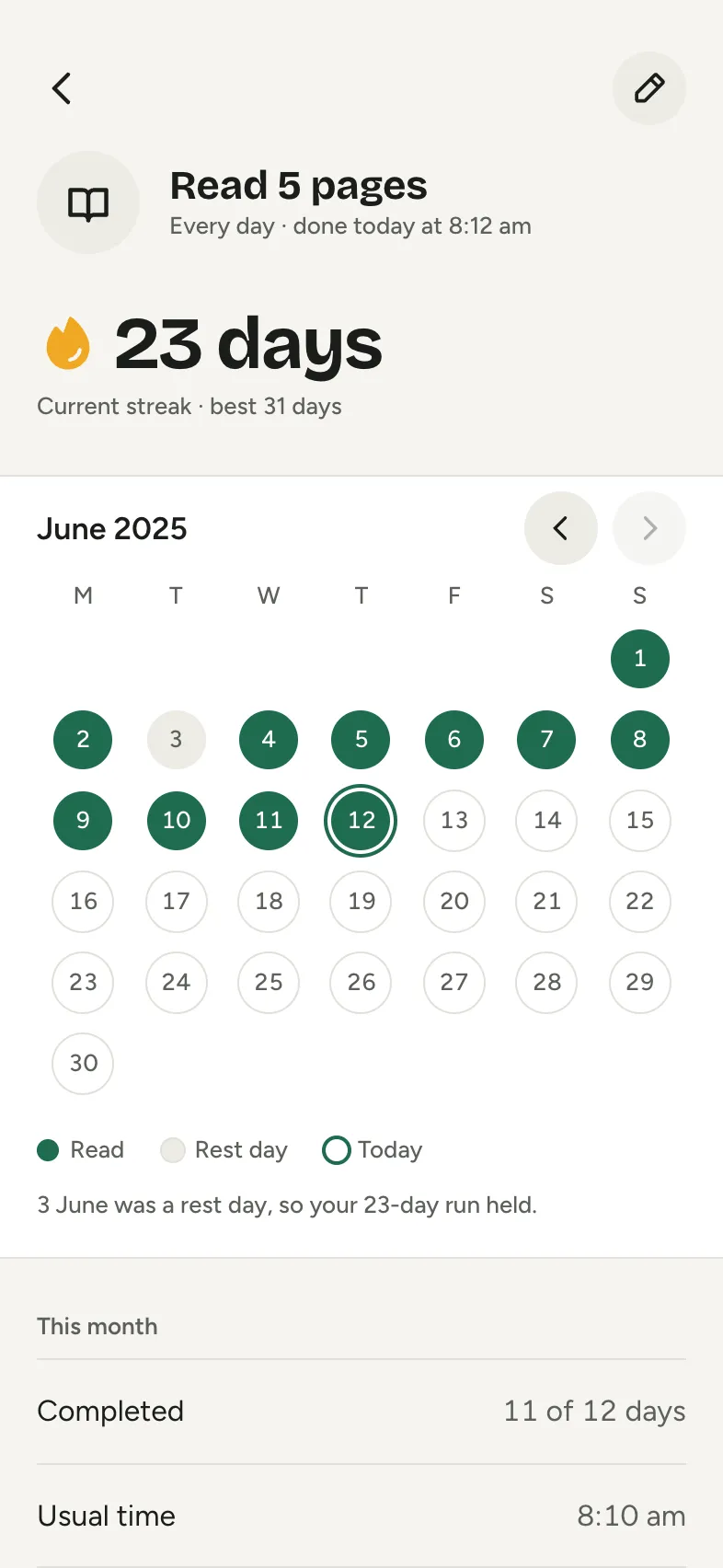
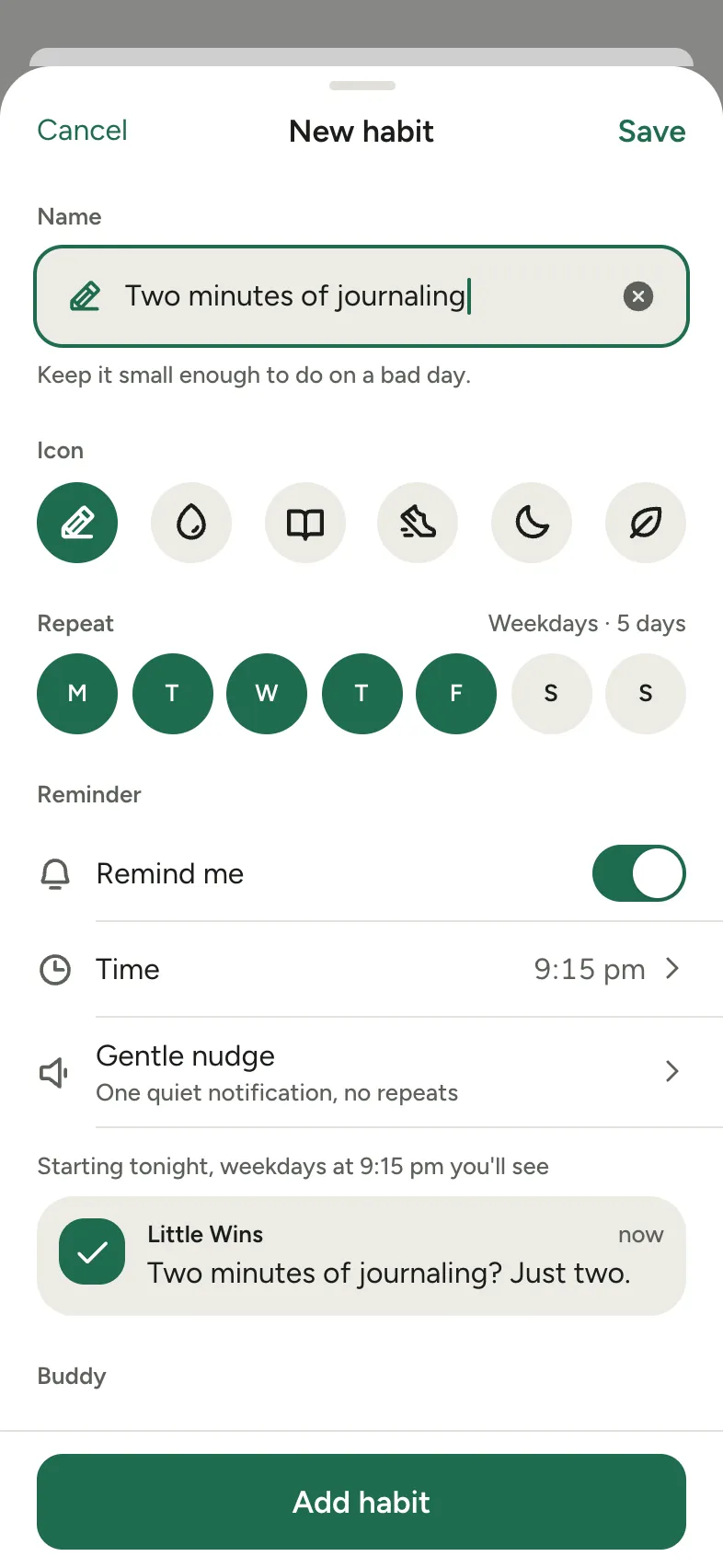
“A habit tracker built around small daily wins: today's habits as a checklist, streaks drawn as a calendar, adding a habit with a gentle reminder, a weekly reflection, and habits shared with one friend for accountability. Draw every image with shapes and icons: no photos, and initials instead of faces.”
Tappy planned and designed Little Wins from that one brief, at the Studio level with design review on. The art direction it set itself, in short:
Calm, warm and quietly encouraging, for adults building a few gentle routines rather than grinding for streaks. The hero material is the check dot: big round tick targets on Today and filled dots in the streak calendar.
Make it yours
Change words and photos
Double-click any text or photo on a screen to change it. It's free and takes no AI.
Restyle it
Swap colours and fonts in the Style panel, and every screen updates at once. Also free.
Ask for changes
Describe what you want in a sentence, for one screen or all of them, or add screens. This uses credits.
Take it further
Tap through it as a prototype, share a link for comments, or export to Figma, React Native or App Store images.
Questions
Is it free?
Yes. Opening a template takes a free account, and your copy costs nothing. Editing text, photos, colours and fonts is free too. Asking Tappy to redesign or add screens uses credits, like any app you make.
Is my copy mine to change?
Yes. It's saved in your apps like anything you design, and changing it never changes the Little Wins template.
What's in it?
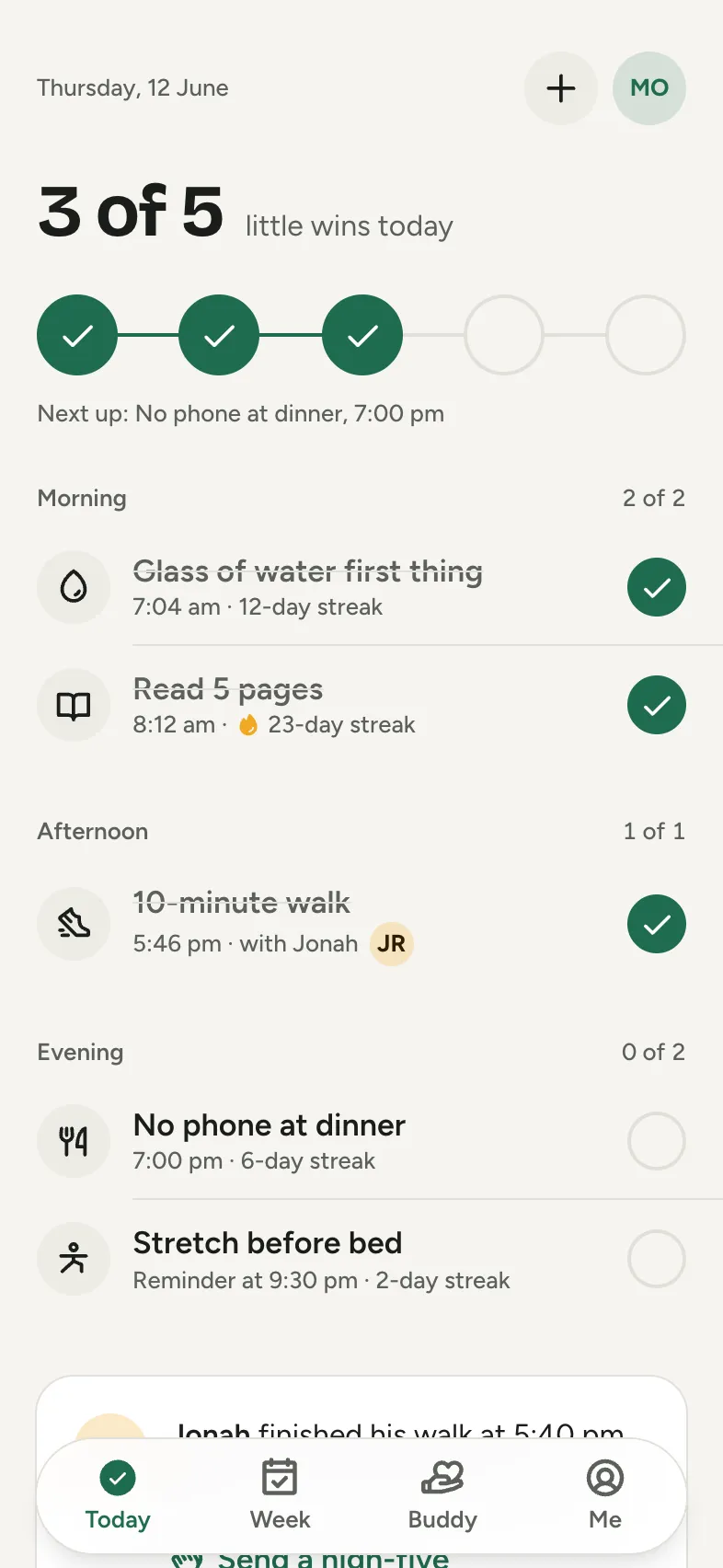
6 screens: Today, Habit detail, New habit, Weekly reflection, Buddy, All done. They share one style, and the tab bar and buttons link the screens so you can tap through them.
Can I start from my own idea instead?
Yes. Describe your app in a sentence and Tappy designs it from scratch in its own style. You can also start from this template's brief and get a new design.