
Tappy vs Uizard
Uizard is a friendly way to mock up product ideas. Tappy goes further for mobile apps, with a built-in design review, Figma layers and a React Native project.
Free to start. No card needed.
The short version.
Where Tappy pulls ahead of Uizard.
Uizard is an AI tool for digital product mockups and prototypes, powered by its Autodesigner engine.
A free plan you can judge it on
Tappy gives you 450 credits on every design level. Uizard's free plan has 3 AI generations a month, on its older engine.
Exports that go further
Take away React Native, Figma layers and one-file HTML prototypes. Uizard lists React and CSS handoff.
A built-in design review
At Tappy's default level, each new screen is checked from a real screenshot, and Tappy fixes what a design lead would flag.
Feature by feature.
Tappy and Uizard, side by side.
“Not listed” means we couldn't find it on Uizard's public pages on 4 November 2026, not that it can't be done.
What it costs.
Checked 4 November 2026.
Uizard's page shows yearly prices. Tappy's are monthly, with no yearly plan yet.
Professional, not vibecoded.
With a design review built in.
AI can get a screen most of the way there, then leave the mistakes a designer would catch in seconds. At Studio level and above, Tappy looks at a real screenshot of each new screen, reviews it like a design lead, and fixes what it finds. These are real catches, not mock-ups.
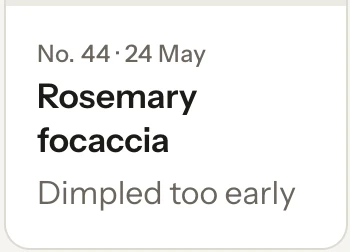
From Tappy's review of Crumb & Crust
“‘Rosemary focaccia’ was cut off as ‘Rosemary foca…’ in the narrow card. Card titles now wrap to a second line instead of truncating.”

Tappy's design rules also rule out the habits that give AI designs away:
- Gradient text
- Purple-to-blue gradients
- Neon glows
- Sparkle icons and “AI-powered” badges
- Emoji used as icons
- Decorative blobs
- Charts with no labels
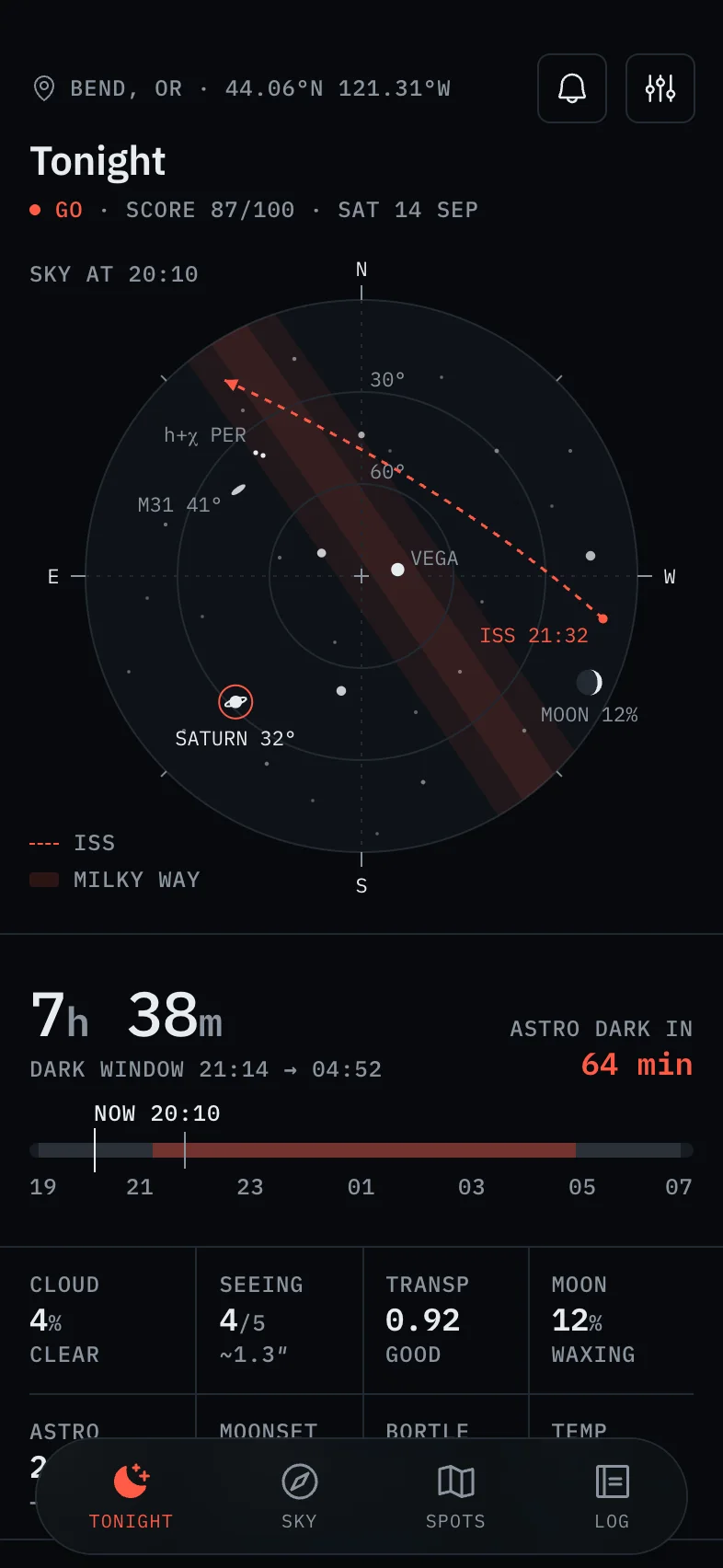
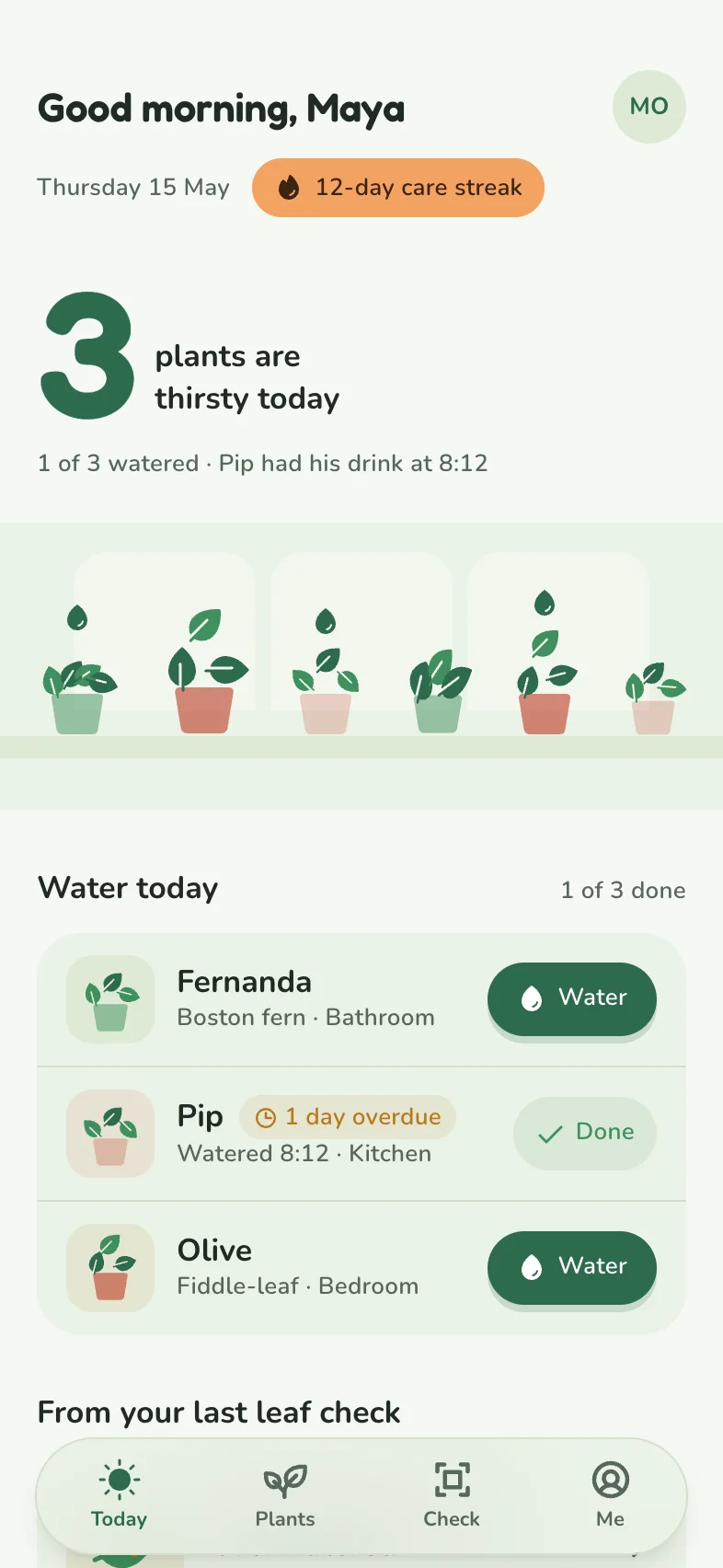
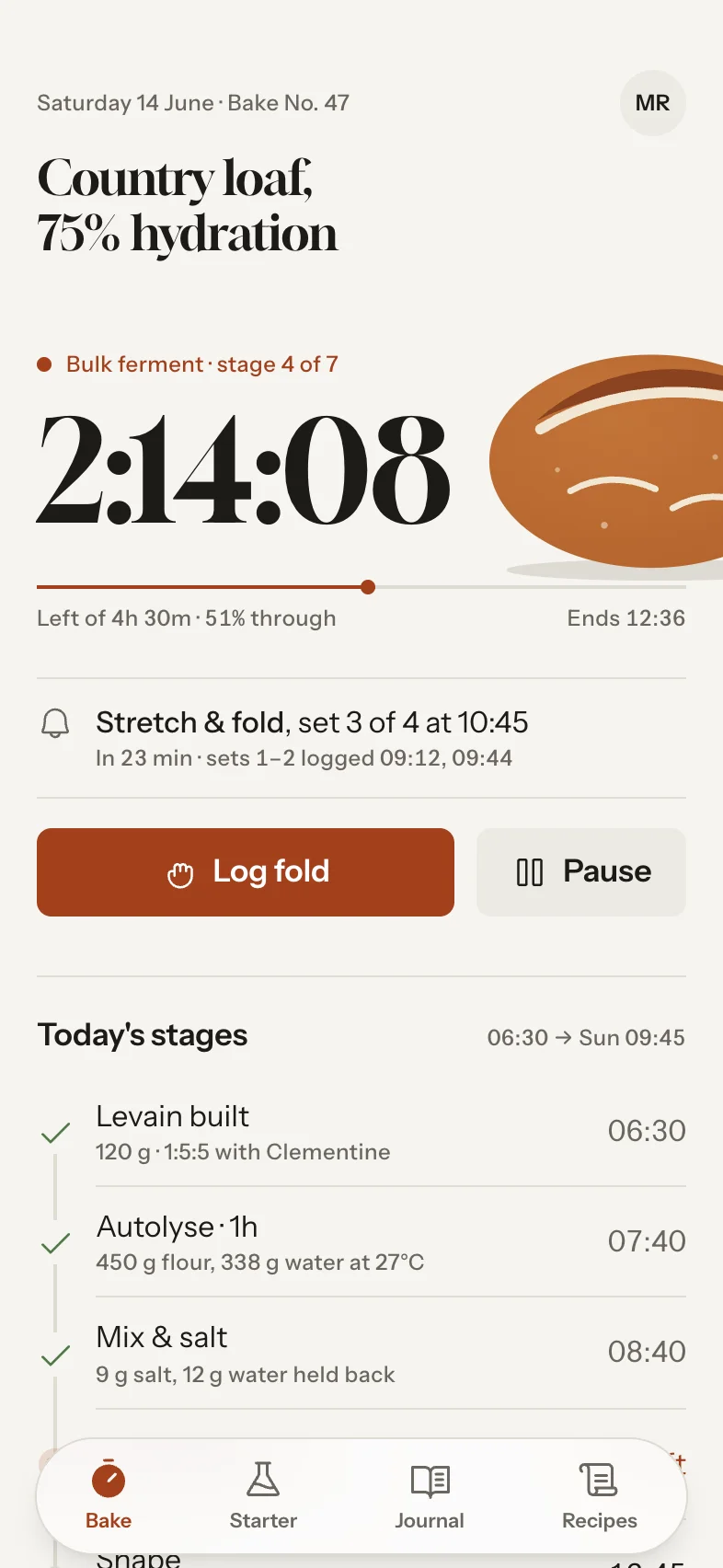
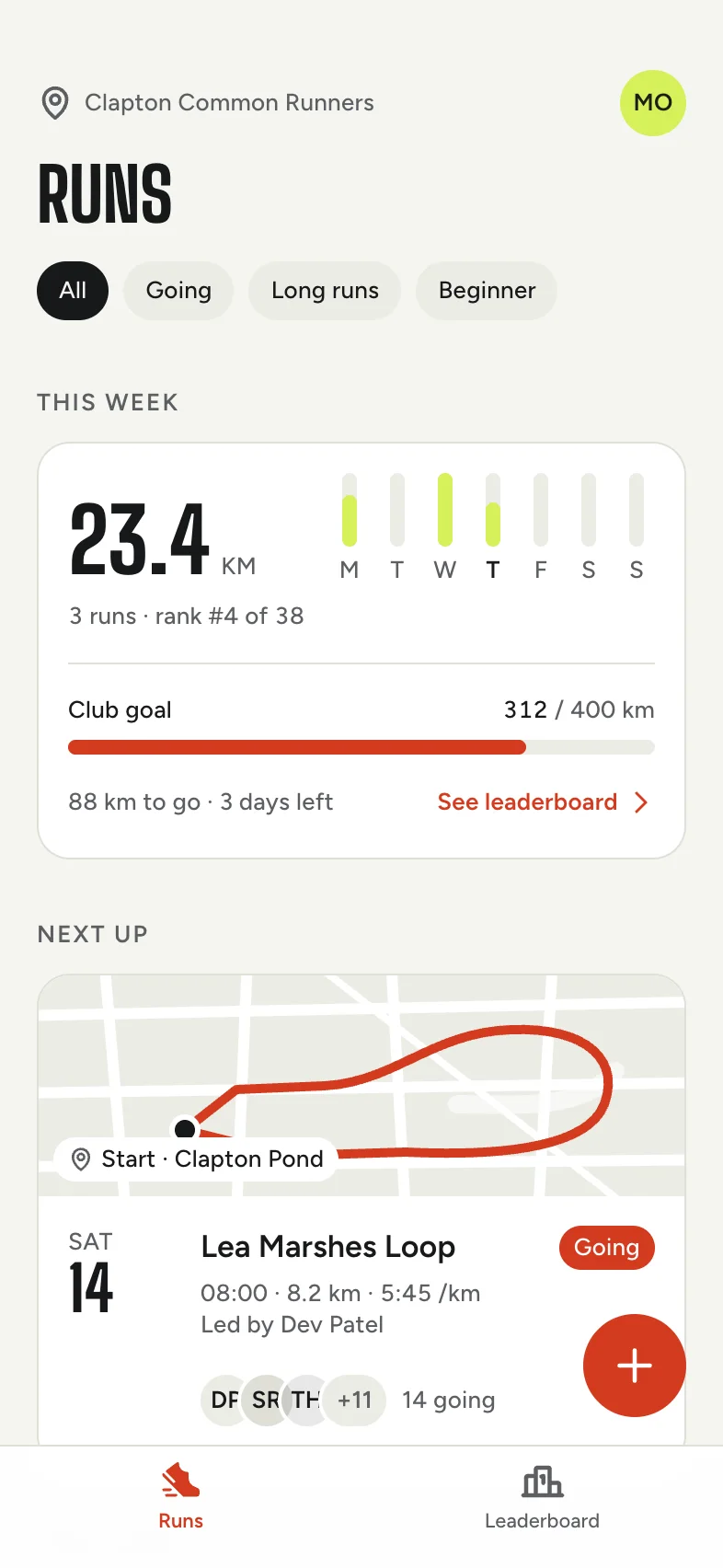
Real Tappy designs.
Each app gets its own type, colour and layout.




When Uizard might suit you better
- You want the lowest yearly price.
- You want a library of ready-made templates to start from.
- You need quick rough mockups more than finished screens.
Good questions.
Is Tappy better than Uizard for mobile apps?
For a finished, reviewed mobile design with native code, we think so. For quick mockups from templates, Uizard is a good fit.
Does Tappy have templates?
Tappy starts from your idea instead. It picks an art direction for each app, so they don't come out looking alike.
Sources, checked 4 November 2026
Prices and features change, so check each company's site before you decide. Product names belong to their owners, and Tappy isn't affiliated with or endorsed by them.